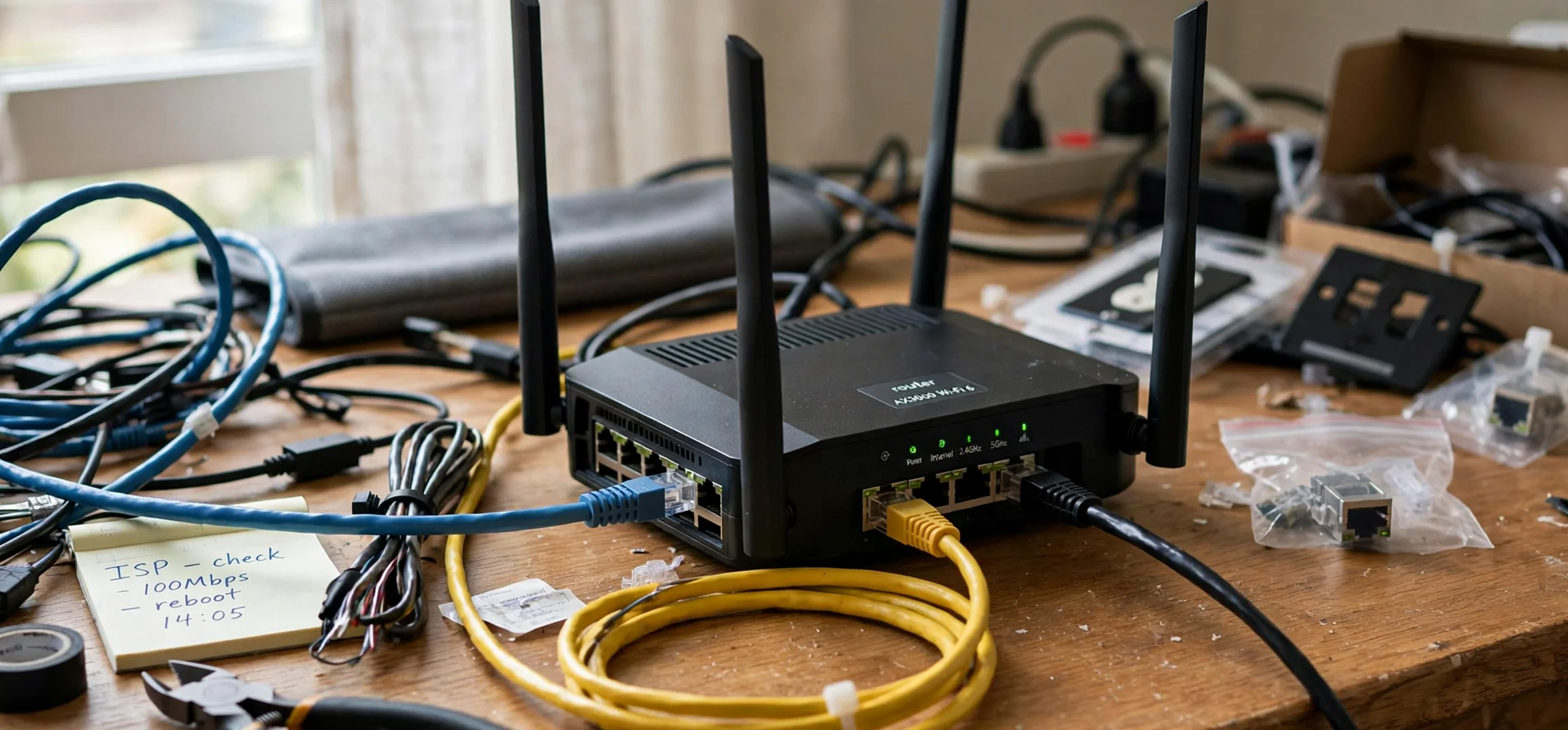
IP notation is the shorthand system that computers and network engineers use to describe internet addresses and the size of the networks they belong to. If you have ever seen an address written as 192.168.1.0/24, you have already seen IP notation in action: the first part is an internet protocol address, and the number after the slash tells you how much of that address identifies the network and how much identifies individual devices. This guide explains IP notation in plain language, with a focus on your own home or office network, so you can read, understand, and troubleshoot network settings without guessing.
Learning IP notation is useful even if you never plan to build a network from scratch. Router settings, device information screens, workplace Wi-Fi instructions, and online networking courses all use the same shorthand, and a little familiarity turns confusing strings of numbers into readable information. You will learn what each part of an address means, how CIDR notation works, how subnet masks relate to the slash number, and how to work out how many devices a network can hold. The examples here use private, own-network addresses only, which are the safe addresses to practise with on your own equipment.
What Is IP Notation?
IP notation is simply a compact way of writing an internet protocol address together with information about its network. An IPv4 address has four groups of numbers separated by dots, and each group can range from zero to 255. Behind the scenes, each group represents eight bits of binary data, so the whole address is 32 bits long. On its own, an address identifies a single device, but it does not tell you which network that device belongs to. This shorthand solves that problem by adding either a subnet mask or a slash number that divides the address into a network part and a host part.
Think of it like a postal system for a large building. The network part is like the building address, shared by everyone inside, while the host part is like the flat number, unique to each resident. When two devices share the same network part, they can usually communicate directly. When their network parts differ, traffic must pass through a router to reach the other network. This notation makes that division visible at a glance, which is why it appears in router admin pages, network diagrams, and troubleshooting guides. A related networking explainer covers other names and ideas for networks.
How IP Notation and CIDR Work
CIDR, which stands for Classless Inter-Domain Routing, is the modern system behind slash notation. The number after the slash counts how many leading bits of the address belong to the network. In 192.168.1.0/24, for example, the first 24 bits identify the network, and the remaining eight bits identify individual hosts. That leaves room for 256 addresses in total, of which 254 are normally usable for devices, because one address identifies the network itself and one is reserved as the broadcast address for messages to every device on that network.
Changing the slash number changes the network size dramatically, which is why the number matters so much. A /24 network is common in homes and small offices, because 254 usable addresses are more than enough for phones, laptops, printers, and smart devices. A /25 network halves that space to 128 addresses, with 126 usable for hosts. A /23 network doubles it to 512 addresses, with 510 usable. A /16 network is far larger, with 65,536 addresses, and is typically used only in large organisations. The pattern is simple: each step down in the slash number doubles the network, and each step up halves it.
Reading a Subnet Mask
Before CIDR became standard, networks were described with a subnet mask such as 255.255.255.0. That mask is simply another way of writing /24, because the three groups of 255 correspond to 24 network bits set to one in binary. A mask of 255.255.0.0 corresponds to /16, and a mask of 255.255.255.128 corresponds to /25. You may still see masks in older guides and in some router screens, so it helps to recognise both forms. In modern writing, slash notation is preferred because it is shorter, clearer, and less prone to typing errors.
Network, Host, and Broadcast Addresses
Every IP notation block has three kinds of address worth knowing. The network address is the first address in the block and identifies the network itself; in 192.168.1.0/24, that is 192.168.1.0. Host addresses are the addresses in between that can be assigned to devices, from 192.168.1.1 to 192.168.1.254 in that example. The broadcast address is the last address, 192.168.1.255 here, and it is used for messages intended for every device on the network. You should not assign the network or broadcast address to a single device, because doing so can cause confusion and connection failures.
Common IP Notation Examples
Private addresses are the best examples for learning, because they are used inside homes and offices and are not routed directly across the public internet. The three private IPv4 ranges are 10.0.0.0/8, 172.16.0.0/12, and 192.168.0.0/16, and your home router almost certainly uses a small slice of one of them, most often a /24 block such as 192.168.1.0/24 or 192.168.0.0/24. Your router itself usually takes the first usable host address in the block, and it then hands out the remaining addresses to your devices automatically.
Public addresses work the same way in notation, but they are assigned by internet providers and registries rather than chosen at home. A business might receive a block such as a /28, which provides 16 addresses with 14 usable for hosts, while a larger provider might hold a /16 or larger. The shorthand does not change between private and public use: the slash number always means the same thing, namely how many bits identify the network. That consistency is one of the strengths of IP notation, because a skill learned on a home network transfers directly to larger networks.
| IP notation | Subnet mask | Total addresses | Usable hosts |
|---|---|---|---|
| /24 | 255.255.255.0 | 256 | 254 |
| /25 | 255.255.255.128 | 128 | 126 |
| /26 | 255.255.255.192 | 64 | 62 |
| /23 | 255.255.254.0 | 512 | 510 |
| /16 | 255.255.0.0 | 65,536 | 65,534 |
IP Notation in IPv6
IPv6 uses the same slash idea, but with much longer addresses written in hexadecimal groups separated by colons. An IPv6 address is 128 bits long, so a home network might use a /64 block, which leaves 64 bits for hosts and provides an effectively unlimited number of device addresses. The principle is identical: the slash number counts network bits, and everything after it identifies hosts. If you see an IPv6 address on your device, do not be put off by its length; the slash at the end is still doing the same job as in IPv4, just on a far larger scale.
For most home users, IPv6 notation matters mainly when reading device information or router status pages. You do not need to memorise long addresses, and you should never share your full public IPv6 address in a public forum, because it can identify your connection. As with IPv4, the safe way to learn is to look at your own device settings, compare the address with the prefix length shown beside it, and practise working out which part is the network and which part is the host. For background on network terminology, see this guide to network operating system meanings.
Troubleshooting With IP Notation
This notation becomes genuinely practical when something stops working. If a device cannot reach the internet but other devices can, compare its address and slash number with a working device on the same network. If the network parts differ, the device may be on the wrong network or using a manually typed address that does not belong there. If the address looks like a self-assigned fallback address rather than one from your router range, the device may have failed to obtain an address automatically, and restarting it or reconnecting to Wi-Fi often fixes the problem.
Another common issue is an address conflict, where two devices accidentally share the same host address. This usually happens after manual changes, and the fix is to let the router assign addresses automatically again or to choose a free address inside the correct block. When you make manual changes, always write down the original settings first, change one thing at a time, and test after each change. That cautious approach keeps a small experiment from turning into a long outage, and it makes it easy to undo a change that does not help.
Frequently Asked Questions About IP Notation
What does the slash number mean in IP notation?
The slash number counts how many leading bits of the address identify the network. The remaining bits identify individual hosts. A larger slash number means a smaller network, and a smaller slash number means a larger network.
Is IP notation the same as a subnet mask?
They describe the same division in different forms. A subnet mask such as 255.255.255.0 and slash notation such as /24 both state that the first 24 bits are the network part. Slash notation is shorter and is the modern standard.
Can I practise safely at home?
Yes, using your own private network range is the safest way to learn. Look at your own router and device settings, work out the network and host parts, and avoid changing settings you do not understand or sharing your public address online.
Conclusion: IP Notation
IP notation may look like a code at first, but it is really a concise label: an address plus a slash number that tells you where the network ends and the device begins. Once you can read a /24, a /25, or a /16, router screens, device settings, and networking guides all become far easier to follow. Start with your own home network, practise identifying the network, host, and broadcast addresses, and build from there. That single skill unlocks a clearer understanding of how every device in your home connects, communicates, and finds its place on the network.



