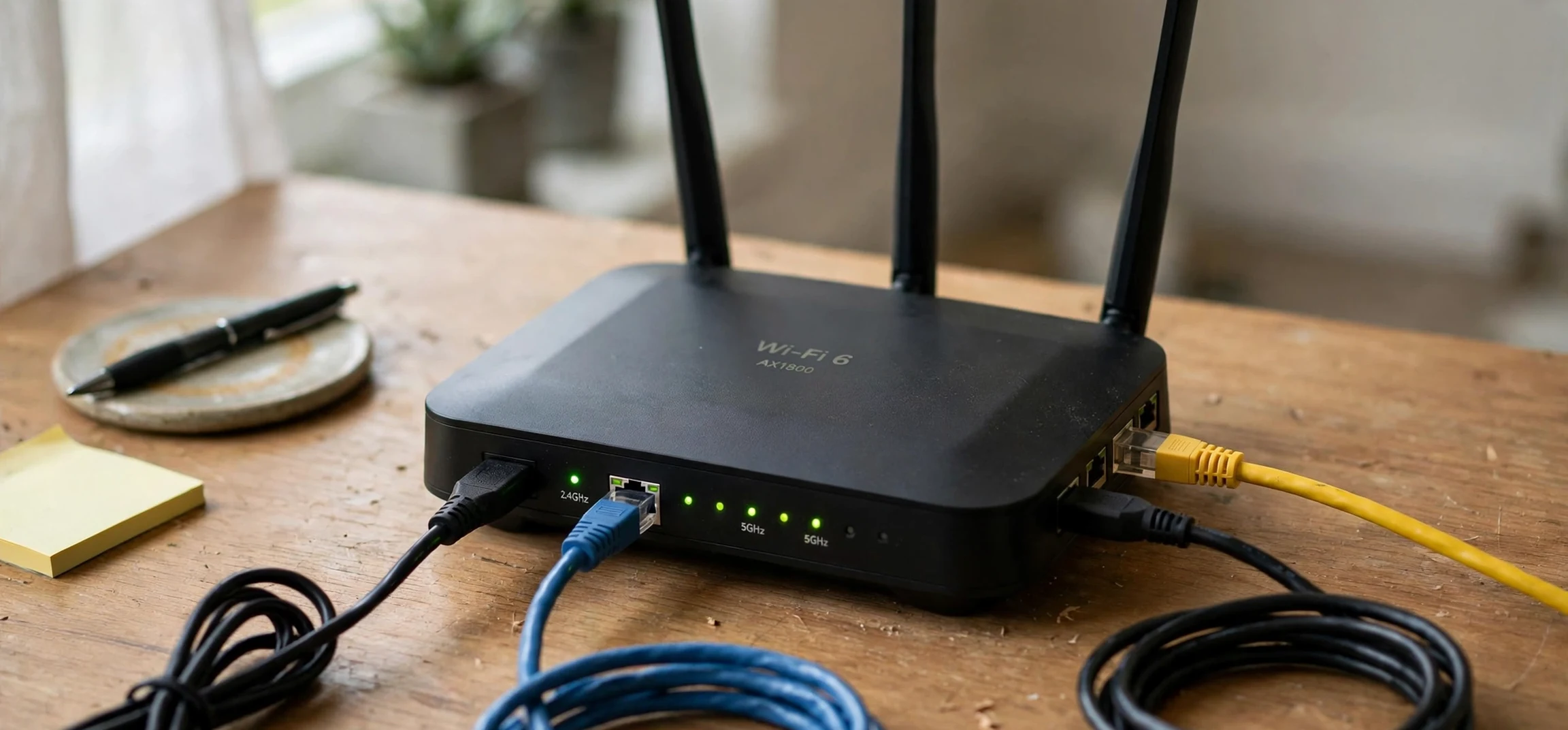
An ipv4 ip address example is easier to understand than it first looks, because the format follows one simple pattern: four numbers, separated by dots, each ranging from 0 to 255. A familiar example is 192.168.1.1, the address many home routers use on a local network. Another example, 203.0.113.10, comes from a range reserved for documentation, which is why textbooks and guides use it when they need an address that will never belong to a real device. This guide explains the ipv4 ip address example format step by step, shows how to read each part, and explains how to find the address of your own device, with no discussion of anyone else device.
Every device that connects to a network needs an address, and an ipv4 ip address example shows the shape that address takes so that data can find its way to the right destination, much like a postal address guides a letter to the right house. The Internet Protocol version 4, usually shortened to IPv4, is the older and still widely used system for assigning those addresses. It has been in service since the early days of the internet, and the ipv4 ip address example format has barely changed since, and although a newer system called IPv6 exists with a much larger address space, IPv4 remains the format most people encounter on home networks, office networks, and everyday device settings screens.
IPv4 IP Address Example: The Four-Part Format
An ipv4 ip address example always contains four sections called octets, separated by three dots. Each octet is a decimal number between 0 and 255, which corresponds to eight binary digits, or bits, behind the scenes. Four octets of eight bits each give a 32-bit address, which allows roughly 4.3 billion unique combinations. That total sounded enormous when IPv4 was designed, but the growth of the internet eventually exhausted the supply of public addresses, which is one reason private address ranges and address sharing techniques became essential.
Reading an ipv4 ip address example means reading each octet in order. In the example 192.168.1.1, the first octet is 192, the second is 168, the third is 1, and the fourth is 1. In the documentation example 203.0.113.10, the octets are 203, 0, 113, and 10. Leading zeros are normally omitted, so an octet written as 010 in a technical document is usually displayed as 10 in everyday settings. If you ever see a number larger than 255 in an octet, or fewer or more than four octets, the address is not valid IPv4, and a device will reject it.
What the Numbers Mean Behind the Dots
Each octet represents eight bits, and computers ultimately work with those bits rather than the decimal numbers humans read. The decimal number 192 corresponds to the binary pattern 11000000, while 168 corresponds to 10101000. You do not need to convert binary by hand to use a network, but knowing that the dotted decimal form is a human-friendly shorthand for a 32-bit binary number explains why the range stops at 255: eight bits can represent values from 0 through 255, and no higher. Networking courses teach binary conversion because it makes subnetting, the next topic, far easier to grasp.
IPv4 IP Address Example: Public Versus Private Addresses
Not every ipv4 ip address example belongs to the same category, so classification matters. Public addresses are globally unique and routable on the internet, assigned by internet registries through providers. Private addresses are reserved for use inside local networks and are not routable on the public internet, which means millions of homes and offices can reuse the same private ranges without conflict. The three private ranges are 10.0.0.0 through 10.255.255.255, 172.16.0.0 through 172.31.255.255, and 192.168.0.0 through 192.168.255.255.
Your home router typically holds a public address, while each device behind it carries its own ipv4 ip address example from a private range on its internet-facing side and hands out private addresses to devices inside the home. That is why your phone, laptop, and smart television can all show addresses beginning with 192.168, while the outside world sees only the router public address. This arrangement, called network address translation, conserves public addresses and adds a layer of separation between local devices and the internet. When you read a guide that says to check your own device address, the number you find will usually be a private address, and that is entirely normal. For related networking background, see our article on another name for network and our guide to finding an address from latitude and longitude.
Parts of an IPv4 Address: Network and Host
Every ipv4 ip address example is split into two parts: a network portion that identifies which network a device belongs to, and a host portion that identifies the specific device within that network. The boundary between the two parts is set by the subnet mask, a second dotted number that accompanies the address in network settings. A common home subnet mask is 255.255.255.0, which means the first three octets identify the network and the final octet identifies the device. In that setup, devices with addresses 192.168.1.5, 192.168.1.20, and 192.168.1.100 all sit on the same local network.
Subnetting lets network administrators divide a larger network into smaller pieces, which improves organization and security. A company might give each department its own subnet, so that traffic stays local where possible. The details of subnet math belong to networking courses, but the core idea is accessible: the subnet mask tells a device which part of an address names the neighborhood and which part names the house. When two devices share the same network portion, they can usually communicate directly; when they do not, traffic passes through a router to reach the other network.
Special IPv4 Addresses You Will Meet
Several special ipv4 ip address example values appear so often that they deserve their own explanation. The address 127.0.0.1 is called localhost or the loopback address, and it always refers to the device itself, which makes it useful for testing software on your own computer without involving a network. The address 0.0.0.0 is used as a placeholder meaning no specific address or all addresses, depending on context. Addresses ending in 0 often identify a network itself, while addresses ending in 255 within a subnet are broadcast addresses used to send a message to every device on that subnet. Recognizing these special cases prevents confusion when they appear in settings screens or error messages.
| IPv4 IP address example | Category | Typical use |
|---|---|---|
| 192.168.1.1 | Private | Home router on a local network |
| 192.168.1.25 | Private | A device on the same home network |
| 10.0.0.5 | Private | A device on a larger private network |
| 203.0.113.10 | Documentation | Examples in guides and textbooks |
| 127.0.0.1 | Loopback | Refers to your own device for testing |
| 8.8.8.8 | Public | A well-known public DNS service address |
Finding the IPv4 Address of Your Own Device
Checking your own device address is a routine troubleshooting step, and every major operating system offers a built-in way to do it. On Windows, the network settings panel or the ipconfig command in a terminal window shows the IPv4 address assigned to your own connection. On macOS, the network section of system settings shows the address for the active connection. On Android and iOS, the Wi-Fi settings for the currently connected network display the device address for that network. In each case, you are viewing information about your own hardware and your own connection, which is the appropriate scope for this kind of check.
Two numbers often appear side by side and cause confusion: the device private address and the router public address. The private address is the one your router assigned inside your home, while the public address is the one the internet sees. Websites that show your public address are simply reporting the address your router presents to them. Neither number should be shared casually in public forums, since addresses can reveal your provider and approximate location, but viewing your own address for troubleshooting is a normal and safe activity. If your address looks like 169.254.x.x, that usually means your device failed to obtain an address automatically, and restarting the connection or the router is a sensible first step.
Why IPv4 Still Matters Alongside IPv6
IPv6 was created because the IPv4 address pool ran out, and it uses 128-bit addresses written in hexadecimal, producing an effectively unlimited supply. You may already see IPv6 addresses on modern devices alongside IPv4 ones. Nevertheless, IPv4 remains deeply embedded in home routers, older equipment, and countless configuration guides, so understanding the ipv4 ip address example format is still a practical skill. Most networks today run both systems side by side, a setup called dual-stack, and devices choose the appropriate protocol automatically. Learning IPv4 first gives you the vocabulary, such as octets, subnets, and private ranges, that makes IPv6 far less intimidating later.
Frequently Asked Questions About IPv4 Address Examples
What makes an IPv4 address valid?
A valid IPv4 address has exactly four octets separated by dots, with each octet between 0 and 255. Anything outside that pattern, such as a five-part address or an octet of 300, is not valid IPv4 and will be rejected by network software.
Why does my device address start with 192.168?
Addresses beginning with 192.168 fall in a private range reserved for local networks. Your router assigns such addresses to devices inside your home, and they are not directly reachable from the public internet, which is normal and by design.
Does my IP address change?
It can. Many providers assign public addresses dynamically, so the router address may change over time, and routers may reassign private addresses to devices when they reconnect. A static address, by contrast, is configured to stay the same, which suits servers and printers that other devices need to find reliably.
Can I look up someone else address?
This guide covers only your own device and general examples. Checking your own connection settings is the appropriate way to learn about addressing, and documentation ranges such as 203.0.113.10 exist precisely so guides can show examples without referring to any real device.
Conclusion
An ipv4 ip address example is simply four numbers from 0 to 255, separated by dots, hiding a 32-bit binary address underneath. Private ranges like 192.168 serve local networks, public addresses serve the internet at large, and special addresses like 127.0.0.1 serve testing on your own device. Once you can read the four octets, recognize the private ranges, and find your own device address in its settings, the rest of basic networking becomes much easier to follow. Keep this format in mind the next time a settings screen shows a dotted address, and you will know exactly what you are looking at: a network portion, a host portion, and a system that has carried the internet for decades.



