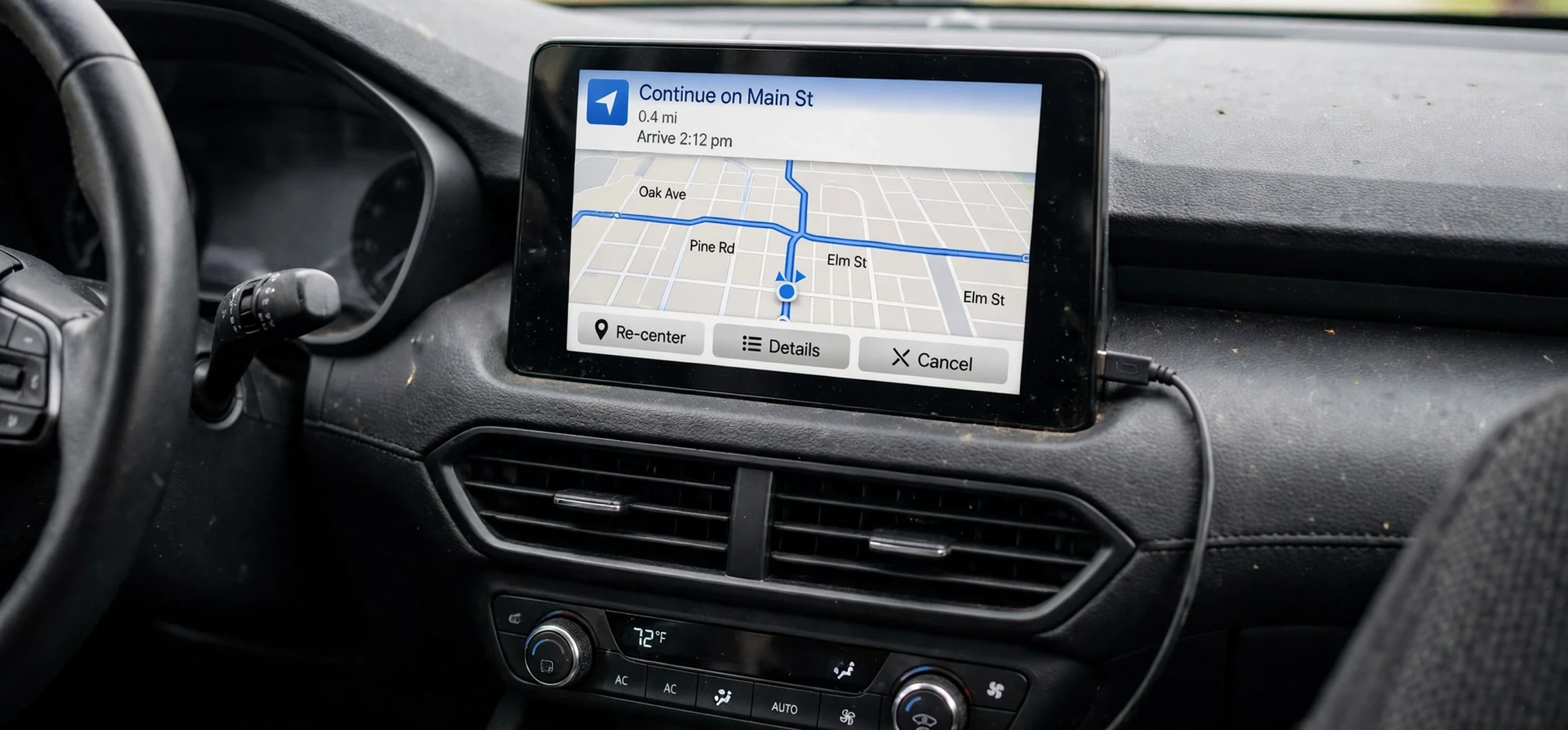
Understanding waze icons meaning can make every drive smoother. Waze uses small symbols on its map to show traffic, hazards, police, road closures, and helpful places, and each icon is designed to be read at a glance. This guide explains waze icons meaning in plain language, so you know what each symbol is telling you before you reach it on the road.
If you are new to Waze, the map can look busy at first. Cars, colours, warning triangles, and small pictures all compete for attention. Once you learn the basic groups, however, the map becomes much easier to read. The waze icons meaning system is built around a simple idea: colour and shape give you the warning, while the picture gives you the detail. A red symbol usually needs more attention than a grey one, and a triangle usually signals a hazard rather than a place of interest.
In this article, we cover the main icon groups on Waze, including traffic, hazards, police and cameras, road works, closures, weather, and map extras such as petrol stations and parking. We also explain mood icons, vehicle icons, and what to do when you see an icon ahead. By the end, you will be able to read waze icons meaning quickly and drive with more confidence.
A quick grasp of waze icons meaning is enough to make the map feel far less crowded.
Waze Icons Meaning: An Overview
The waze icons meaning system groups symbols by purpose. Traffic icons show how busy a road is and where jams are building. Hazard icons warn about things on or near the road, such as a stopped vehicle, an object, or a pothole. Police and camera icons help drivers stay aware of enforcement and speed monitoring. Road work and closure icons show where a route may be blocked or changed.
Colour is an important part of the system. On the route line itself, green usually means traffic is moving well, yellow or orange suggests slower traffic, and red indicates heavy traffic or a standstill. Icons themselves also use colour to show urgency. A bright or red hazard stands out more than a routine notice, which helps drivers prioritise what to look at first while keeping their eyes mainly on the road.
It is worth noting that Waze icons can vary slightly by country, app version, and settings. Some icons appear only when a feature is turned on, and some are shown only for a limited time after another driver reports them. If an icon looks unfamiliar, tap it only when it is safe to do so, such as when parked, to read its full description. Never interact with the app while driving in a way that distracts you from the road.
That habit keeps waze icons meaning useful without becoming a distraction.
How Waze Icons Are Created
Many Waze icons come from reports by other drivers. When a driver sees a hazard, traffic jam, or police presence, they can report it through the app, and the icon then appears for nearby drivers. Other icons come from official data, map information, or scheduled road works. This combination of community reports and map data is what makes Waze feel live and responsive.
Because reports come from drivers, an icon may disappear after a while if no one confirms it. This is normal and helps keep the map clean. A hazard that has been cleared will usually fade away, while a long road closure may stay visible for longer. Understanding this helps you judge an icon: a fresh report is usually more relevant than an old one, and a cluster of similar reports is often more reliable than a single report.
Waze Icons Meaning for Traffic
Traffic icons are among the most common symbols you will see. A traffic jam icon often looks like a line of cars or a congested road symbol, and it tells you that vehicles ahead are moving slowly or have stopped. Waze may also show a jam with a coloured route line and an estimated delay, so you can decide whether to stay on your route or take an alternative.
Moderate traffic is usually shown with a lighter colour, while heavy traffic uses a stronger colour. This visual scale helps you judge severity without reading a long message. If Waze suggests a detour, it is usually because the alternative is expected to save time, even if the distance is slightly longer. You can accept or ignore the suggestion based on your own knowledge of the area.
In short, waze icons meaning turns a coloured line into a decision you can make in seconds.
Traffic icons also include reports of slow traffic near events, schools, or road works. These are useful because they explain why a road is busy, not just that it is busy. Knowing the cause can help you decide whether the delay is likely to clear quickly or last for a while. For more everyday tech explainers, see our general tech guides.
Waze Icons Meaning for Hazards
Hazard icons warn about dangers on the road. Common hazard symbols include a stopped vehicle on the shoulder, an object on the road, a pothole, a flooded section, or an animal crossing. These icons are usually shown as warning triangles or clear pictograms, so the danger is obvious even at a quick glance.
When you see a hazard icon, slow down if it is safe to do so and stay alert for the specific problem. This is why waze icons meaning matters most in the seconds before you reach a hazard. A vehicle on the shoulder may mean people are near the road, while an object on the road may require a lane change. A pothole icon suggests you should watch the road surface, especially in wet or dark conditions. Hazard icons are not a substitute for looking ahead; they are an early warning that helps you prepare.
Some hazard icons relate to weather, such as fog, heavy rain, ice, or strong wind. These are especially important on longer journeys, because conditions can change quickly. If Waze shows a weather hazard ahead, consider whether you need to adjust your speed, increase your following distance, or take a break. Safety always comes before arriving a few minutes earlier.
Common Hazard Symbols to Know
Among the most useful hazard symbols are the accident icon, which shows a crash or collision ahead; the stopped car icon, which shows a vehicle pulled over; and the road works icon, which shows construction or maintenance. Each of these has a different picture, but all of them mean the same basic thing: pay extra attention in the next stretch of road.
Other hazard symbols include a broken traffic light, a railway crossing issue, or a dangerous turn. These are less common but still important. If you are unsure what an icon means, remember the general rule: a warning shape means slow down and look ahead, while the picture inside the shape gives you the specific reason.
Waze Icons Meaning for Police and Cameras
Police icons show where other drivers have reported police presence. This may include a visible police vehicle, a hidden police vehicle, or police ahead on the route. The icon does not tell you to break the law; it simply helps you stay aware and drive within the speed limit. Always follow local traffic laws, whether or not an icon is shown.
Camera icons show speed cameras, red light cameras, and other enforcement cameras. A speed camera icon warns that your speed may be monitored in that location, while a red light camera icon warns about a junction with camera enforcement. These icons are helpful reminders to check your speed and to approach junctions carefully. Rules about camera warnings vary by country, so the availability of these icons may differ depending on where you drive.
Some drivers also see icons for toll roads, checkpoints, or other enforcement points. These vary widely by region and are often tied to local map data. If you drive in a new country, it is worth checking local rules before relying on any icon, because what is shown and what is allowed can differ from what you are used to at home.
Local rules therefore shape how waze icons meaning works in practice from country to country.
Waze Icons Meaning for Places and Extras
Beyond warnings, Waze shows useful places such as petrol stations, parking areas, restaurants, and charging points. A petrol pump icon marks a fuel station, often with fuel prices where that data is available. A parking icon marks a car park, which is useful in busy town centres. These place icons help with planning stops without leaving the navigation view.
Waze also shows your own vehicle and mood icons. Your car icon can be customised in some versions of the app, and mood icons let drivers show a simple mood to others on the map. These are fun extras and do not affect navigation. Other drivers appear as small car icons, which gives a sense of how many Waze users are nearby, but they do not show personal details.
Map extras can include icons for road closures, events, and map comments. A closure icon, often shown as a barrier or a no-entry symbol, means a road is closed to through traffic. If Waze routes you around a closure, it is usually because the closure is confirmed or strongly reported. Always follow physical road signs as well, because a sign on the road overrides anything shown on a screen. Physical signs always outrank the screen, even when waze icons meaning seems clear. You can find more navigation and tool explainers in our technology news and guides section.
| Icon group | What it usually means | What to do |
|---|---|---|
| Traffic jam | Slow or stopped traffic ahead | Consider the suggested detour |
| Accident | Crash or collision reported | Slow down and stay alert |
| Vehicle on shoulder | Stopped car near the road | Give space and watch for people |
| Object on road | Debris or obstacle ahead | Be ready to change lanes safely |
| Police | Police reported ahead | Check speed and drive legally |
| Speed camera | Speed monitoring location | Keep within the limit |
| Road works | Construction or maintenance | Follow signs and lane changes |
| Road closed | Route blocked | Follow the diversion |
| Petrol station | Fuel stop nearby | Plan a stop if needed |
| Parking | Car park location | Use for destination parking |
Waze Icons Meaning: Frequently Asked Questions
Why do Waze icons disappear?
Icons based on driver reports fade after a period if they are not confirmed, which keeps the map current. A cleared hazard or a moved police report should disappear, while a confirmed closure may remain longer.
What does a red route line mean?
A red route line usually means heavy traffic or a standstill on that stretch. Yellow or orange usually means slower traffic, while green usually means traffic is moving well.
Are police icons always accurate?
Police icons depend on driver reports and timing, so they may be outdated if police have moved on. Always drive within the law regardless of whether an icon is shown.
Safe driving comes first, and waze icons meaning is a reminder rather than a permission.
Can I customise Waze icons?
Some display options, such as your vehicle icon and mood, can be customised in the app settings. Warning and hazard icons themselves follow a standard design so they stay easy to recognise.
Conclusion
Learning waze icons meaning turns a busy map into a clear driving aid. Traffic colours show how busy a road is, hazard symbols warn you early, police and camera icons remind you to stay within the law, and place icons help you plan stops. The key is to read colour and shape first, then the picture for detail, and always to keep your main attention on the road. With these basics, you can use Waze with more confidence on every journey. For more simple tool guides, browse our tech example guides.