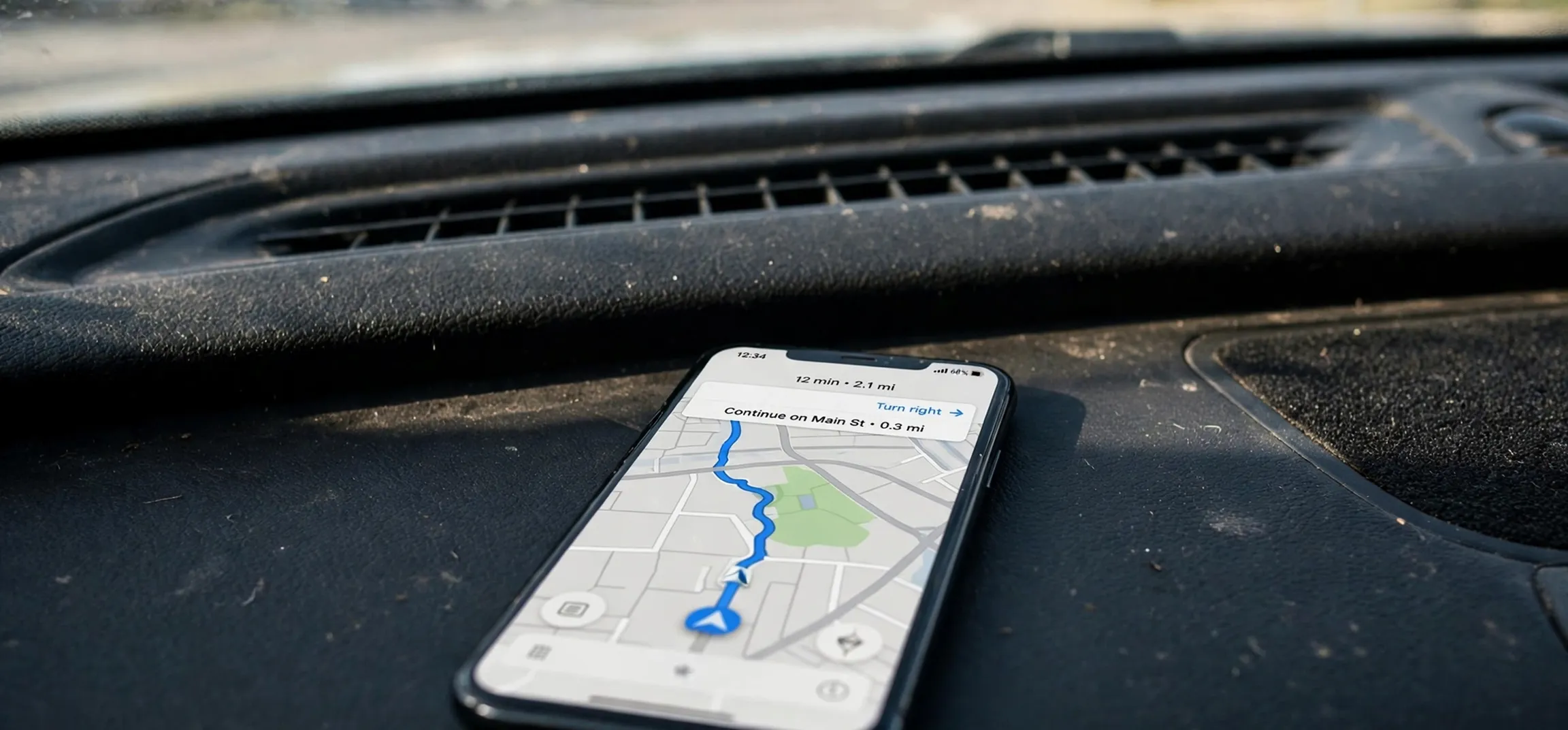
When you first open a live navigation map, the screen can look busy: coloured lines, small pictures on the road ahead, arrows, and little faces moving along the route. Learning the waze icons meaning turns that busy screen into useful information, because almost every symbol is answering a simple question: what is happening on the road, how serious is it, and do you need to change what you are doing? This guide explains Waze icons by the decision they help you make, rather than as a long list to memorise. Once you understand the families of icons, you will be able to glance at the map, judge the situation, and keep your eyes on the road.
It helps to think of Waze icons in four families. Map icons show fixed places and road features, such as fuel stations, parking, and speed cameras. Report icons show temporary conditions reported by other drivers, such as a crash, a hazard, or slow traffic. Navigation icons show your own journey, including your position, your next turn, and the route itself. Account and social icons show your profile, your mood, and other drivers nearby. Many new users mix up the second and third families, and that is where most confusion comes from. A symbol on the road ahead is usually a report, while a symbol attached to your car or your route is usually about your own trip.
Waze Icons Meaning on the Map: What You See Before You Drive
Before you set off, the map is a planning tool. The waze icons meaning at this stage is mainly about places and road conditions that will shape your route. A fuel pump symbol marks a fuel station, a letter P in a square marks parking, and a camera symbol marks a place where a speed camera has been reported or is known to be located. These icons do not mean you must stop or slow down at once; they mean an option or a warning exists at that point. Zooming in usually shows more detail, while zooming out simplifies the map so that only the most important symbols remain visible.
Road colours are just as important as the small pictures, and they work together with the icons. A green road usually means traffic is flowing freely, yellow or orange suggests slower traffic, and red suggests heavy congestion or a standstill. If you see a red stretch with a crash icon on it, the two pieces of information reinforce each other: something has happened, and traffic is building up behind it. If you see a red stretch with no icon, the delay may simply be volume, roadworks, or a bottleneck at a junction. Reading colour and icon together, which is the heart of the waze icons meaning, gives a fuller picture than either one alone.
Fixed places and road features
Fixed-place icons are the most stable part of the map. Fuel stations, parking areas, and places to eat or rest appear in the same spots from day to day, although their details may change. A police icon is different: it can mark a reported police presence, and it may disappear once drivers no longer confirm it. A speed camera icon can mark a fixed camera location or a reported mobile camera, so it is worth treating it as a reminder to check your speed and drive within the limit, rather than as a guarantee that a camera is present at that exact moment. The safest response to any camera or police icon is simply to drive lawfully and attentively, not to brake suddenly or change lanes without looking.
Waze Icons Meaning for Driver Reports on the Road Ahead
Driver reports are the heart of Waze, and the waze icons meaning for reports is the part most drivers look up while travelling. When another driver passes a problem, they can report it in a few taps, and that report appears on your map if it lies on or near your route. In the waze icons meaning, a crash icon, often shown as two vehicles, means a collision or incident has been reported. A hazard icon, often shown as a warning triangle or an exclamation mark, is a broader category that can cover an object on the road, a broken-down vehicle, roadworks, or another danger. A traffic jam icon, often shown as a line of vehicles, means congestion has been reported or detected at that point.
Other report icons cover weather and road surface problems. A rain, fog, or ice symbol warns that driving conditions may be worse than they look from inside the car. A pothole or roadworks symbol warns that the surface or layout may have changed. These reports are time-sensitive: a hazard that was accurate an hour ago may have been cleared, and a new hazard may not yet have been reported. That is why Waze also shows how recent a report is and sometimes asks you to confirm whether it is still there. Confirming or dismissing a report when it is safe to do so helps the next driver, but you should never tap the screen while you are actively manoeuvring in heavy traffic.
Waze Icons Meaning in Action: How to React to a Report Icon
The right reaction depends on the icon, the distance, and the road. For a crash or hazard ahead, the sensible steps are to ease off the accelerator, increase your following distance, and watch for brake lights and merging vehicles. For a traffic jam icon, the question is whether an alternative route would genuinely save time or simply move the problem elsewhere. For a weather icon, the sensible steps are to slow down, increase your gap, and use lights and wipers as conditions require. In every case, the icon is information, not an instruction. It does not replace road signs, lane markings, or your own judgement, and if the icon and the road disagree, the road in front of you wins.
Navigation Icons: Your Car, Your Turns, and Your Arrival
Navigation icons describe your own journey, and they are easy to recognise once you know what to look for. In the waze icons meaning, your vehicle is usually shown as an arrow or a small car symbol at the centre of the map, pointing in the direction you are travelling. The coloured line ahead of you is your planned route, and a banner or panel at the top or bottom of the screen usually shows your next turn, the distance to it, and your estimated arrival time. A reroute may appear as a new coloured line, sometimes with a note explaining that a faster route has been found or that traffic has changed.
Other navigation symbols help you manage the trip without distraction. A sound or mute symbol controls voice guidance, a compass symbol reorients the map to north or to your direction of travel, and a re-centre button brings the map back to your current position after you have scrolled ahead to check the route. If the map ever looks confusing, tapping the re-centre control and glancing at the next-turn panel usually restores the picture quickly. Learning these three controls before a long journey is one of the simplest ways to make navigation calmer.
Moods, Other Drivers, and Social Symbols
Waze also shows other drivers as small symbols on the map, often with a chosen mood face. These mood icons do not carry traffic information; they are a social feature that lets drivers express themselves with a character or emoji-style face. Seeing a happy, sleepy, or grumpy face nearby does not mean the road is happy, sleepy, or grumpy. It simply means another Waze user is nearby and has chosen that mood. Some drivers find this feature fun, while others prefer a plain map, and most navigation apps allow you to adjust how much social detail you see.
Your own profile symbol, points, and rank are also social rather than navigational. Points are earned for driving, reporting, and editing map details, and ranks reflect activity over time. They do not affect the quality of your route, and they should never tempt you to report something you have not seen or to interact with the app when you should be concentrating on driving. If you want to report a hazard, wait until you are stopped safely or ask a passenger to do it. The social layer is a bonus; safe driving is the main task.
Quick Reference Table for Common Waze Icons
The table below summarises the most common symbols by family, what each one generally signals, and a calm response. Exact artwork can vary slightly between app versions and devices, so use the shape and the label together rather than relying on colour alone.
| Icon family | Typical symbol | What it generally means | Sensible response |
|---|---|---|---|
| Report | Crash symbol | A collision or incident has been reported | Slow down, leave space, watch for merging traffic |
| Report | Warning triangle | A hazard such as an object or breakdown | Ease off, stay alert, move over if safe |
| Report | Traffic jam symbol | Congestion or very slow traffic | Consider the suggested route; do not rush |
| Report | Police symbol | Police presence reported nearby | Check speed, drive lawfully, stay calm |
| Report | Camera symbol | Speed camera location or report | Keep within the limit; avoid sudden braking |
| Map place | Fuel pump | Fuel station at that location | Stop only if you need fuel or a break |
| Map place | Parking symbol | Parking area nearby | Follow local signs for entry and charges |
| Navigation | Your car arrow | Your current position and direction | Follow the next-turn panel, not the icon alone |
| Navigation | Route line | Your planned path to the destination | Stay on route unless a reroute is offered |
| Social | Mood face | Another driver nearby, with a chosen mood | No driving action needed |
Common Mistakes When Reading Waze Icons
One common mistake is treating every icon as an emergency. A fuel station or parking symbol is not a warning, and a mood face is not a hazard. Another mistake is the opposite: ignoring a report icon because the road ahead still looks clear. Reports describe conditions a short distance ahead, around a bend, or beyond a hill, so the road in front of you may not yet show the problem. A third mistake is staring at the map to decode a symbol instead of watching the road. If you are unsure what an icon means, the safest choice is to slow down gently, keep a safe gap, and check the detail only when you are stopped or when a passenger can read it aloud.
It is also worth remembering that reports depend on other drivers, so coverage varies. A quiet rural road may have few reports, while a busy city route may have many. An absence of icons does not guarantee an empty road, just as a cluster of icons does not guarantee a major incident. Road signs, weather, visibility, and your own observations remain the primary sources of information. Navigation apps are best used as a second pair of eyes, not as a replacement for attention.
If you are learning the waze icons meaning for the first time, try this simple routine on your next few journeys. Before you leave, glance at the route colours and any report icons along it. While driving, check only the next-turn panel and any new warning that appears ahead. After you arrive, if you are curious, tap a report you passed to see its label and how recent it was. Within a few trips, the main families will feel familiar, and you will spend less time wondering about symbols and more time driving smoothly. For more everyday driving explainers, see our guide to what a deductible means in car insurance and our look at name-your-price car rental, and for another word-meaning guide, read what simultaneously means.
It is worth pausing on why the waze icons meaning matters so much in practice. A navigation map is only useful if you can read it in a second or two, and that is exactly what the waze icons meaning gives you: a shortcut from a small picture to a decision. When you understand the waze icons meaning for reports, you do not need to stop and wonder whether a symbol is a place, a warning, or another driver. You know that a report ahead calls for care, that a place symbol is an option, and that a navigation symbol is about your own route. That speed of reading is a safety benefit in itself, because it keeps your attention where it belongs.
Another way to build confidence with the waze icons meaning is to review a journey after it ends, rather than trying to learn everything while driving. Think back to the symbols you saw: was there a hazard symbol before a slow stretch, or a camera symbol near a change in speed limit? Matching the waze icons meaning to what you actually experienced on the road helps the families stick in your memory far better than memorising a list at home. Over time, the waze icons meaning becomes second nature, and you will find yourself reacting calmly to a new report instead of puzzling over an unfamiliar picture.
Frequently Asked Questions About Waze Icons
Why do some Waze icons disappear?
Report icons are temporary. They may disappear when the problem is cleared, when other drivers mark the report as no longer there, or when the report simply expires. That temporary nature is a core part of the waze icons meaning for driver reports. Fixed places such as fuel stations stay on the map, but reported police, hazards, and jams come and go with conditions.
What does a red road mean in Waze?
A red road usually means heavy congestion or very slow traffic on that stretch. Read it together with any nearby report icon: a crash icon on a red road suggests an incident is contributing to the delay, while a red road with no icon may simply be heavy volume. Reading colour and icon together is central to the waze icons meaning.
Are Waze mood icons traffic warnings?
No. Mood icons show other drivers nearby and the mood character they have chosen. They are a social feature and do not indicate hazards, police, or traffic conditions, so they sit outside the waze icons meaning for traffic warnings.
Should I report an icon I do not understand?
No. Only report conditions you have actually seen, and only when it is safe to do so. Guessing at reports makes the map less reliable for everyone else, and sticking to what you have actually seen keeps the waze icons meaning trustworthy.
What should I do if Waze and a road sign disagree?
Follow the road sign and the actual road conditions. The map is a helpful guide, but signs, markings, and what you can see through the windscreen take priority.
Conclusion
Understanding the waze icons meaning is less about memorising dozens of tiny pictures and more about recognising four families: fixed places, driver reports, your own navigation, and social symbols. Reports ahead deserve a calm, early response; navigation symbols tell you where you are and where to turn next; and social symbols need no driving action at all. Use road colour together with icons, trust the road in front of you over the screen when they disagree, and never let decoding a symbol distract you from driving. With that approach, the map becomes what it is meant to be: a quiet helper that warns you early, guides you clearly, and then gets out of the way.