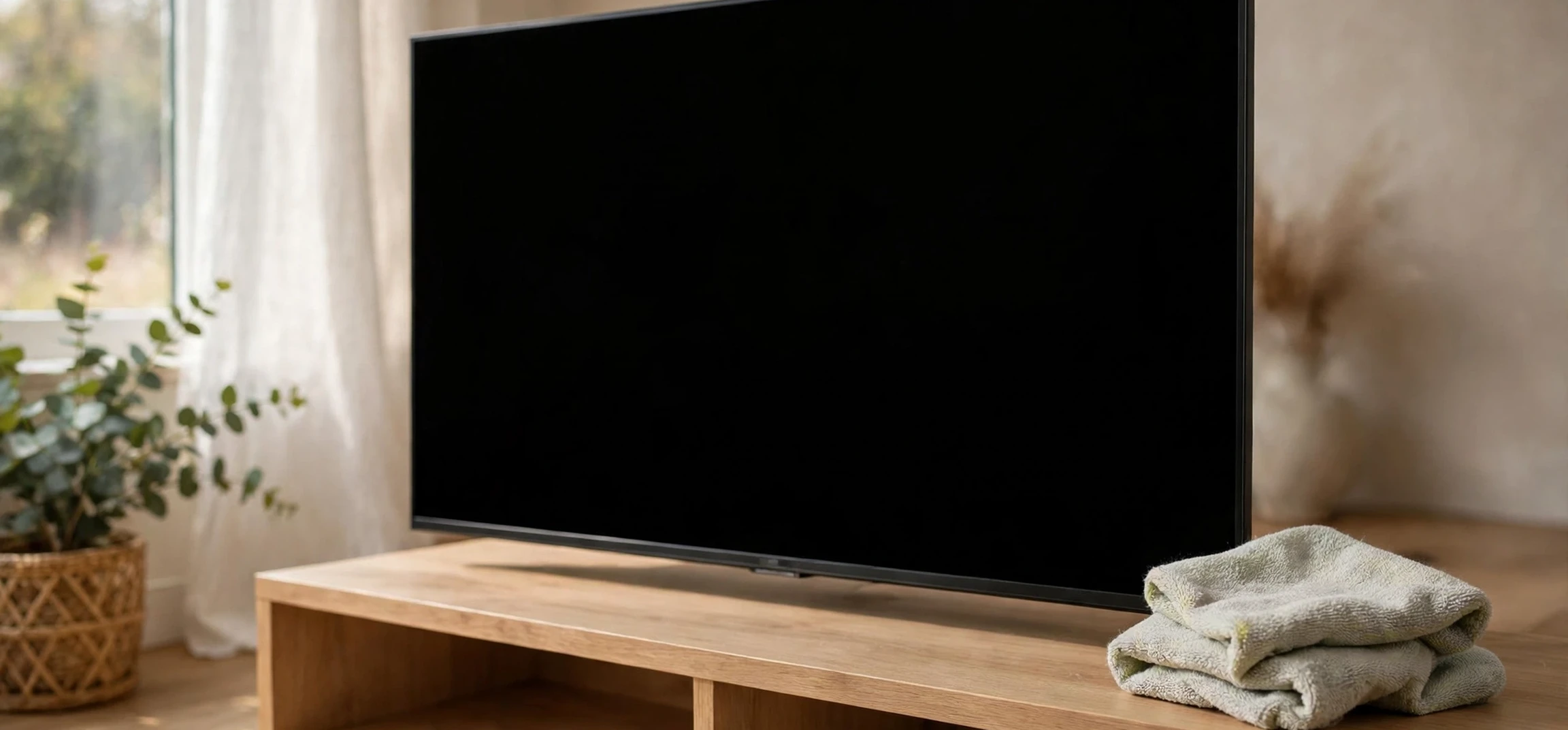
When you wonder what should I use to clean my TV screen, the honest answer depends on what kind of screen you own, because modern televisions are far less forgiving than the glass screens of the past. Today’s TVs use delicate coatings, including anti-glare and anti-reflective layers, that can be damaged by the wrong cloth or the wrong cleaner. This guide explains exactly how to clean off tv screen smudges, dust, and fingerprints safely, what to use for each screen type, and which common household products to keep far away from your television.
First, Identify Your Screen Type
Before you reach for anything, it helps to know what kind of panel you have. LED and LCD televisions dominate the market, and many have a matte or semi-matte coating designed to reduce reflections. OLED televisions have a different panel structure and are often more sensitive to pressure and to harsh chemicals. Plasma screens are older and less common now, but they also carried coatings that could be damaged by abrasive cleaning. The safest rule covers all of them: use a soft, dry microfibre cloth first, and only add moisture if dry cleaning does not work.
Your television’s manual is the most authoritative source for cleaning advice specific to your model, and it is worth checking before you try anything beyond a dry cloth. Manufacturers sometimes specify particular cleaning methods or warn against specific substances. If you no longer have the manual, the manufacturer’s support site usually hosts a digital copy searchable by model number. Spending two minutes on that check can save you from permanent damage to a coating that cannot be repaired.
What Should I Use to Clean My TV Screen? How to Clean Off TV Screen Marks
The short answer to what should i use to clean my tv screen is a clean, dry microfibre cloth. Microfibre is soft enough not to scratch coatings, and its fibres trap dust rather than pushing it around. For light dust, a gentle wipe with a dry microfibre cloth is all you need, and it is the method manufacturers most commonly recommend. Use light, even strokes and avoid pressing hard, especially on OLED panels, where pressure can affect the panel.
For fingerprints and smudges that a dry cloth will not shift, lightly dampen the microfibre cloth with plain water and wring it out thoroughly. The cloth should feel barely damp, not wet. Wipe the screen gently, then follow with a dry section of the cloth to remove any remaining moisture. Never spray water, or any liquid, directly onto the screen: liquid can run down into the bezel and reach the electronics behind the panel, where it can cause damage that is not covered by warranty.
If water alone is not enough, a small amount of diluted, mild dish soap on the damp cloth can help with stubborn marks. Use only a drop, wipe gently, then go over the area again with a cloth dampened with plain water to remove soap residue, and finish dry. Some manufacturers sell dedicated screen-cleaning solutions; these are generally safe when used as directed, but they are not necessary for most cleaning jobs, and plain water handles the majority of cases.
What Never to Use on a TV Screen
Several common household cleaners will damage a modern television screen, and they should never be used on it. Glass cleaner containing ammonia is the most frequent culprit: ammonia can strip anti-glare coatings and leave a permanently cloudy or streaked panel. Alcohol-based cleaners, including rubbing alcohol and many hand sanitisers, can also damage coatings, and they are particularly risky on OLED screens. Abrasive pads, paper towels, and rough fabrics can scratch coatings even when they feel soft to the touch, because coatings are far thinner than they appear.
Other products to avoid include acetone or nail polish remover, bleach, all-purpose sprays, and furniture polish. Even a cloth that has been used with one of these products can transfer residue to the screen, so keep a dedicated microfibre cloth for screen cleaning and wash it separately without fabric softener, which can leave a film. If you have ever cleaned a screen with the wrong product and noticed haze or streaks that will not wipe away, the coating may already be damaged; in that case, a professional repair assessment is the only realistic option, and replacement of the panel is often uneconomical.
| Cleaning method | Safe for most TVs? | Notes |
|---|---|---|
| Dry microfibre cloth | Yes | Best first step for dust and light marks |
| Microfibre lightly dampened with water | Yes | Wring out well; never spray the screen directly |
| Diluted mild dish soap on cloth | Usually | One drop only; rinse-wipe and dry afterwards |
| Dedicated screen cleaner | Usually | Follow the product directions exactly |
| Ammonia glass cleaner | No | Can strip anti-glare coatings permanently |
| Alcohol or acetone products | No | Can damage coatings, especially on OLED |
| Paper towels or abrasive pads | No | Can scratch coatings |
How to Clean Off TV Screen: A Step-by-Step Routine
Start by switching the television off and letting it cool. A dark, cool screen makes dust and smudges much easier to see, and you avoid the risk of cleaning a warm panel unevenly. Unplugging the set is a sensible extra precaution if you plan to use a damp cloth, though it is not strictly necessary for a dry wipe. Remove any dust from the top edge and bezel first, so you do not drag grit across the screen during the main wipe.
Wipe the screen with a dry microfibre cloth using gentle horizontal strokes, working from top to bottom. For stubborn spots, dampen a clean section of the cloth with water, wring it out, and wipe the spot gently without pressing. If the spot remains, try the diluted dish-soap method described above. Finish by buffing the whole screen lightly with a dry cloth, and inspect it from an angle to catch any streaks. Clean the remote control separately with a slightly damp cloth, since remotes collect far more grime than screens and are a common source of transferred dirt.
How Often Should You Clean Your TV Screen?
For most households, a light dusting once a week and a deeper clean once a month is plenty. Homes with pets, open windows, or nearby cooking may need more frequent dusting, because airborne grease and hair settle on screens quickly. Touchscreen-style interaction is rare on televisions, so fingerprints are less of a problem than on phones or tablets, but households with children may still see frequent smudges at lower-screen height. Cleaning more often is fine as long as you stick to the dry-cloth method; damage comes from harsh products, not from frequency.
It is also worth cleaning the area around the television. Dust on the stand and vents can be drawn into the set’s cooling system, and a dusty room will re-coat a clean screen within days. A quick vacuum of the surrounding area, with the television off, helps the screen stay clean longer and is good for the set’s ventilation as well.
Special Cases: Stubborn Marks and Old Screens
Some marks resist gentle cleaning. Sticker residue, for example, may need a longer dwell time with a damp cloth rather than harder scrubbing; patience protects the coating better than pressure. Insect marks and dried splashes usually soften after a minute of contact with a damp cloth. If a mark will not move at all, it may be damage to the coating rather than dirt on it, and no amount of cleaning will fix it. In that case, stop rather than escalating to stronger chemicals, which will only make the damage worse.
Older CRT televisions, if you still own one, have thick glass screens and are far more tolerant of glass cleaner, but they are heavy, and their screens should still be cleaned with the set off and cooled. The advice in this guide is aimed at flat-panel televisions, which are now the overwhelming majority of sets in use. If you are unsure which type you own, a quick search of the model number will settle it.
Frequently Asked Questions
Can I use a glasses cloth on my TV?
Yes, a clean glasses microfibre cloth is suitable for light cleaning, though a larger cloth is more practical for a big screen. Make sure it is free of grit and has not been treated with cleaning chemicals.
Can I use baby wipes on a TV screen?
No. Baby wipes contain moisturisers and other additives that can leave residue on coatings. Stick to a dedicated microfibre cloth and water.
What if my screen has a matte anti-glare coating?
Matte coatings are among the most delicate. Use only a dry or lightly water-dampened microfibre cloth, and never use ammonia or alcohol products on them.
Should I clean the back and vents too?
Yes, but only with a dry cloth or a soft brush, and with the set unplugged. Do not spray anything into vents or openings.
Conclusion
Knowing how to clean off tv screen marks safely comes down to one principle: gentle beats aggressive every time. A dry microfibre cloth handles dust, a lightly dampened cloth handles fingerprints, and a drop of diluted dish soap handles the rest. Ammonia, alcohol, acetone, and abrasive materials are the enemies of modern screen coatings, and avoiding them matters far more than buying a specialist product. Clean the screen with the set off and cool, work gently from top to bottom, and finish dry. For more practical home-care guides, see our articles on everyday tech care and home entertainment setup.



