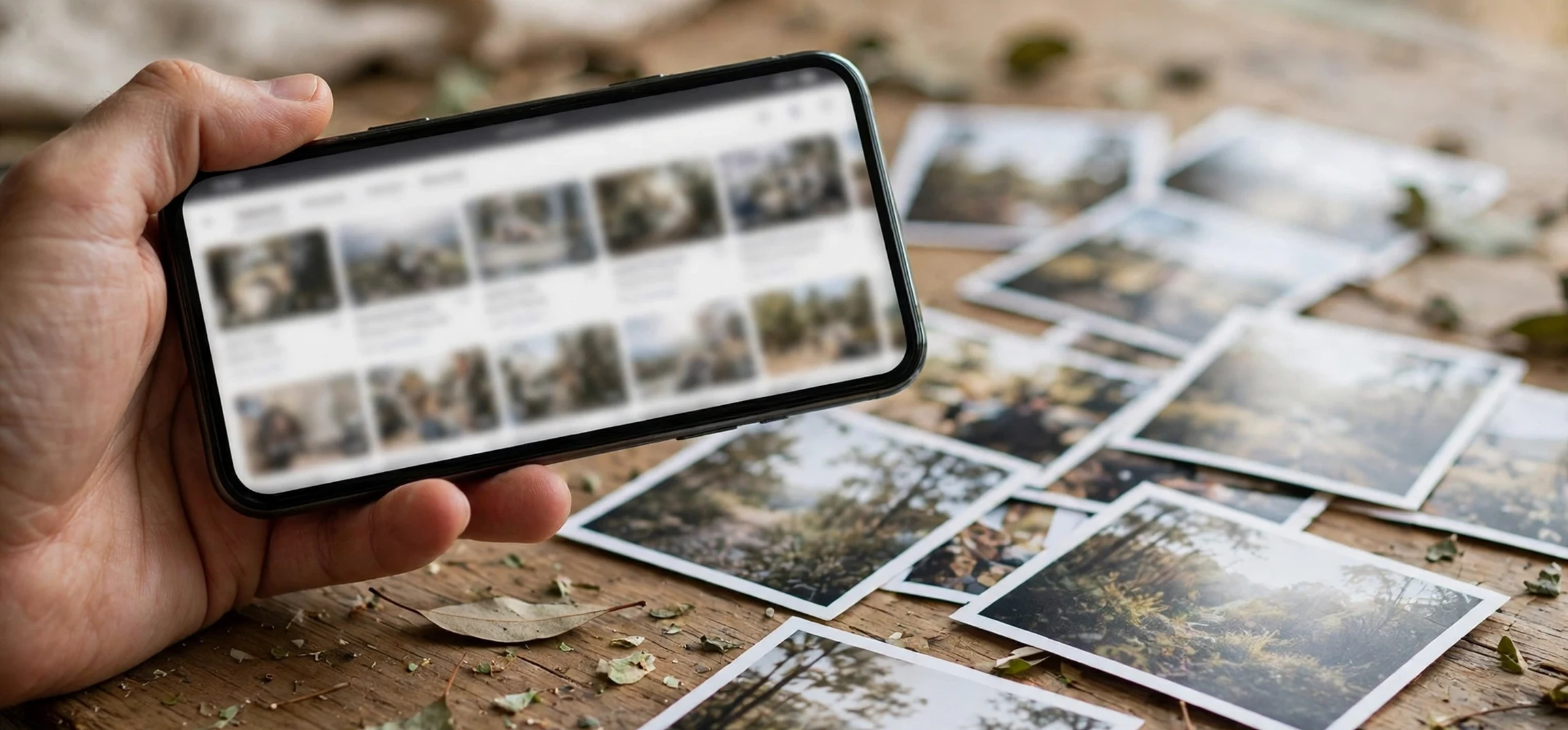
If you searched for “with a pic”, you probably want to find something using a picture rather than words. In search terms, with a pic means searching with a pic: uploading an image to a search engine and asking it to find matching or similar pictures across the web. This guide explains exactly how searching with a pic works, how to do it on your phone and computer, and how to get better results, so the next time you search with a pic you find what you are looking for quickly.
Reverse image search is the technical name for this trick, and it has become one of the most useful everyday search skills. It can identify a plant, a landmark, a product, or a piece of art from a single photo. It can find the original source of an image, check whether a photo has been used elsewhere, or track down where to buy something you spotted in a picture. All of it starts with one idea: the image itself is the query.
with a pic: what the search term really means
When someone types with a pic into a search box, they are usually describing the action, not the thing they want. They might mean “search with a pic,” “find this with a pic,” or “identify this with a pic.” Search engines have learned to interpret this kind of phrasing, but the most reliable approach is to skip the words entirely and use the image-search feature directly: upload the picture and let the engine do the matching.
That is an important honesty point. Typing the words “with a pic” into a normal text search will mostly return pages about reverse image search, not results for your picture. The words describe the method; the method itself requires the actual image file. Once you understand that distinction, the whole process becomes straightforward.
The good news is that every major search engine now supports image upload, and most phones make it a two-tap job. Whether your picture is a screenshot, a camera photo, or a saved image from social media, you can use it as a search query in under a minute.
How searching with a pic works
Behind the scenes, reverse image search works by analysing the visual content of your picture. The search engine looks at shapes, colours, patterns, and distinctive features, and converts them into a kind of digital fingerprint. It then compares that fingerprint against billions of images it has indexed, looking for exact matches and visually similar results.
Modern systems go further than simple matching. They can recognise objects, faces, landmarks, text within images, and even artistic styles. That is why a photo of a building can return its name and location, and a photo of a product can return shopping links. The engine is not just comparing pixels; it is understanding what the picture shows.
Results usually fall into three groups: exact matches, where the same image appears elsewhere online; similar images, which share visual features but are not identical; and related information, such as the name of the object, its source page, or products that look alike. Knowing which group you need helps you judge whether the search succeeded.
How to search with a pic step by step
The exact steps vary slightly by device, but the core process is the same everywhere. On a computer, open your preferred search engine’s image search page, look for the camera or upload icon, and either upload an image file or paste an image address. Within seconds, the engine shows matching and similar results.
On a phone, the easiest route is through the search engine’s app or your mobile browser. Open the image search, tap the camera icon, and choose to take a photo or pick one from your gallery. You can also long-press an image on a web page and choose the option to search with that image, which skips the download step entirely.
If you only have a screenshot, that works too. Crop the screenshot to the object you care about before uploading: a tight crop on the product, plant, or face gives the engine a cleaner fingerprint and noticeably better results. A cluttered photo with many objects confuses the matcher, so isolating your subject is the single best tip for better accuracy.
with a pic on your phone: the fastest method
Searching with a pic on your phone is where the feature shines, because the camera is already in your hand. See a plant you cannot name, a jacket you like, or a landmark you want to identify? Photograph it, open image search, upload the photo, and the answer is usually on the first screen of results.
A few phone-specific tips make a real difference. Use good lighting and hold the camera steady, since blurry photos match poorly. Fill the frame with your subject rather than photographing it from far away. If the first search fails, try a different angle or a closer crop, and try a second search engine, since their indexes differ and one may recognise what the other misses.
Privacy deserves a mention here. When you upload a picture to a search engine, that image is sent to the company’s servers for analysis. Avoid uploading photos that contain personal information, such as documents, number plates, or pictures of other people without their knowledge. For everyday objects, landmarks, and products, there is little risk, but it is worth being thoughtful about what you share.
Tips for better results when you search with a pic
| Tip | Why it helps |
|---|---|
| Crop tightly around the subject | Removes background clutter that confuses matching |
| Use a clear, well-lit photo | Sharp details produce a stronger visual fingerprint |
| Try more than one search engine | Indexes differ, so a miss on one may hit on another |
| Add a few words if the option exists | Text hints narrow results when the image is ambiguous |
| Try a different angle or a second photo | Another view may match indexed images better |
Everyday uses for reverse image search
Beyond curiosity, searching with a pic has practical everyday uses. Shoppers use it to find where to buy an item they saw in a photo or video. Travellers use it to identify landmarks, plants, and animals. Students use it to trace an image to its original source for proper credit. And anyone can use it to check whether a photo attached to a suspicious message or listing appears elsewhere online, which is a useful first step in spotting scams.
Content creators use it to protect their work, checking whether their photos have been reused without permission. Journalists use it to verify whether an image is recent or recycled from an older event. These verification uses are growing in importance as images spread faster than ever, and knowing how to run a quick reverse search is becoming a basic digital literacy skill.
When searching with a pic fails: troubleshooting
Sometimes a search with a pic returns nothing useful, and the fix is usually simple. First, check the image quality: a dark, blurry, or tiny photo gives the engine little to work with, so retake or re-download a clearer version. Second, crop again, more tightly, so the subject fills most of the frame. Third, try the same picture on a different search engine, since their image indexes are not identical and a miss on one is often a hit on another.
If the subject is very new, very obscure, or a private photo that has never appeared online, no engine may recognise it — and that is expected. Reverse search can only match what has been indexed, so a one-of-a-kind photo of your own belongings will rarely return an exact match. In those cases, similar-image results can still help: a photo of an unknown chair may not find your exact chair, but it can find the same model from a retailer, which is often the real goal.
Another common failure is searching with a screenshot full of text, buttons, and menus. The engine tries to match the whole screen rather than the object you care about, so results wander. Cropping out the interface and keeping only the object itself almost always improves the outcome dramatically.
Frequently asked questions
What does searching with a pic mean?
It means using an image itself as the search query: uploading a picture to a search engine and asking it to find matching or similar images online, instead of typing words.
Why does typing “with a pic” not work as a text search?
Because the words only describe the method. A text search for those words returns pages about reverse image search, not results for your picture. You need to upload the actual image file.
Can I search with a pic from my phone?
Yes. Open your search engine’s image search, tap the camera or upload icon, and either take a photo or choose one from your gallery. Cropping tightly around your subject gives the best results.
Is reverse image search free?
The basic feature is free on the major search engines. Some specialist tools offer paid features, but everyday identification, shopping, and source-finding searches cost nothing.
Conclusion
So, if you arrived here by searching for “with a pic”, you now know the full picture: the phrase describes searching with a pic, a technique called reverse image search, where the image itself becomes the query. Upload a clear, tightly cropped photo to an image search engine, and you can identify objects, find products, trace sources, and verify images in seconds. Keep the privacy caution in mind, try a second engine when the first misses, and this simple skill will save you time again and again. For related how-to guides, see our guide to backwards Google image search and our tutorial on how to blur pictures on iPhone.