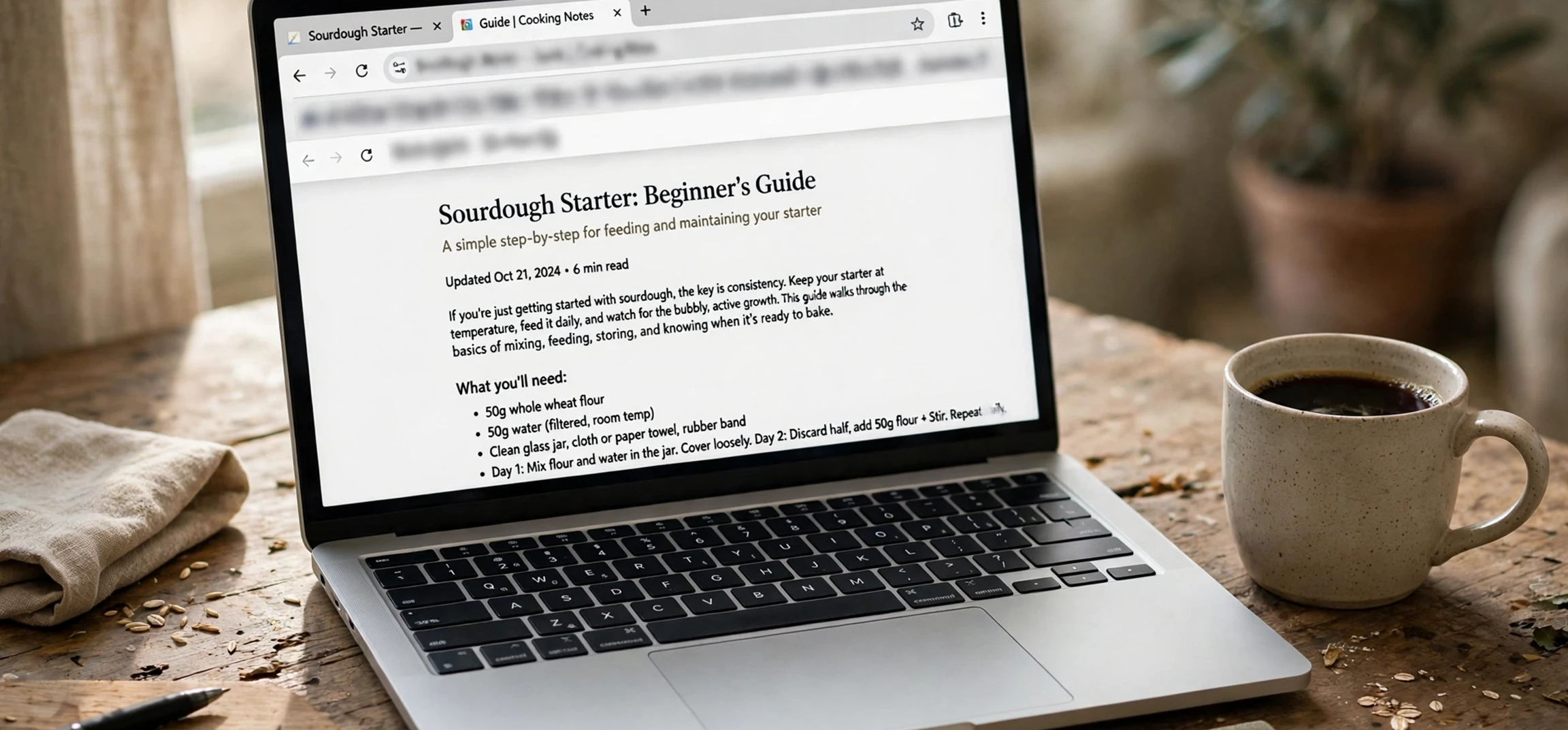
When people search for a website name and URL example, they usually want to see, in plain terms, what each part of a web address means and how the two ideas fit together. A website name and URL example makes the difference clear: the website name, often called the domain name, is the memorable address people type to find a site, while the URL is the full address that points to one specific page on that site. Think of the domain as the name of a building and the URL as the complete directions to one particular room inside it.
This distinction matters more than it might seem. If you are starting a blog, an online shop, or a portfolio, choosing a good domain name is one of your first decisions, and understanding URLs helps you organise your pages, share links correctly, and avoid common mistakes. In this guide, you will learn what a domain name is, what a URL is, how the parts of a URL work, and how to read any web address with confidence, using generic examples throughout.
Website Name and URL Example: The Basics
Let us start with a simple website name and URL example. Imagine a fictional bakery website with the domain name “sunnybakes.example”. That domain name is the website’s identity on the internet: it is what people remember, what appears on business cards, and what search engines associate with the site. Now imagine the bakery’s menu page. Its full URL might be “https://www.sunnybakes.example/menu”. That longer string is the URL: it includes the domain name plus extra information that tells the browser exactly which page to load.
The key point is that a website has one domain name but many URLs. The homepage has a URL, the menu page has a URL, the contact page has a URL, and every blog post has its own URL. All of those URLs share the same domain name, just as all the rooms in a building share the same street address. When someone says “visit my website,” they usually give the domain name; when someone says “here is the link to the article,” they give a full URL.
A Simple Analogy
Consider a postal address. The building name and street might be “Sunny Bakes, High Street,” which is like a domain name: it identifies the place. The full postal address, including the flat number, town, and postcode, is like a URL: it pinpoints one exact destination. Both are addresses, but one is general and the other is specific. Keeping this analogy in mind makes every part of a web address easier to understand.
What Is a Domain Name?
A domain name is the human-readable address of a website. Behind the scenes, computers find each other using numbers called IP addresses, such as 93.184.216.34, but those numbers are hard for people to remember. Domain names were invented to solve that problem: they translate a forgettable number into a memorable name. When you type a domain name into a browser, a system called the Domain Name System, or DNS, looks up the matching IP address and connects you to the right server.
Domain names have two main parts. The first is the second-level domain, which is the distinctive part you choose, such as “sunnybakes” in “sunnybakes.example”. The second is the top-level domain, or TLD, which is the ending, such as “.com”, “.org”, “.net”, or a country ending such as “.co.uk”. Together they form the complete domain name. Some domains also include a subdomain, such as “shop” in “shop.sunnybakes.example”, which points to a separate section of the same site.
How to Choose a Good Domain Name
A good domain name is short, easy to spell, easy to say aloud, and closely related to the site’s topic. Avoid hyphens and numbers if you can, because they are easy to mishear and mistype. Say the name aloud and imagine telling it to someone over the phone: if you have to spell it out letter by letter, it may be too complicated. Also check that the name is not confusingly similar to an existing well-known site, since that can mislead visitors and create legal problems.
Domain names are registered through registrars, usually for one year at a time with the option to renew. Registration does not give you a website by itself: you also need hosting, which is the server space where your site’s files live. Think of the domain as your street address and hosting as the building itself. You need both before visitors can actually see your site.
What Is a URL?
A URL, short for Uniform Resource Locator, is the full address of a specific resource on the internet. Every page, image, file, and video on the web has its own URL. While a domain name tells the browser which website to visit, the URL tells it exactly what to fetch once it gets there. That is why shared links are always URLs rather than bare domain names: a link to a particular article must point to that article, not merely to the site’s homepage.
URLs follow a standard structure, and learning to read that structure is a genuinely useful skill. It helps you spot suspicious links, understand where a link will take you before you click, and organise your own site sensibly. The next section breaks down each part using a generic example.
Website Name and URL Example: Breaking Down Each Part
Take this generic website name and URL example: “https://www.sunnybakes.example/blog/chocolate-cake-recipe”. Here is what each part means, from left to right.
| Part | In This Example | What It Does |
|---|---|---|
| Scheme (protocol) | https | Tells the browser to use a secure, encrypted connection |
| Subdomain | www | An optional prefix; many sites use it, many do not |
| Domain name | sunnybakes.example | Identifies the website itself |
| Path | /blog/chocolate-cake-recipe | Points to the specific page within the site |
| Query (optional) | ?ref=newsletter | Passes extra information, such as a traffic source |
| Fragment (optional) | #ingredients | Jumps to a section within the page |
The scheme is almost always “https” on modern sites. The “s” stands for secure, meaning the connection between your browser and the server is encrypted. Older sites used plain “http,” and browsers now warn visitors about such sites, so “https” is the standard for any site that wants visitors to trust it. The “www” subdomain is a historical convention: it once distinguished web servers from other servers, but today most sites work with or without it, and one version simply redirects to the other.
The path is where your site’s organisation shows. A clean path such as “/blog/chocolate-cake-recipe” tells both visitors and search engines what the page is about. Messy paths full of numbers and codes are harder to read and share. Good paths use lowercase words separated by hyphens, avoid unnecessary words such as “the” and “and,” and stay reasonably short. If you ever restructure a site, keep old paths working with redirects, so links shared in the past do not break.
Query Strings and Fragments Explained
A query string begins with a question mark and adds parameters to a URL, such as “?ref=newsletter” to record that a visitor came from a newsletter, or “?page=2” to show the second page of a list. Queries do not change which page is loaded in a basic sense; they pass extra data to the site. Fragments, which begin with a hash symbol, work differently: they are handled by your browser, not the server, and they jump you to a labelled section of a page, such as “#ingredients” on a recipe page. You can safely remove a fragment and still reach the same page, just at the top instead of at that section.
More Website Name and URL Examples
Seeing several examples side by side helps the pattern click. The following generic examples use invented site names and reserved example endings so that no real person’s site is referenced.
| Site Type | Domain Name | Example Page URL |
|---|---|---|
| Personal blog | wandernotes.example | https://wandernotes.example/posts/first-trip-abroad |
| Online shop | greenleafgoods.example | https://www.greenleafgoods.example/shop/ceramic-mug |
| Portfolio | janedesigns.example | https://janedesigns.example/work/poster-series |
| Community forum | citygardeners.example | https://citygardeners.example/topics/spring-planting-tips |
| Documentation site | helphub.example | https://helphub.example/guides/getting-started |
Notice the pattern in every row: the domain name stays the same across the site, while the path changes for each page. Also notice that some examples include “www” and some do not. Both forms are fine, as long as a site consistently uses one as its main version and redirects the other to it. Consistency matters for search engines, which can otherwise treat the two versions as separate sites.
Common Mistakes With Domain Names and URLs
Several mistakes trip up beginners. The first is confusing a domain name with a URL when giving instructions: telling someone to visit a domain name when you mean a specific page sends them to the homepage instead of the content you wanted. The second is sharing a URL that includes a long query string full of tracking codes; trimming the unnecessary parameters produces a cleaner link that still works. The third is using spaces or special characters in paths, which browsers must encode into awkward percent codes and which often break when pasted into messages.
Another common error is letting a domain name expire. When registration lapses, the site can go offline and the name may be snapped up by someone else, which is difficult and sometimes impossible to reverse. Setting up automatic renewal and keeping the registrar account details up to date prevents this entirely avoidable disaster. Similarly, changing a page’s URL without setting up a redirect breaks every link pointing to the old address, harming both visitors and search rankings.
How to Read a URL Before You Click
Knowing URL anatomy also protects you online. In a suspicious message, check the domain name carefully: scammers often register lookalike domains that swap one letter or add an extra word. The real domain sits just before the first single slash after the scheme, not at the end of a long string. For example, in a deceptive address, the true destination is the domain in the middle of the string, not the familiar brand name buried in a subdomain. Pausing to read the domain before clicking is one of the simplest and most effective safety habits on the web.
If you want to go deeper into domain topics, you may find our guides useful: how to check who owns a domain name, how much it costs to buy a domain name, and an explainer on another name for a network, which covers related internet vocabulary in the same plain style.
Frequently Asked Questions About Domain Names and URLs
What is the difference between a domain name and a URL?
A domain name is the name of a website, such as “sunnybakes.example.” A URL is the full address of a specific page or resource, such as “https://www.sunnybakes.example/menu.” Every URL contains a domain name, but a domain name on its own is not a complete URL for a specific page.
Is “www” part of the domain name?
Technically, “www” is a subdomain, a prefix in front of the main domain name. Most sites treat the versions with and without “www” as the same site, redirecting one to the other. For everyday purposes, you can think of it as an optional part of the address.
Can two websites share the same domain name?
No. Domain names are unique: once a name is registered, nobody else can register the exact same one until it expires and is released. Different endings, such as “.com” and “.org,” are different domain names, which is why checking the full ending matters.
What makes a good URL for a page?
A good URL is short, readable, and descriptive. It uses lowercase words separated by hyphens, reflects the page’s topic, and avoids unnecessary numbers, codes, and tracking parameters. Clean URLs are easier to share, easier to remember, and easier for search engines to understand.
Website Name and URL Example: Practice Exercises
The best way to lock in this lesson is to practise with a fresh website name and URL example of your own. Invent a small fictional site, give it a domain name, and then write out three page URLs for it: a homepage, a blog post, and a contact page. Each website name and URL example you write should keep the same domain name while changing only the path, because that is the pattern every real site follows. If you can build a website name and URL example from scratch, you truly understand the difference between the two ideas.
Next, take any website name and URL example from this guide and label its parts: scheme, subdomain, domain name, and path. Try removing the query string and fragment from a long website name and URL example and check that the page still loads in principle, since those parts are optional extras. Finally, practise spotting the real domain in a tricky website name and URL example, such as one where a familiar brand word appears in the subdomain rather than the domain itself. These small exercises turn a website name and URL example from a memorised fact into a skill you can use every day online.
Conclusion
A website name and URL example is the quickest route to understanding how web addresses work. The domain name is the site’s identity, the URL is the complete address of one specific page, and every part of a URL, from the “https” scheme to the path and the optional query and fragment, has a clear job. With that knowledge, you can choose better domain names, build cleaner page addresses, share links accurately, and read any web address with confidence.
The next time you look at a link, take a second to break it down: find the domain, read the path, and notice what the address promises. That small habit turns a string of characters into something you can understand, trust, and use well, whether you are building your own site or simply browsing the web.



