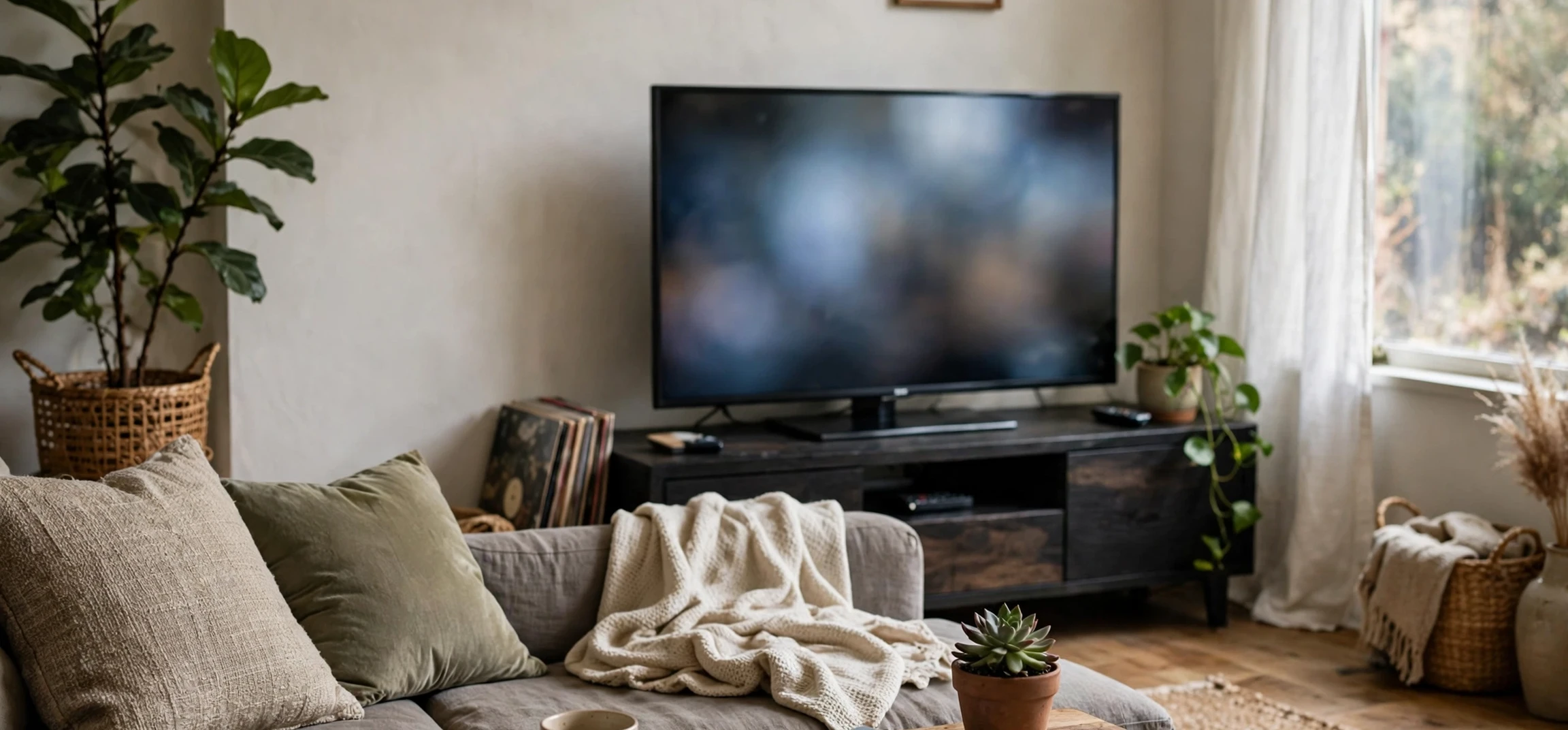
Choosing the right spot for a new television starts with one practical question: what is the viewing distance from a 55 inch tv that actually feels comfortable in a real living room? The viewing distance from a 55 inch tv is not a single magic number, because it depends on the size of the room, the resolution of the screen, where you sit, and what you watch most often. This guide explains the viewing distance from a 55 inch tv in plain language, with recommended ranges, a simple room-planning method, and adjustments for different seating layouts, so you can place a 55 inch screen with confidence and without guessing.
A 55 inch television is a popular middle size: large enough for an immersive film night, yet small enough for many bedrooms, apartments, and family rooms. That popularity is also why placement advice varies so much. Some guides focus on the closest distance at which individual pixels disappear, others focus on the widest comfortable field of view for cinema-style watching, and others simply repeat a rule of thumb. All three approaches have value, but they answer slightly different questions. This guide brings them together, so you can choose a distance that suits your room rather than copying a number meant for someone else’s home.
The Recommended Viewing Distance From a 55 Inch TV
As a practical starting point, the viewing distance from a 55 inch tv for most living rooms falls roughly between five and eight feet, measured from the screen to your eyes, not to the front edge of the sofa. Within that range, a distance of around six to seven feet suits many viewers for mixed use, including films, sport, news, and everyday television. Closer than five feet, the screen can start to dominate your field of view, and you may find yourself moving your head to follow action across the screen. Farther than eight feet, a 55 inch screen can start to feel small for detailed viewing, especially for subtitles, on-screen text, and fine picture detail.
These ranges are guidance, not rules, and they assume a modern high-definition or ultra-high-definition screen viewed at a comfortable eye height. If your room forces a shorter or longer distance, that does not mean the television will be unwatchable. It means you should adjust other factors, such as seating height, screen height, lighting, and picture settings, to make the setup work. The viewing distance from a 55 inch tv should always be judged in the room itself, by sitting in your usual seat and watching real content for a few minutes, rather than by measuring alone.
How Resolution Changes the Answer
Resolution matters because it affects how close you can sit before picture detail breaks down. On an ultra-high-definition screen, the finer pixel structure means you can sit closer without noticing individual pixels, which is why many viewers happily sit at the nearer end of the range for 4K content. On a standard high-definition screen, the same closeness may reveal softness in fine detail, so a slightly longer distance often feels more comfortable. In practice, most households now watch a mix of resolutions, so it makes sense to choose a distance that works for the content you watch most, and to accept a small compromise for the rest.
Field of View and Comfort
Field of view is a helpful way to think about comfort. When you sit closer, the screen fills more of your vision, which feels immersive for films but tiring for long news or talk programmes. When you sit farther back, the screen occupies less of your vision, which feels relaxed but less cinematic. A good test is to watch a fast-moving scene and a dialogue scene from your planned seat. If you move your head side to side during action, you are probably too close. If you lean forward to read text, you are probably too far. The right viewing distance from a 55 inch tv is the one where both kinds of content feel natural.
How to Measure the Viewing Distance From a 55 Inch TV
Measuring correctly is simple, but a few details are easy to get wrong. Measure from the face of the screen to the position of your eyes when seated normally, not to the wall behind the sofa or to the front of a coffee table. Sit in your usual posture, with your back against the seat, and ask someone else to measure if you can, because standing up changes your eye position. Note the distance for each seat you actually use, because a corner chair and a central sofa seat can differ by a foot or more, and the main seat should drive the decision.
Next, check screen height. Your eyes should fall roughly around the middle of the screen, or slightly above the lower third, when seated. A screen mounted too high forces your neck upward, which feels uncomfortable long before distance becomes an issue, and a screen placed too low can be blocked by a coffee table or by other viewers. If you cannot move the screen, adjust the seating height with cushions or a different stand, or consider a tilting mount that angles the screen slightly toward your eyes. Distance and height work together, and fixing only one of them often leaves the setup feeling wrong.
Viewing Distance From a 55 Inch TV by Room Type
In a small bedroom or apartment living area, the viewing distance from a 55 inch tv is often set by the room itself, typically at the shorter end of the range. Here, the priority is to avoid a setup that feels overwhelming: keep the screen at a comfortable height, reduce glare from windows, and use a picture mode suited to a smaller, darker room. A wall mount can save floor space and help you keep the distance you have, rather than losing several inches to a deep stand. If the bed or sofa cannot move farther back, consider whether a smaller screen would suit the room better, rather than forcing a large screen into a space that cannot accommodate it comfortably.
In a medium family room, the middle of the range usually works best, because seating is often arranged around a coffee table and the television serves several viewers at once. Here, angle matters as much as distance. Seats at the sides of the room view the screen at an angle, which can wash out colour and contrast on some screens, so test side seats as well as the central seat. In a large open-plan room, the viewing distance from a 55 inch tv may naturally sit at the longer end of the range, and the question becomes whether the screen still feels large enough from the main sofa. If it consistently feels small, the solution may be to move seating closer, rather than to assume a larger screen is required.
| Setup | Typical distance | Best for |
|---|---|---|
| Close seating | About five to six feet | Immersive films and 4K detail |
| Mixed everyday seating | About six to seven feet | Films, sport, news, and family viewing |
| Relaxed far seating | About seven to eight feet | Background viewing and larger rooms |
| Beyond eight feet | Longer than the usual range | Check whether the screen still feels large enough |
Lighting, Glare, and Picture Settings
Distance alone does not guarantee a good picture. Glare from windows and lamps can wash out a screen and make a well-placed television feel uncomfortable, especially during daytime viewing. If possible, place the screen so that windows sit to the side rather than directly opposite, and use curtains or blinds to control strong daylight. A small bias light behind the television can reduce eye strain in a dark room, because it softens the contrast between a bright screen and dark surroundings. These adjustments cost little and often improve comfort more than moving the sofa by a few inches.
Picture settings also interact with distance. A very bright, high-contrast setting can feel harsh at close range, while a dim setting can feel flat at a longer distance. Use the standard or cinema picture mode as a starting point, then adjust brightness for your room lighting rather than leaving the vivid shop mode switched on. If subtitles or menus look small from your seat, increase text size in the television or streaming app settings where available. Small accessibility adjustments like these make the viewing distance from a 55 inch tv feel right even when the room itself is not ideal.
Seating Layouts and Multiple Viewers
Most homes have more than one seat, so a good setup balances the main seat with the rest. Start by optimising the seat used most often, then check the second and third seats. If side seats suffer from a steep angle, moving the screen slightly, angling it on a swivel mount, or rearranging seating can help. For a corner sofa, the central section usually gives the best view, and the corner seat may need a slight screen angle to feel natural. For a room with two rows of seating, the front row should sit no closer than the comfortable minimum, and the back row will naturally sit farther back, which is fine for relaxed viewing.
Children, taller viewers, and viewers with glasses may also experience the same distance differently, so it is worth asking each regular viewer to test the setup. A distance that feels perfect to one person may feel close to another, and a compromise in the middle of the range usually serves a household better than a distance chosen for a single viewer. For more ideas on choosing and arranging screen entertainment at home, see our guide to classic family television series and our overview of Ballard series reviews, which cover what to watch once your room is set up well.
Frequently Asked Questions
Is six feet good for a 55 inch television?
Yes, for many viewers six feet is a comfortable middle distance for a 55 inch screen, suitable for mixed viewing including films, sport, and everyday programmes. Test it with real content from your own seat, because room lighting and seating height also affect comfort.
Can I sit closer than five feet?
You can, especially for ultra-high-definition content, but you may notice more head movement during fast action and more eye fatigue over long sessions. If close seating is unavoidable, keep the screen at eye level and reduce glare to make it more comfortable.
Does screen height matter as much as distance?
Yes. A screen mounted too high or too low can cause neck discomfort even at an ideal distance. Aim for your eyes to fall near the middle of the screen when seated, and adjust the mount or seating height if needed.
What if my room is longer than eight feet?
A 55 inch screen can still work, but it may feel smaller for detailed viewing. Try moving the main seating closer if the layout allows, or accept a more relaxed, less cinematic feel for everyday viewing.
Testing the Viewing Distance From a 55 Inch TV in Your Home
The most reliable way to settle the viewing distance from a 55 inch tv for your household is a short, practical test. Sit in your usual seat, watch a film scene, a sports clip, and a news segment, and notice whether you move your head, lean forward, or feel eye strain. Then try moving your seat a foot closer or farther back and repeat the test. The viewing distance from a 55 inch tv that feels best across all three kinds of content is the right choice for your room, even if it differs slightly from a published range. Note the distance that wins, share it with other regular viewers, and check it again after any furniture change, because a moved sofa or a new stand can quietly change the viewing distance from a 55 inch tv without anyone noticing.
Conclusion
The viewing distance from a 55 inch tv that works best in most homes sits between five and eight feet, with six to seven feet as a practical middle ground for mixed viewing. Measure from the screen to your eyes, set the screen at a comfortable height, control glare, and test real content from every seat you use. The viewing distance from a 55 inch tv is ultimately a comfort decision shaped by your room, your resolution, and your viewing habits, and a few minutes of testing in your own home will tell you more than any single number ever could.



