Clear ip address definitions help you understand how devices find each other on a network without needing a technical background. An Internet Protocol address, usually shortened to IP address, is a numerical label assigned to a device on a network. It works a little like a postal address for data: it tells other devices where to send information, and it tells your own device which messages are meant for it. This guide to ip address definitions explains the main terms in plain language, with a focus on your own devices and your own home network.
It covers public and private addresses, the difference between IPv4 and IPv6, static and dynamic addresses, and the everyday settings you may see on a phone, computer, or router. It does not provide instructions for obtaining another person’s address, tracing another person, or accessing a device that is not yours. Everything here is about understanding and managing your own connection safely.
IP Address Definitions in Plain Language
At its simplest, an IP address is an identifier used by the Internet Protocol to route data between devices. When you open a website, your device sends a request that includes its own address as a return address, and the website server sends the page back to that address. Without that system, data would have no reliable way to reach the right device among billions connected worldwide. That routing idea sits at the heart of ip address definitions.
The phrase ip address definitions covers more than one idea, because the same term is used for different kinds of addresses in different contexts. A device can have a private address inside a home network and a public address on the wider internet. It can have an IPv4 address, an IPv6 address, or both. It can keep the same address for a long time, or receive a new one each time it connects. Each variation answers a different networking need, and confusing them is a common source of error.
What Is an IP Address?
An IP address is a unique label, within its network, that identifies a device or a network interface. Unique within its network is an important qualification. Private addresses are reused in many homes and offices, because they are only unique inside each local network. Public addresses, by contrast, must be unique on the public internet at any given time, so that data can be routed correctly. Beginners often confuse private and public entries in ip address definitions.
IP addresses are assigned, not chosen at random by the user in most cases. Your router, your internet provider, or your network administrator usually handles assignment automatically. That automation is why most people never need to type an address manually, and why changing settings without understanding them can break a connection.
IPv4 and IPv6 Explained
IPv4 is the older and still widely used version. It uses four groups of numbers separated by dots, for example in the familiar dotted form you may have seen in router settings. IPv4 provides about four billion unique addresses, which sounds large but is not enough for every device in a world of phones, computers, televisions, and connected appliances. A home router is the best place to see ip address definitions in action.
IPv6 is the newer version, designed to solve that shortage. It uses a longer format with hexadecimal groups separated by colons, and it provides a vastly larger address space. Many modern networks use both versions at once, a setup called dual-stack, so that a device can communicate with older IPv4-only services and newer IPv6 services. Seeing both kinds of address on your own device is normal.
| Term | Simple definition | Where you may see it |
|---|---|---|
| IP address | Numerical label that identifies a device on a network | Device network settings, router admin pages |
| IPv4 | Older format with four dotted number groups | Most home routers and older services |
| IPv6 | Newer, longer format with a much larger address space | Modern devices, browsers, and providers |
| Private address | Address used only inside a local network | Home Wi-Fi devices connected to one router |
| Public address | Address visible on the public internet | Your router’s internet-facing connection |
| Dynamic address | Address assigned temporarily and subject to change | Most home broadband and mobile connections |
| Static address | Address that stays the same over time | Some servers, printers, and business setups |
IP Address Definitions: Public and Private
The distinction between public and private addresses is one of the most useful ip address definitions to learn. A private address is used inside your home or office network. Your phone, laptop, television, and printer may each have a private address, and your router uses those addresses to deliver data to the right device inside your home. Those addresses are not directly reachable from the public internet, which is an important layer of protection. Both IPv4 and IPv6 appear in modern ip address definitions.
A public address is the address your router presents to the internet. When devices inside your home visit a website, the website normally sees the public address, not each device’s private address. The router keeps track of which internal device requested which data and forwards the response correctly. This process, called network address translation, allows many home devices to share a single public address.
Understanding this split helps you interpret settings correctly. If a guide asks for your public address, it is asking for the router’s internet-facing address. If a guide asks for a device address on your local network, it is asking for a private address. Mixing them up can lead to settings that do not work, or to sharing more information than you intended. Dynamic assignment is a key term in ip address definitions for home users.
Static and Dynamic Addresses
A dynamic address is assigned automatically and may change over time. Most home internet connections use dynamic addresses, assigned by a system called DHCP, which stands for Dynamic Host Configuration Protocol. When your device joins a network, DHCP gives it an address, a gateway, and other settings it needs. When the lease expires, or when you reconnect, the address may change.
A static address stays the same unless someone changes it manually. Static addresses are useful for devices that other devices need to find reliably, such as a home printer, a network storage device, or a server. They require more care, because two devices with the same static address on one network will conflict and may both lose connectivity. For most home users, leaving addresses dynamic is simpler and safer. Static addresses make sense only for certain devices, as ip address definitions show.
Your public address may also be dynamic, even if your home devices keep stable private addresses for a while. That is why a website or service that worked yesterday may show a different public address today. The change is normal and does not, on its own, mean that anything is wrong with your connection.
Finding Your Own Device Address Safely
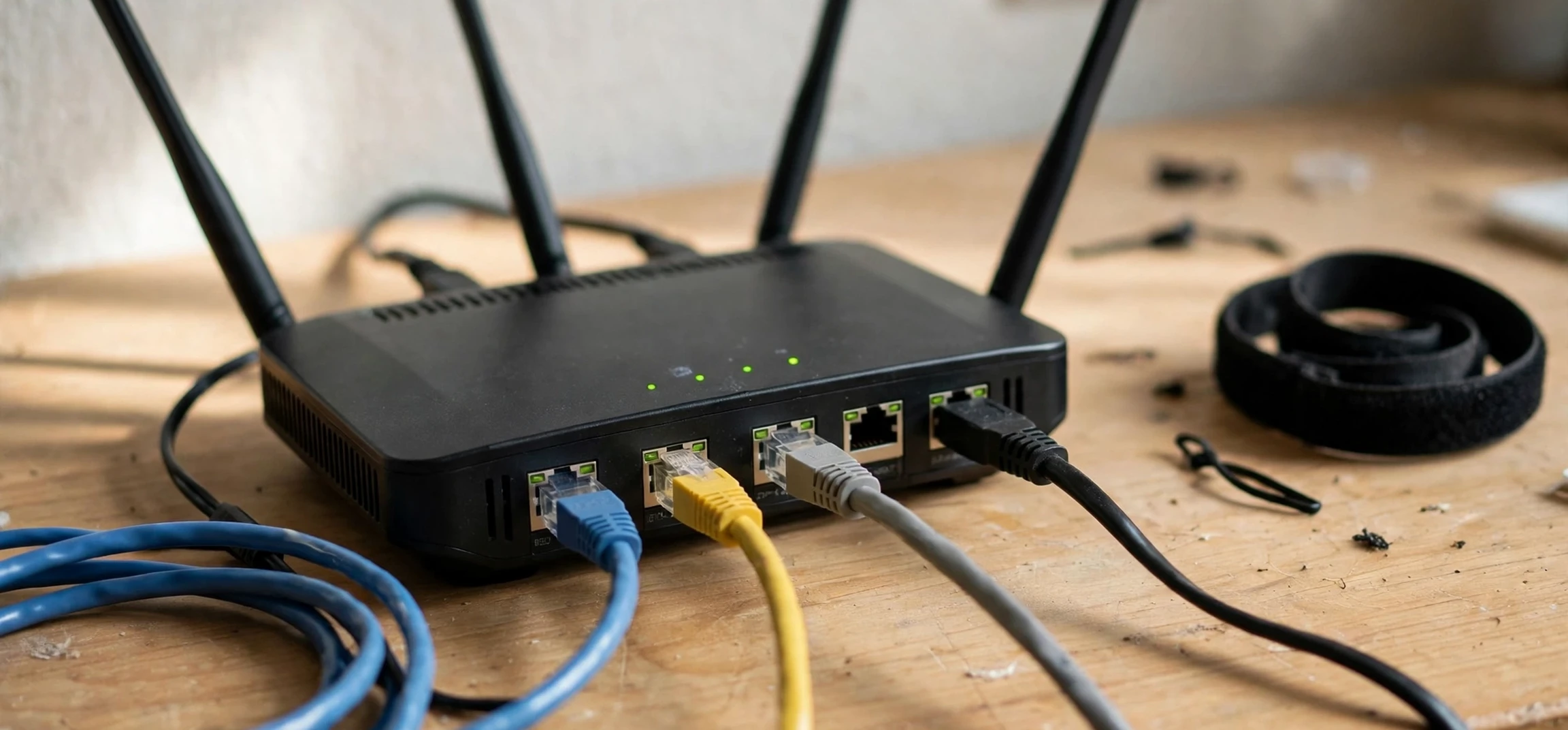
There are legitimate reasons to check your own device’s address, such as troubleshooting a connection, setting up a printer, or checking router settings. On your own phone or computer, you can usually find this information in the network or Wi-Fi settings, under a section labelled with your current network name. Your router’s admin page, which you access from your own home network, can also list connected devices and their private addresses. Your own settings page illustrates ip address definitions better than any diagram.
When checking your own settings, work only on devices you own or administer, and only on networks you are authorised to use. Avoid changing address settings unless you understand the change and can reverse it. If a setting asks for a manual address, note the original automatic setting first, so you can restore it if the connection fails. Taking a screenshot or writing down the original values is a simple habit that saves a lot of troubleshooting time.
Be careful about sharing address information. A public address can reveal your approximate location and your internet provider, and it can be used to target your connection. There is no need to post it publicly, share it in a forum, or include it in a screenshot unless a trusted support helper specifically asks for it and you understand why. Private addresses are less sensitive, because they are reused in many homes, but they still describe your local network, so share them only when needed. Sharing an address carelessly is a privacy risk that ip address definitions help explain.
Common Terms You Will Meet
Alongside ip address definitions, you will meet several related terms. A subnet mask defines which part of an address identifies the network and which part identifies the device. A gateway, often your router, is the device that forwards traffic between your local network and other networks. DNS, or Domain Name System, translates human-readable names such as website names into IP addresses, so you do not need to memorise numbers.
A MAC address is different from an IP address. It is a hardware identifier built into a network adapter, and it normally stays with the device, while an IP address can change. A hostname is a readable name for a device on a network, which can be easier to remember than a number. A port is a numbered channel used by a particular service on a device, such as web browsing or email, and it works alongside the IP address to direct data to the right application. DNS works alongside ip address definitions to turn names into numbers.
Understanding these terms together prevents a common mistake: treating an IP address as a permanent personal identifier. In most home setups, it is a temporary network label, assigned by a provider or router, shared through translation, and changed over time. It can be associated with a connection, but it is not the same as a person’s name, account, or device identity.
Privacy and Security Basics
Good privacy practice starts with your own network. Keep your router firmware updated, use a strong Wi-Fi password, and change any default router admin password to a strong unique one. Those steps matter more than worrying about individual address numbers, because they protect the whole network rather than a single setting. A gateway and a subnet mask complete the basic ip address definitions set.
Be wary of websites, messages, or callers that claim to know your address and demand payment, a password, or remote access to fix a problem. A public address alone is not proof that a caller is legitimate, and a genuine provider will not ask you to install unknown software or share account passwords in response to a threat. If you are unsure, contact your provider through a number or address you already trust, not through a link in a suspicious message.
Finally, remember the boundary that runs through this whole guide: your own devices and your own network are yours to check and manage. Another person’s address, device, or network is not yours to obtain, trace, or access. Tools and guides that promise to reveal someone else’s private information should be treated with suspicion, both because they may be scams and because using them can breach privacy and the law. Staying on your own side of that line keeps your troubleshooting both safe and legitimate. Printers and storage devices show why ip address definitions include static options.
Frequently Asked Questions
What is the simplest IP address definition?
An IP address is a numerical label that identifies a device on a network, so data can be sent to the right place. It works like a return address for internet traffic, within the network where it is used.
What is the difference between IPv4 and IPv6?
IPv4 is the older dotted-number format with a limited number of addresses. IPv6 is the newer, longer format with a much larger address space. Many networks use both, so seeing both kinds of address on your own device is normal. Mobile networks also follow the same ip address definitions, with addresses that change.
Why does my address change?
Most home addresses are dynamic, meaning they are assigned temporarily and may change when you reconnect or when a lease expires. That is normal behaviour for home broadband and mobile networks, not a sign of a fault.
Is a private address the same as a public address?
No. A private address is used only inside your local network, while a public address is the address your router presents to the internet. Your router translates between the two so that many home devices can share one public connection. In practice, ip address definitions are most useful when applied to your own network.
Conclusion
Good ip address definitions turn a confusing set of numbers into a clear picture: an address identifies a device on a network, private addresses work inside your home, public addresses work on the internet, IPv4 and IPv6 are two formats for the same job, and dynamic addresses change while static addresses stay put. With those ideas in place, router settings, troubleshooting guides, and privacy advice all become easier to understand.
For practical next steps on your own devices, see our guides to finding the IP address of a Mac, the command to know the IP address in Linux, and how to turn on Wi-Fi on an LG Smart TV. Each one deals with your own equipment, on your own network, which is exactly where address checks belong.



