The short answer to do iphones have an ip address is yes. Every iPhone that connects to the internet has an IP address, and in fact it usually has more than one at different moments, depending on how it is connected. An IP address is simply a numerical label that lets devices find each other on a network, much like a postal address lets letters find a house. Without one, your iPhone could not send or receive anything online. This guide explains what those addresses are, where your own iPhone’s addresses come from, how to find the ones belonging to your own device and your own network, and why that knowledge should stay firmly on your own side of the line.
One boundary needs stating clearly at the outset, because it shapes everything that follows. This article covers only your own device and your own network: the iPhone in your hand, the Wi-Fi network you run or are authorised to use, and the mobile connection on your own plan. It deliberately contains no instructions for obtaining another person’s IP address, tracking someone else’s device, or identifying a stranger online. Those activities raise serious privacy and legal issues, and they are not part of learning how your own phone works. Everything below is about understanding and managing your own connection.
Do iPhones Have an IP Address? The Basics
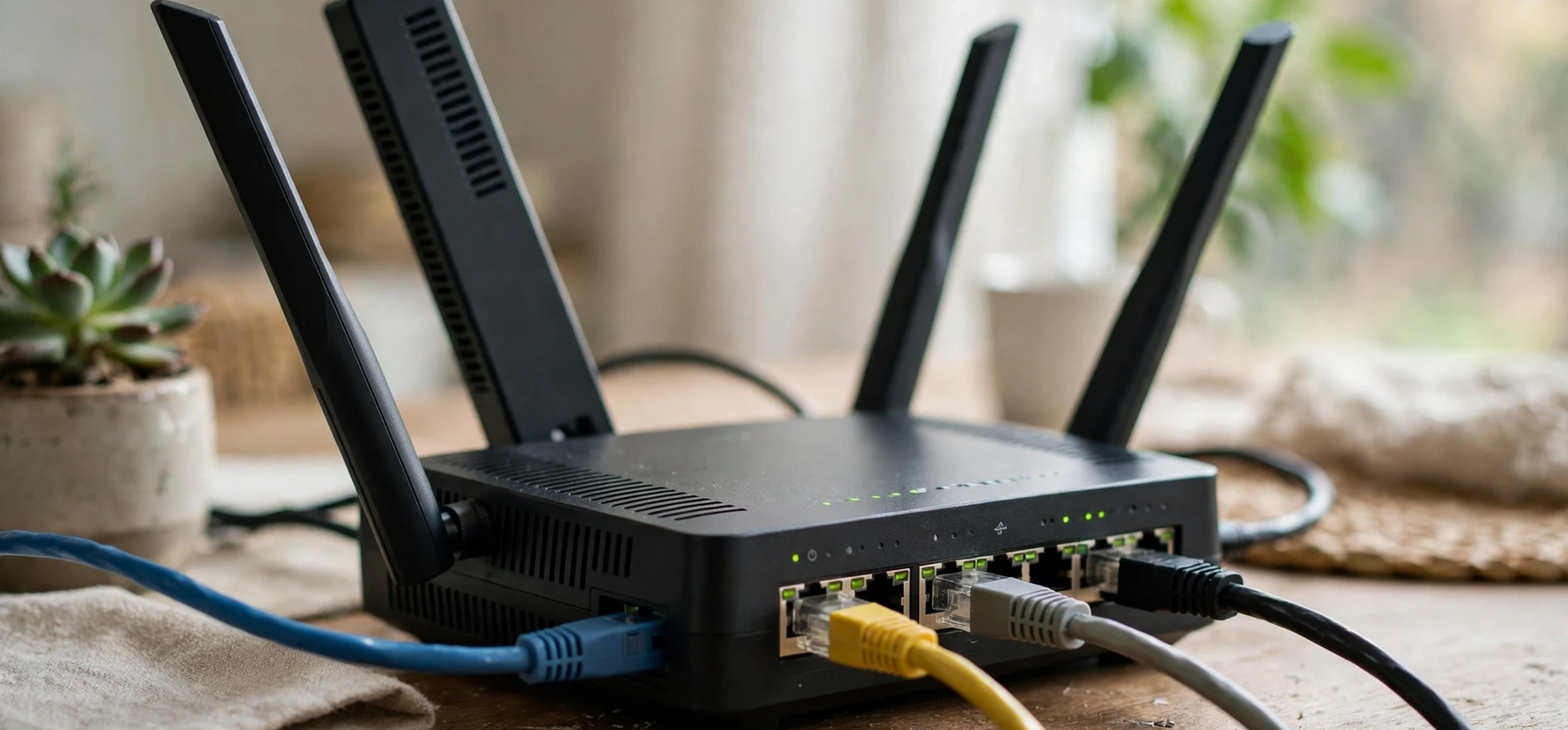
Yes, iPhones have an IP address, because every device on a network needs one to communicate. When your iPhone joins a Wi-Fi network, the router on that network gives it a local IP address, a private label used only within that network. When your iPhone uses mobile data instead, your mobile carrier assigns it an address for that connection. When your iPhone reaches the wider internet, websites and services see a public IP address, which usually belongs to your router or your carrier rather than to your phone directly. So a single iPhone can be associated with different addresses in different contexts, and those addresses can change over time.
That changing quality surprises many people. A home router typically hands out local addresses temporarily, and may give your iPhone a different one after a restart or after a period away from the network. Mobile carriers may also rotate addresses between sessions. This is normal network behaviour, not a fault, and it is one reason an IP address is a poor permanent identifier for a device. It identifies a connection at a moment in time, not a person or a phone for all time.
IPv4 and IPv6 in plain terms
You may see two kinds of address mentioned. IPv4 addresses are the familiar four groups of numbers separated by dots, such as the pattern used on most home networks. IPv6 addresses are longer, written with groups of letters and numbers separated by colons, and were introduced because the world was running out of IPv4 addresses. Modern iPhones support both, and which one you see depends on your network. For everyday purposes, the distinction matters less than the basic idea: both are routing labels that help data find its way to and from your device.
Local IP Address Versus Public IP Address
The most useful distinction for an iPhone owner is between a local address and a public address. Your local address is the one your router uses to tell your iPhone apart from your laptop, your television, and every other device on the same Wi-Fi network. It works only inside that network; it is not visible to the wider internet and it is not unique worldwide. Millions of home networks reuse the same ranges of local addresses, which is fine because each network is a separate, private space.
Your public address is the one the internet at large sees. For a home Wi-Fi connection, that is usually the address of your router, shared by every device in the household. For a mobile data connection, it is an address assigned by your carrier, sometimes shared among many customers. When a website logs a visitor’s address, it is normally this public address it records. That is also why a public address roughly indicates a general area or a provider, but does not identify an individual handset: many devices and many people can sit behind the same public address.
| Type | Where it applies | Who assigns it | Typical stability |
|---|---|---|---|
| Local (private) address | Inside your Wi-Fi network only | Your router | May change after restart or reconnection |
| Public address | Seen by websites and online services | Your internet provider or mobile carrier | May change periodically, depending on provider |
| Mobile data address | While using cellular data | Your mobile carrier | Often changes between sessions |
How to Find Your Own iPhone’s IP Address
Finding your own local address on your own iPhone is straightforward. Open Settings, tap Wi-Fi, and tap the information icon beside the name of the network you are currently connected to. The details screen shows an IP address for your iPhone on that network, along with related network information such as the router address. That is your phone’s local address on that Wi-Fi network, and it is the one to use if you are, for example, setting up a printer or checking which devices are on your own home network.
Finding your own public address is a different step, and it does not require looking inside your phone’s settings. When your iPhone visits a website, that site sees your public address, and many general “what is my IP” tools simply show you the address you are currently appearing from. Using such a tool on your own device, for your own connection, is a legitimate way to see your public address. If the result differs from the local address in your Wi-Fi settings, that is expected: one is your private network label, the other is the shared public label the internet sees.
Why the two addresses differ, and why that is fine
The difference exists by design. Local addresses let a router manage a household’s devices privately, while a single public address lets the household as a whole reach the internet. This arrangement, called network address translation, is standard on home routers and mobile networks alike. It also provides a layer of practical privacy: the wider internet normally sees your router or carrier, not the individual address of each device inside your home.
Privacy, Security, and What an IP Address Can and Cannot Reveal
An IP address on its own reveals limited information. A public address can suggest a general location, often at the level of a city or region, and can identify an internet provider or carrier. It does not, by itself, reveal a person’s name, exact home address, phone number, or the identity of a specific handset. Claims that an IP address alone pinpoints a person to a street address are exaggerated. At the same time, an address combined with other data, such as account records held by a provider, can be much more revealing, which is why providers handle that linkage under legal and privacy rules rather than handing it out freely.
For your own security, a few habits help. Keep your iPhone’s software updated, use trusted Wi-Fi networks where possible, and be cautious about entering sensitive information on public Wi-Fi without the protection your browser or apps provide. Apple also offers a private Wi-Fi address feature, which presents a different hardware identifier to each network to make tracking across networks harder. That feature relates to a different kind of identifier from an IP address, but it reflects the same principle: your device’s network identifiers deserve care, even when they are routine technical labels.
For related background, see our guide to what a VPN means, which explains a tool people use to change the public address websites see, and our article on how to find an IP address on Linux for a comparison with desktop systems. Both are general education pieces about your own devices and networks.
Common Questions and Troubleshooting
Why does my iPhone’s address keep changing?
Local addresses are handed out temporarily and can change when you reconnect, restart your phone, or restart your router. Mobile addresses can change between sessions as well. This rotation is normal and does not indicate a problem with your phone.
Can two devices have the same IP address?
Within a single network, no: the router gives each connected device a distinct local address. Across different networks, however, the same local address ranges are reused everywhere, so your phone’s local address at home may match a stranger’s local address in another house. That overlap is harmless because the addresses operate in separate networks.
Should I share my IP address publicly?
There is usually no reason to post your public address in a forum, a screenshot, or a social media post. It is not as sensitive as a password, but sharing it unnecessarily gives strangers a small piece of information about your connection for no benefit. If you are seeking technical help, share it only with a trusted support contact and only when it is actually needed.
Do iPhones Have an IP Address? Frequently Asked Questions
Do iPhones have an IP address on Wi-Fi and on mobile data?
Yes, in both cases, but the addresses differ. On Wi-Fi, your router assigns a local address, and the internet sees your router’s public address. On mobile data, your carrier assigns the connection address. Switching between Wi-Fi and mobile data therefore changes the addresses associated with your phone.
Does turning Wi-Fi off hide my IP address?
No. Turning Wi-Fi off simply moves your connection to mobile data, which has its own address assigned by your carrier. Your phone always needs an address of some kind to reach the internet, whatever the connection type.
Can someone find my exact location from my IP address?
Not from the address alone. A public address typically indicates a general area and a provider. Precise location requires additional data held by providers and is normally disclosed only under legal process, not from a bare address lookup.
Conclusion
So, do iphones have an ip address? Yes, unquestionably, and understanding the answer means understanding that there is rarely just one address involved. Your iPhone holds a local address on your Wi-Fi network, appears publicly through your router’s or carrier’s address, and receives a fresh address when it moves to mobile data or reconnects. Those labels are the ordinary plumbing of the internet: unremarkable, essential, and constantly changing. Keep the knowledge pointed at your own devices and your own network, where it is genuinely useful for setup, troubleshooting, and security, and leave other people’s connections alone. That boundary is not just polite; it is the line that keeps a useful piece of technical knowledge on the right side of privacy and the law.



