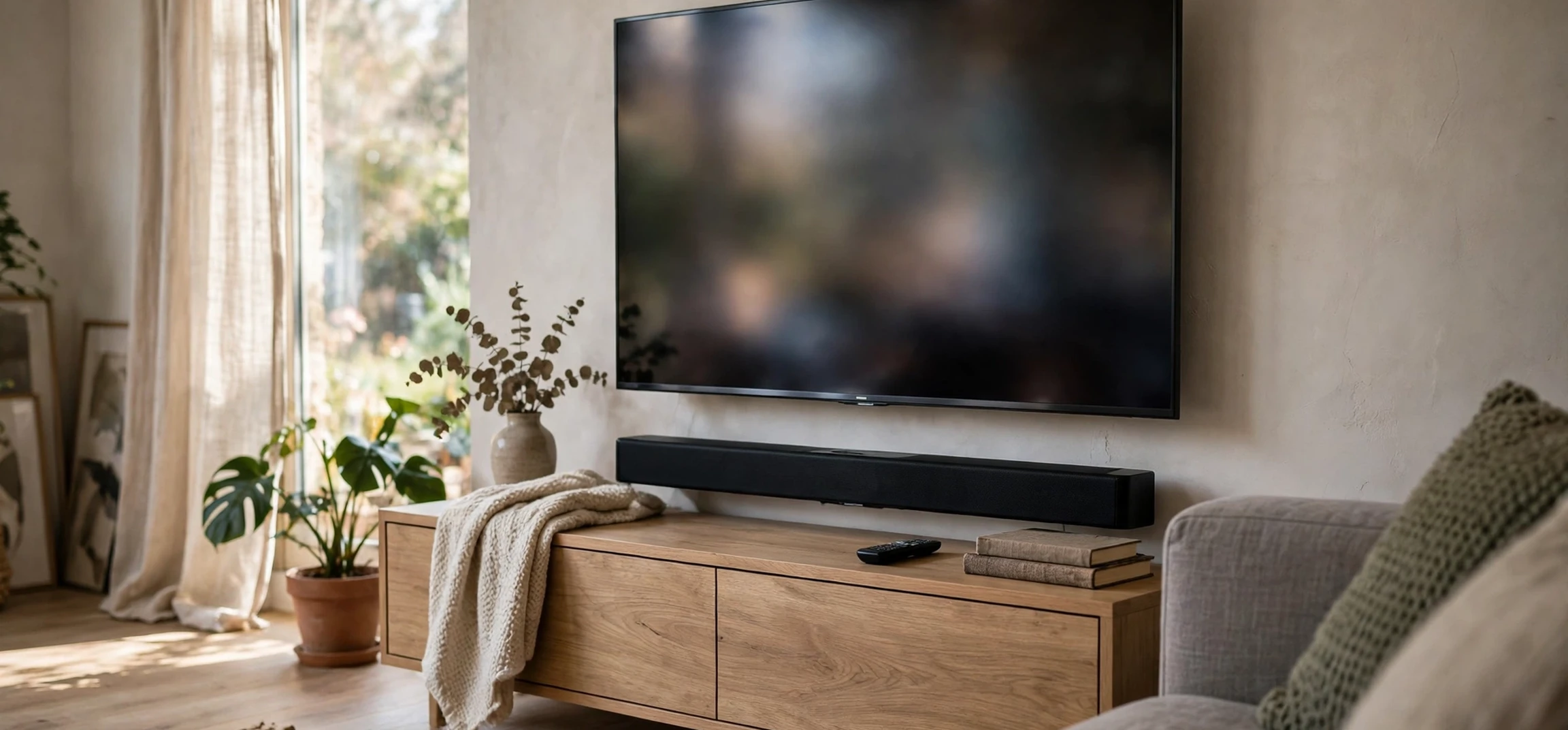
If your television picture looks stunning but the sound feels thin, you are not alone, and a samsung tv speaker bar is one of the most popular fixes. A speaker bar, often called a soundbar, is a long, slim speaker that sits in front of or below your television and replaces the small built-in speakers with larger drivers, clearer dialogue, and deeper sound. Samsung makes a wide range of these bars, from compact models for small rooms to multi-speaker systems with wireless rear speakers and a separate subwoofer. This guide explains how they work, how to choose one, and how to set it up well, without pushing any single model as the right answer for everyone.
The key idea is simple: television makers prioritise thin screens, which leaves little room for speakers. A dedicated bar restores the space that sound needs. It does not require an amplifier, a tangle of wires, or technical expertise, and most models connect with a single cable. Once you understand the main types, the connection options, and the room factors that matter, choosing becomes much easier.
Samsung TV Speaker Bar Basics: What You Actually Get
A samsung tv speaker bar is a self-contained speaker system designed to pair neatly with Samsung televisions, though most models also work with other brands. Inside the bar are several speaker drivers arranged to spread sound across the width of the screen. Higher models add a centre channel dedicated to dialogue, upward-firing drivers that bounce sound off the ceiling for height effects, and a wireless subwoofer that handles low bass. Some systems add wireless rear speakers for true surround sound behind the listener.
The benefit is most obvious in dialogue and action scenes. Built-in television speakers often sound muffled because they fire backwards or downwards from a thin cabinet. A bar fires forwards, directly at the listener, and its larger cabinet gives voices room to breathe. Explosions, music, and crowd scenes gain weight without you needing to raise the volume to uncomfortable levels, and late-night listening modes can keep dialogue clear at lower volumes.
Samsung bars also integrate with Samsung televisions in helpful ways. Many models support a single-remote setup, on-screen sound settings through the television menu, and features that combine television speakers with the bar for a fuller front soundstage. These integrations are convenient, but they are not essential: the core job of any bar is to sound better than the television alone, and a well-chosen bar does that even without brand-specific extras.
Types of Samsung TV Speaker Bar Systems
Compact all-in-one bars are the simplest option. They contain everything in a single unit, need only a power cable and one connection to the television, and suit bedrooms, small living rooms, and wall-mounted televisions where space is tight. They improve dialogue and general clarity dramatically over built-in speakers, though they cannot produce the deep bass or wide surround field of a larger system.
Bars with a wireless subwoofer add a separate bass unit that you can place on the floor near the television. The subwoofer connects wirelessly, so you only need a power outlet nearby, and it frees the bar to focus on midrange and treble. This is the sweet spot for most living rooms: films gain impact, music gains warmth, and the setup stays simple. If your room is large or you love action films, this category deserves your attention first.
Full surround systems add wireless rear speakers to the bar and subwoofer combination. Sound then comes from behind as well as in front, which makes films and games far more immersive. These systems need space for the rear speakers and power outlets behind the seating area, so they suit dedicated living rooms rather than cramped corners. Some models also support height channels for overhead effects, creating a dome of sound that suits modern film soundtracks.
What Channel Numbers Mean
Product descriptions often quote numbers such as 2.1, 3.1, or 5.1. The first number counts the main speaker channels, such as left, centre, and right, plus surrounds. The number after the dot indicates a subwoofer channel for bass. A 2.1 system has stereo sound plus bass, a 3.1 system adds a dedicated centre channel for dialogue, and a 5.1 system adds surround channels. Higher numbers generally mean more immersion, but room size, speaker placement, and sound tuning matter at least as much as the headline number.
Choosing the Right Samsung TV Speaker Bar for Your Room
Start with your room, not with a feature list. Measure the width of your television stand or wall space, note the distance from the screen to your usual seat, and think about whether you can place a subwoofer and rear speakers comfortably. A bar that is much wider than the television can look unbalanced, while a tiny bar under a very large screen may struggle to fill the room. As a rough guide, match the bar width to the television width where possible, and favour a subwoofer model for rooms larger than a typical bedroom.
Next, consider how you watch. If news, drama, and talk shows dominate, dialogue clarity and a centre channel matter most. If films and sport dominate, bass impact and surround width matter more. Gamers benefit from low-latency connections and wide soundstages that help place effects in space. Music listeners should check that the bar handles stereo music gracefully, not just film soundtracks, since some film-tuned systems can make music sound boomy or harsh.
Connectivity is the third decision. The best modern connection is the HDMI port labelled for audio return, which carries high-quality sound and lets one remote control volume. Optical digital audio is a reliable fallback on older televisions. Bluetooth is handy for music from a phone, but it is not the best choice for television sound because of possible delay. Check which ports your television actually has before you choose, and confirm that the bar includes the cable you need or plan to add one.
For context on how television content itself is organised and scheduled, our guide to the CBS television lineup tonight shows how much programming variety a good sound setup has to handle, from quiet drama to loud live events in a single evening.
Setting Up Your Samsung TV Speaker Bar
Placement is the single biggest factor in sound quality after the bar itself. Put the bar centred under the television, at the front edge of the stand so sound is not trapped behind a lip, and clear of objects that block the drivers. If the television is wall-mounted, a matching wall mount for the bar keeps the same clean alignment. Avoid placing the bar inside a closed cabinet, which muffles sound and traps heat.
Place the subwoofer on the floor near the television, ideally a short distance from the wall rather than jammed into a corner, which can make bass boomy. Rear speakers, if you have them, belong slightly behind and to the sides of the main seating position, at roughly ear height when seated. Small adjustments here make a real difference, so try two or three positions and listen to a familiar scene before settling.
Once connected, run through the television sound settings. Select the external speaker output, choose the audio-return connection if you are using it, and turn off any television sound processing that fights with the bar. Many Samsung bars include sound modes for standard viewing, surround expansion, game, and adaptive sound that adjusts to the content. Try each mode with familiar material rather than assuming the most dramatic mode is best; the right mode is the one that keeps dialogue intelligible without exaggerating effects.
Common Setup Mistakes to Avoid
The most common mistake is leaving the television speakers playing alongside the bar, which creates echo and muddiness. Another is using a Bluetooth connection for television audio, which can introduce lip-sync delay. A third is hiding the bar behind decorations or inside furniture. Finally, many people never adjust the subwoofer level, leaving bass either overwhelming or absent. A few minutes of setup and a quick listen at normal volume will fix all four.
Features Worth Understanding Before You Decide
Adaptive and intelligent sound modes analyse the content and adjust balance automatically, raising dialogue in talk-heavy scenes and widening the stage for action. These modes are genuinely useful in mixed households where viewing ranges from news to films. Voice enhancement modes serve a similar purpose by lifting the frequency range where speech lives. If hearing dialogue clearly is your main frustration, prioritise these features over raw channel counts.
Wireless multi-room and streaming features let some bars play music from phones and streaming services independently of the television. This can turn the bar into a household music speaker, which adds value if you listen to music daily. Check which services and voice assistants a model supports if that matters to you, and remember that streaming features vary by model and region, so confirm them on the official product page for the exact model you are considering.
Build quality and future-proofing also deserve thought. A bar with an audio-return HDMI connection, an optical input, and wireless subwoofer support covers most televisions today and tomorrow. Firmware updates can add features and fix issues, so check whether the model supports updates and how they are delivered. A bar is a long-lived purchase, so favour solid basics and broad compatibility over a single headline feature that may not suit your room.
Television sound does not exist in isolation from what you watch. Fans exploring classic and modern programming often browse guides like our ABC Family television series guide, and a good bar should handle both gentle family drama and high-energy adventure without constant volume adjustments.
| System type | Best for | Watch out for |
|---|---|---|
| All-in-one bar | Small rooms, bedrooms, simple setup | Limited bass and surround width |
| Bar plus subwoofer | Most living rooms, films and music | Needs floor space and a power outlet |
| Bar plus rears | Immersive films and games | Needs rear space and outlets |
| Bar with height channels | Modern film soundtracks | Needs a flat, reflective ceiling |
Frequently Asked Questions
Will a Samsung speaker bar work with a non-Samsung television?
Yes, in most cases. Standard HDMI audio-return and optical connections work across brands. You may lose some brand-specific integration features, but the core sound improvement works the same.
Is a speaker bar better than separate speakers?
It depends on your priorities. Separate speakers can sound better in a tuned room, but they cost more, need an amplifier, and involve more wiring. A bar wins on simplicity, tidiness, and value for most living rooms.
Why is the sound out of sync with the picture?
Delay usually comes from a Bluetooth connection or mismatched television audio settings. Use a wired HDMI or optical connection, check the television audio delay setting, and use the bar sync control if one is provided.
Where should I put the subwoofer?
On the floor near the television, slightly away from the wall and out of a tight corner. Try a couple of positions with familiar content and keep the one where bass sounds full but not boomy.
Conclusion
A samsung tv speaker bar is the simplest high-impact upgrade most television owners can make. Match the system type to your room, prioritise dialogue clarity if that is your frustration, connect via HDMI audio return where possible, and spend a few minutes on placement and settings. Do that, and even an older television can sound like a home cinema without a complex installation. If you are still weighing screen options and programming, our look at Apple TV movies and recent releases is a reminder of how much great content deserves sound to match its picture.



