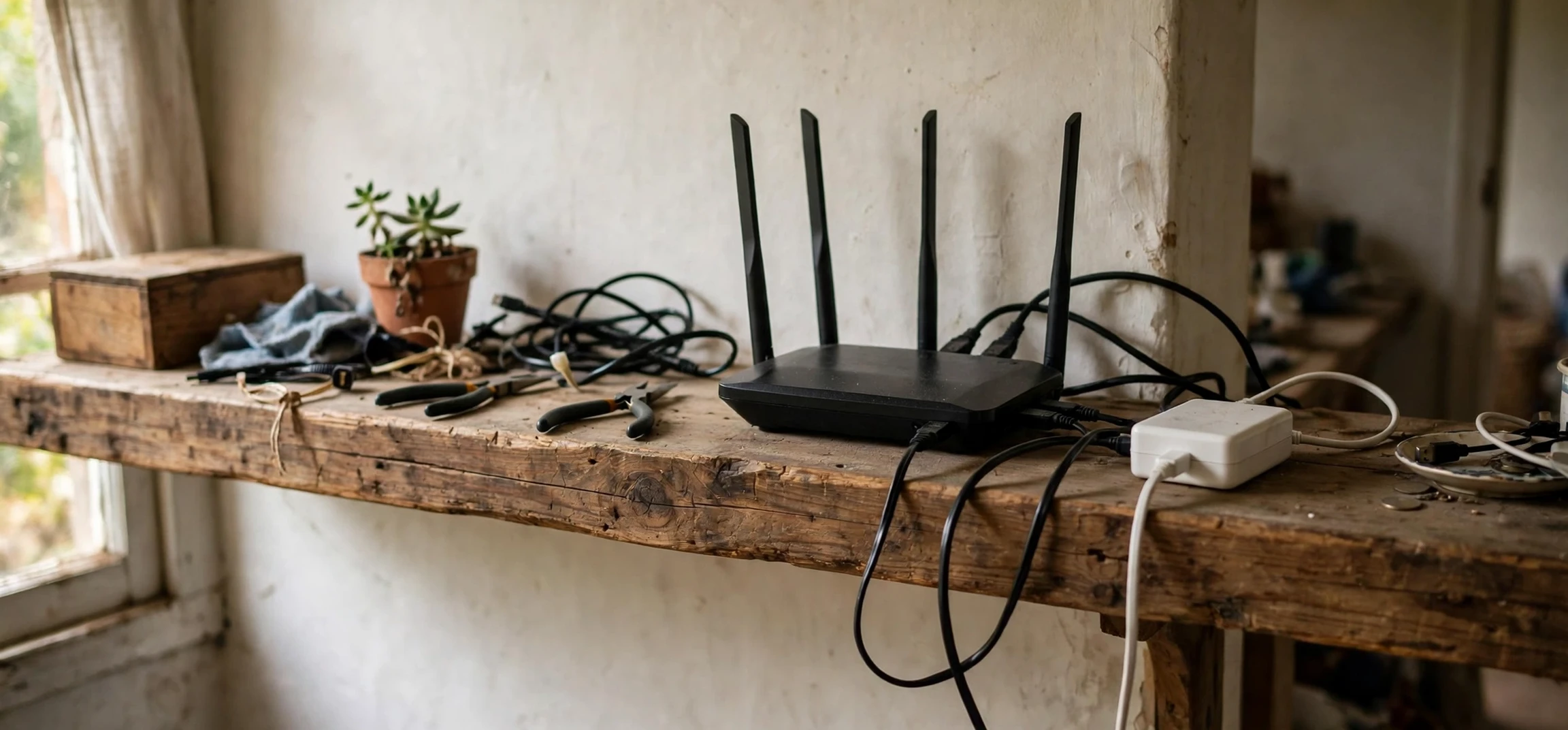
A class c internet address is an address from a group of internet addresses originally designed for smaller networks, and its private form is the one most people actually meet at home every day. Whenever your phone, laptop, or television connects to your home Wi-Fi, it is almost certainly given a private address from this group, usually one beginning with 192.168. If you have ever looked at your device settings and seen something like 192.168.1.24, you have already seen a class c internet address in action, quietly doing its job inside your own house.
This article explains the private side of the story: what private Class C ranges are, why they exist, how they are used in home networks, and why the same private address can safely appear in millions of homes at once. It does not go deep into subnet mathematics or public internet routing, because those topics deserve their own explanations. Here the focus is practical and domestic: the addresses your router hands out, the devices that use them, and the reasons your home network works the way it does.
What Is a Class C Internet Address?
To understand a class c internet address, it helps to start with the basics of internet addresses themselves. An IPv4 address is a set of four numbers separated by dots, such as 192.168.1.1, with each number ranging from 0 to 255. In the early design of the internet, these addresses were divided into classes based on their first number. Class A was intended for very large networks, Class B for medium networks, and Class C for smaller networks such as a single office, school, or home. A class c internet address is therefore one whose first number falls in the range 192 to 223, a range sized for networks with a modest number of devices.
That original class system is no longer used to route traffic on the modern internet, which now uses a more flexible method called CIDR. Even so, the term has stuck, and people still use it as a convenient shorthand. When someone says Class C today, they usually mean a network with up to 254 usable device addresses, managed with the familiar subnet mask 255.255.255.0. That size turns out to be ideal for a home: more than enough for phones, laptops, tablets, televisions, printers, and smart speakers, without the complexity of managing a huge address range. Engineers describing a class c internet address often start with its size, because a small network is the whole point of the class.
Within the Class C range sits a special private block, and that block is the real subject of this article. The private Class C range is 192.168.0.0 to 192.168.255.255. Addresses in this block are reserved for use inside private networks only. They are never assigned to a public website or a public server, and routers on the open internet will not forward traffic addressed to them. That reservation is deliberate, and it is what makes home networking both simple and safe.
Class C Internet Address Private Ranges Explained
There are three private address blocks in total, one for each of the old classes, but the Class C private block is by far the most common in homes. Its full range runs from 192.168.0.0 through 192.168.255.255, which gives 65,536 addresses in total, organised as 256 smaller groups of 256 addresses each. In practice, a single home uses only one of those groups, most famously 192.168.1.x or 192.168.0.x, where the x stands for the individual device number. Anyone explaining a class c internet address should mention the private block first, since that is the range most homes actually use.
The reason private ranges exist is simple: the internet ran short of unique public addresses long ago. If every phone, laptop, and smart bulb in every home needed its own globally unique public address, the supply would have been exhausted far sooner. Private addressing solves this by letting each home reuse the same internal addresses, while the router presents a single public address to the outside world. Your router performs a translation step, often called NAT, that maps traffic from your internal devices to that public address and routes replies back to the correct device. From the internet’s point of view, your whole household looks like one address; from inside, every device has its own. The history of the class c internet address is tied to address scarcity, which is why private reuse became essential.
This reuse is safe precisely because private addresses are not routable on the public internet. A device at 192.168.1.10 in your house and a device at 192.168.1.10 in your neighbour’s house are completely separate, and neither can reach the other directly using that address. They are like apartment numbers: number 10 exists in many buildings, but the building address makes each one distinct. Your router is the building entrance, directing incoming traffic to the right flat and keeping unsolicited visitors out. For related background on how addresses are inspected on other systems, see this guide to the command to know the IP address in Linux.
| Private block | Address range | Typical use |
|---|---|---|
| Class A private | 10.0.0.0 to 10.255.255.255 | Very large organisations |
| Class B private | 172.16.0.0 to 172.31.255.255 | Medium organisations |
| Class C private | 192.168.0.0 to 192.168.255.255 | Homes and small offices |
How Home Networks Use Private Class C Addresses
In a typical home, the router is the centre of the private network. When a device joins the Wi-Fi or plugs into an ethernet port, it asks the router for an address, and the router’s DHCP service assigns one automatically from its configured pool. That pool is usually a slice of the private Class C range, for example 192.168.1.2 through 192.168.1.254. The router itself usually takes the first address in the group, commonly 192.168.1.1 or 192.168.0.1, which is why those two addresses are so widely recognised as router login addresses. When your router assigns a class c internet address, it is choosing from its own private pool, not from public internet stock.
Each device keeps its assigned address for a period called a lease, and the router renews it automatically while the device remains connected. This is why your phone usually keeps the same internal address for days or weeks at home, but may receive a different one after a long absence or a router restart. Nothing about this process requires any action from you, and that invisibility is part of the design. Private addressing was created so that ordinary users could connect dozens of devices without ever needing to understand address planning. A lease for a class c internet address normally renews silently, which is why the same device often keeps the same address for weeks.
Some devices benefit from a fixed internal address, and routers allow you to reserve one for a specific device. A home printer, a network storage drive, or a security camera is easier to find on the network if its address never changes, so many people reserve an address for such devices in the router settings. This is still a private address, used only inside the home, and it changes nothing about how the device appears to the outside world. It is simply a convenience that makes your own network more predictable. Reserving a class c internet address for a printer is a small task with a lasting payoff, because other devices can always find it.
Why 192.168 Appears in Almost Every Home
The dominance of 192.168 addresses in homes is no accident. Router manufacturers adopted the private Class C block as their default because it is the right size for a household and because it is instantly recognisable as private. When a support article tells you to check whether your device has a 192.168 address, it is really asking whether your device has successfully joined a private home network. If it has an address beginning with 169.254 instead, that usually means it failed to reach the router and assigned itself a fallback address, which is a useful diagnostic clue. Support guides mention the class c internet address so often because recognising 192.168 at a glance speeds up diagnosis.
It is also worth understanding what a private address does not reveal. Your internal 192.168 address is not your public identity on the internet, and it is not visible to websites you visit. Websites see your router’s public address, not the private address of your individual phone or laptop. This separation is a privacy benefit of home networking, and it is one reason private ranges remain essential even as newer addressing systems grow. If you want to explore how fixed addresses are handled on other platforms, this guide to a Debian static IP address setup explains the same idea in a different setting.
Private vs Public Addresses: What Stays Inside
The distinction between private and public addresses is the key to understanding home networking. A public address is unique across the whole internet and is used to reach a device or service from anywhere. A private address is unique only within one local network and is never used to reach a device from outside. Your router sits between these two worlds, translating as needed and blocking unsolicited incoming connections by default. The difference between a public address and a class c internet address used privately is the difference between a street address and a room number.
This design has practical consequences for everyday users. You cannot host a public website simply by pointing visitors at your laptop’s 192.168 address, because that address means nothing outside your house. You also do not need to worry that someone on the internet can connect directly to your printer or television using its private address, because internet routers drop traffic destined for private ranges. Remote access to home devices requires deliberate setup through the router, such as port forwarding or a secure remote-access service, and should only be configured by the network owner who understands the security implications. You cannot publish a website on a class c internet address from the private range, because the wider internet will not route to it.
Another consequence is that address conflicts are a local problem with local solutions. If two devices on your network somehow end up with the same private address, they will interfere with each other, but no one outside your home is affected. Restarting the router or the affected devices, which forces fresh DHCP assignments, usually resolves the clash in minutes. This containment is another advantage of private addressing: mistakes stay small and fixable. A clash between two devices sharing one class c internet address is confined to your home and is usually fixed by a restart.
Frequently Asked Questions About Private Class C Addresses
What is the private Class C range?
The private Class C range is 192.168.0.0 to 192.168.255.255. These addresses are reserved for private networks such as homes and small offices and are not routable on the public internet. Teachers introducing the class c internet address point to the 192.168 block as the clearest example of private addressing.
Is 192.168.1.1 a Class C address?
Yes. It falls in the Class C range and is the address most home routers use for themselves, which is why it is commonly used to reach router settings from a device connected to that home network. The router itself holds a class c internet address, typically the first in its range, so devices know where to send their traffic.
Why does my neighbour have the same internal address as me?
Because private addresses are reused in every home. Your router separates your network from your neighbour’s, so identical internal addresses in different homes never conflict with each other. Two homes can each use the same class c internet address internally without conflict, because each router keeps its network separate.
Can someone find my home from my private address?
No. A private address on its own reveals nothing about your location to the outside world, because it is not visible beyond your own router. Only your public address is seen by external services.
Do I need to change my private address range?
Usually not. The router default works well for most homes. You might change it if you are merging two networks or running advanced setups, but for ordinary use the default is the simplest and safest choice. Most households never need to reconfigure a class c internet address range, and the factory default is the sensible choice.
Conclusion
A class c internet address in its private form is one of the quiet workhorses of modern life. The range 192.168.0.0 to 192.168.255.255 lets every home run its own small network, reuse addresses safely, and connect dozens of devices through a single public connection, all without any effort from the people living there. Understanding that your home devices live in this private space, separated from the public internet by your router, explains a great deal about how Wi-Fi works and why common troubleshooting advice focuses on the router first. The next time you glance at your device settings and see a 192.168 address, you will know exactly what it is: your device’s private place inside your own home network, and nowhere else. To round out the picture, this explainer on another name for network covers related networking vocabulary in plain language.