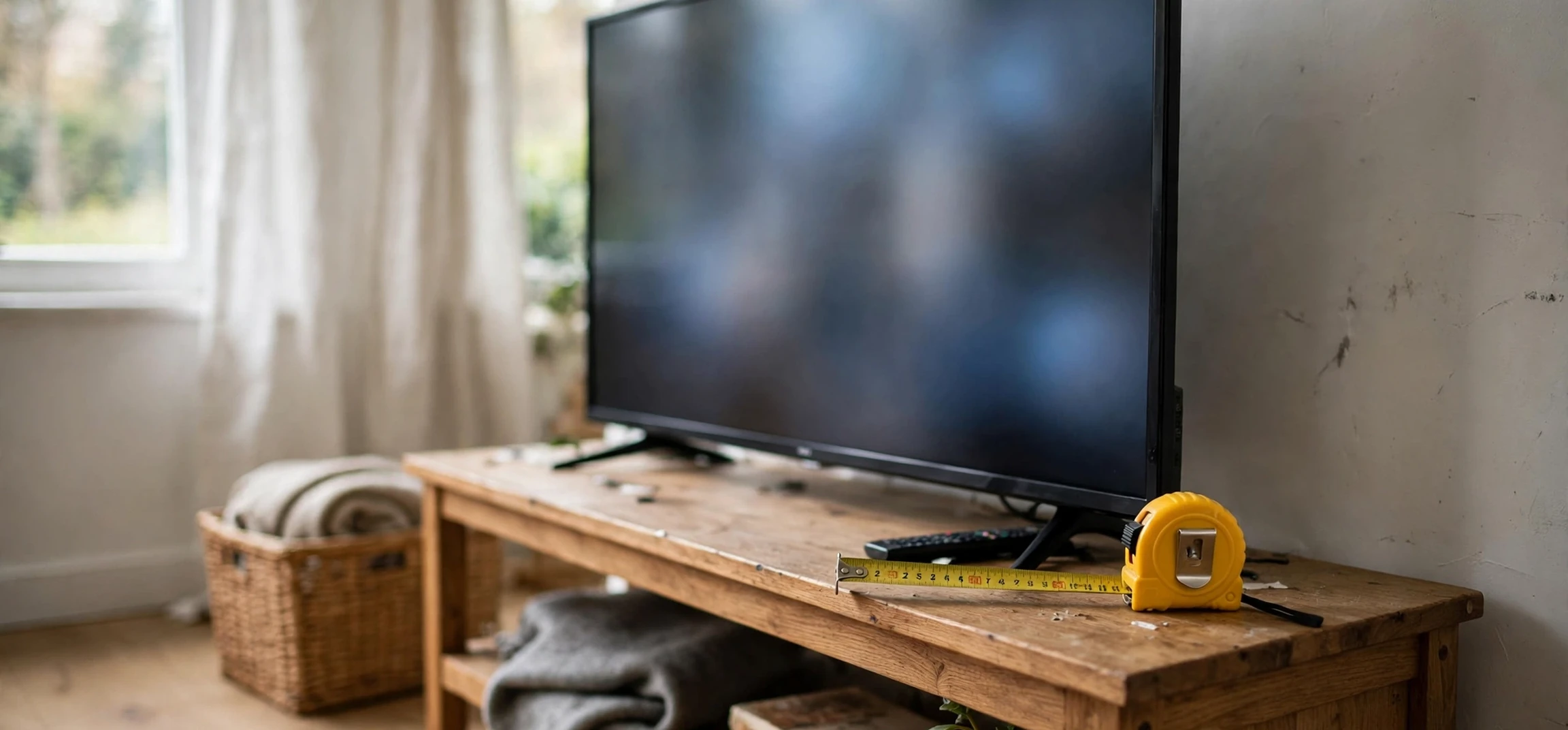
If you searched for how tv is measured, you are asking one of the most practical questions in home entertainment: when a television is described as 55 inches, what exactly is 55 inches, and how do you know whether it will fit your room? The answer is simpler than many shoppers expect, but it is also easy to misunderstand, because televisions are measured diagonally rather than by width or height. This guide explains how tv is measured, why the diagonal measurement is used, how screen size relates to the actual width and height of the set, and how to measure your space so the television you buy fits comfortably and looks right from your sofa.
Getting this right matters. A television that is too large can dominate a small room and force you to sit uncomfortably close, while one that is too small can leave you squinting at detail from across a large living room. Both problems are avoidable with a tape measure and a few minutes of planning. By the end of this guide, you will know how to read a television size specification, how to convert it into real-world dimensions, and how to choose a size that suits both your room and your viewing distance.
How TV Is Measured: The Diagonal Screen Size
Televisions are measured diagonally across the screen, from one corner to the opposite corner. When a manufacturer calls a set a 55-inch television, it means the visible screen measures 55 inches along that diagonal line. This convention has been used for decades, going back to the era of older tube televisions, and it has survived into the flat-screen era because it gives a single number that summarises the overall size of the display. Understanding how tv is measured in this way is the foundation for everything else in television shopping.
It is important to note that the measurement refers to the screen itself, not the whole television. Modern flat-screen sets have thin bezels, which are the frames around the screen, so the overall width and height of the set are only slightly larger than the screen dimensions. Older sets had much thicker bezels, which made the difference bigger. When you check a specification, look for both numbers: the screen size, which is the diagonal, and the overall dimensions, which include the bezel and, if applicable, the stand. The overall dimensions are what determine whether the set fits on your stand or in your cabinet.
Another detail to watch is that screen size is usually rounded to a whole number for marketing, while the exact diagonal may be a fraction of an inch different. A television sold as 55 inches might measure 54.6 inches diagonally in precise terms, and that small difference does not matter in practice. What matters is using the advertised size as a guide and then checking the manufacturer’s stated width, height, and depth before you buy, especially if the television needs to fit into a tight space.
How TV Is Measured: From Diagonal to Width and Height
Knowing the diagonal alone does not tell you how wide or tall a television is, but you can work it out because modern televisions share a standard shape. Almost all current sets use a 16:9 aspect ratio, which means the screen is sixteen units wide for every nine units tall. That ratio applies to high-definition and ultra-high-definition sets alike, and it lets you convert a diagonal measurement into width and height with reasonable accuracy. A 16:9 screen is much wider than it is tall, which is why a large television can look surprisingly manageable on a wall even when its diagonal number sounds big.
As a rough guide, a 55-inch 16:9 screen is about 48 inches wide and 27 inches tall, while a 65-inch screen is about 57 inches wide and 32 inches tall. Smaller sets scale down in the same proportion: a 43-inch screen is roughly 38 inches wide and 21 inches tall, and a 32-inch screen is roughly 28 inches wide and 16 inches tall. These are approximate figures for the screen itself, before the bezel is added, and they are close enough for planning a room layout. For an exact fit, always use the manufacturer’s dimensions for the specific model, because bezel widths and stand designs vary.
The aspect ratio also explains why older televisions looked so different. Earlier sets often used a squarer 4:3 ratio, so a 32-inch set from that era was narrower and taller than a modern 32-inch widescreen set, even though both shared the same diagonal number. Comparing diagonal sizes across different aspect ratios is therefore misleading. Within the modern 16:9 world, however, diagonal comparisons are fair: a larger diagonal genuinely means a larger screen in both width and height, which is why the diagonal remains a useful shorthand for shoppers.
Screen Size Versus Overall Television Size
Shoppers sometimes confuse screen size with the physical size of the television, and the distinction is worth spelling out. Screen size is the diagonal of the display area only. Overall television size includes the bezel, any built-in speakers or soundbar sections, and the stand or feet. On most modern sets, the bezel adds only a small amount, often less than an inch on each side, so the overall width is close to the screen width. The stand, however, can add several inches of height and depth, and the feet may be wider apart than the screen itself on some models.
This matters most when you are placing a television on a stand rather than mounting it on a wall. Measure the width of your stand and compare it with the distance between the television’s feet, not just the screen width. If the feet sit wider than the stand, the set will overhang, which looks untidy and can be unstable. Similarly, check the depth of the stand against the depth of the television’s feet, and leave room for cables at the back. For wall mounting, the overall height and width matter most, along with the weight and the mounting pattern on the back of the set, which your mount must match.
Packaging dimensions are a third set of numbers that sometimes cause confusion. The box a television ships in is considerably larger than the set itself, because it includes protective packaging. If you are transporting a television yourself, use the box dimensions to check it fits in your vehicle, but use the set dimensions, not the box dimensions, to plan your room. Keeping these three measurements separate, screen, set, and box, prevents most sizing mistakes.
Measuring Your Room and Viewing Distance
Once you understand how tv is measured, the next step is to measure your room. Start with the viewing distance: the distance from your usual seating position to the screen. Sit where you normally watch, and measure from that spot to the wall or stand where the television will go. This distance is the single most important factor in choosing a size, because it determines how large the picture appears to your eyes. A television that looks huge in a shop, where you stand close to it, can look perfectly reasonable from a sofa several metres away.
As a general rule, many viewing guides suggest a screen size where the viewing distance is roughly one and a half to two and a half times the diagonal screen size, though personal preference plays a large role. People who enjoy an immersive, cinema-like experience often prefer the larger end of that range, while people who watch mainly news or casual programmes may prefer a smaller set. Higher-resolution sets, such as ultra-high-definition models, also allow closer viewing without visible pixels, which is one reason larger screens have become more popular. Use the guideline as a starting point, then adjust for your room, your seating, and your taste.
Also measure the space where the television will sit. Check the width available, the height available if the set goes into a unit or under a shelf, and the depth of the surface. Leave a small margin on each side for ventilation and for accessing ports and cables, and make sure the centre of the screen will sit roughly at eye level when you are seated. A television mounted too high forces you to tilt your head up for hours, which is uncomfortable, while one placed too low can be blocked by furniture. A few minutes with a tape measure at this stage saves you from rearranging furniture after delivery.
Resolution, Picture Quality, and Screen Size
Screen size and resolution are related but different. Resolution describes how many pixels make up the picture, with ultra-high-definition sets packing far more pixels than older high-definition sets. On a larger screen, higher resolution matters more, because the same number of pixels stretched over a bigger area would otherwise look softer. That is why large modern televisions are almost always ultra-high-definition: the extra pixels keep the picture sharp even at sizes that would have looked coarse in the past.
For shoppers, the practical point is that size and resolution should be chosen together. A small set viewed from a normal distance does not need the highest resolution to look sharp, while a very large set benefits greatly from it. If you are choosing between a slightly larger set at a lower resolution and a slightly smaller set at a higher resolution, think about your viewing distance. From far away, the larger screen may impress more; from close up, the sharper picture may matter more. Most buyers today find that a mid-sized ultra-high-definition set offers the best balance of size, sharpness, and price.
It is also worth remembering that the content you watch affects how much size and resolution matter. Films and nature documentaries reward a large, sharp screen, while background viewing and short clips do not demand as much. Consider what you watch most often, and let that guide whether you prioritise size, resolution, or a balance of both. There is no single correct answer, only the combination that suits your room and your habits. For more television guides, see our pages on Apple TV movies and the Bend TV guide.
Common Television Sizes at a Glance
The table below lists approximate screen widths and heights for popular 16:9 television sizes. These figures cover the screen only and exclude the bezel and stand, so add a small margin and check the manufacturer’s specifications for an exact fit.
| Screen size (diagonal) | Approximate screen width | Approximate screen height |
|---|---|---|
| 32 inches | 28 inches | 16 inches |
| 43 inches | 38 inches | 21 inches |
| 55 inches | 48 inches | 27 inches |
| 65 inches | 57 inches | 32 inches |
| 75 inches | 66 inches | 37 inches |
Use this table to shortlist sizes, then confirm the overall dimensions of the exact model you plan to buy. If the set will sit on a stand, also confirm the foot spacing, and if it will be wall-mounted, confirm the weight and mounting pattern. Those final checks turn an approximate plan into a confident purchase.
Frequently Asked Questions
How tv is measured: is it the width or the diagonal?
It is the diagonal. A television size in inches always refers to the diagonal distance across the screen, from one corner to the opposite corner.
Does the advertised size include the frame?
No. The advertised size is the screen only. The frame, or bezel, adds a small amount to the overall width and height, so check the manufacturer’s overall dimensions for fitting.
How do I know if a television will fit my stand?
Measure the stand width and compare it with the distance between the television’s feet, and measure the depth against the feet depth. Leave room at the back for cables and ventilation.
What size television suits a small room?
It depends on viewing distance, but smaller rooms usually suit 32-inch to 50-inch sets. Measure your seating distance first, then use the size guide in this article as a starting point.
How tv is measured for curved screens?
Curved screens are still described by how tv is measured, the diagonal across the screen, though the curve makes width and depth slightly different from a flat set, so check the maker’s overall dimensions for a curved model.
How tv is measured when buying online?
Online, how tv is measured is shown in the specifications as the diagonal screen size, plus separate overall width, height, and depth figures. Use those overall figures, not just how tv is measured diagonally, to confirm the fit.
How TV Is Measured: A Shopping Checklist
Take this checklist with you when you shop, and the question of how tv is measured will never catch you out. First, note the diagonal screen size, and convert it to approximate width and height using the 16:9 proportions in this guide. Second, check the manufacturer’s overall dimensions, including the bezel and the stand, and compare them with your available space. Third, measure your viewing distance and choose a size that suits it. If you follow those three steps, you will have applied everything you learned about how tv is measured to a real purchase decision.
There are two more checks worth adding to your list. Confirm the foot spacing if the set will sit on a stand, and confirm the weight and mounting pattern if it will go on a wall. These details are easy to overlook in a shop, where televisions sit on display stands, but they matter enormously at home. A set that fits the width of your unit but whose feet are wider than the unit is a problem you want to discover on the specification sheet, not on delivery day. Understanding how tv is measured includes understanding these practical dimensions, not just the headline diagonal number.
Finally, remember that how tv is measured is only one part of choosing a television. Picture quality, sound, smart features, and price all matter too, and the best set for you balances all of them. But size is the one choice that is hardest to fix after purchase, since returning a television is far more hassle than adjusting a setting. Get the measurement right first, using the diagonal, the overall dimensions, and your viewing distance, and every other decision becomes easier. That is the real value of knowing how tv is measured before you buy.
Conclusion
Now that you know how tv is measured, television sizes should feel much less mysterious. The headline number is the diagonal screen measurement, the 16:9 shape lets you convert that diagonal into width and height, and the overall dimensions, including the bezel and stand, determine the real fit in your home. Measure your viewing distance, measure your space, check the manufacturer’s specifications for the exact model, and you will choose a television that fits your room, suits your viewing habits, and looks right from the moment you switch it on.