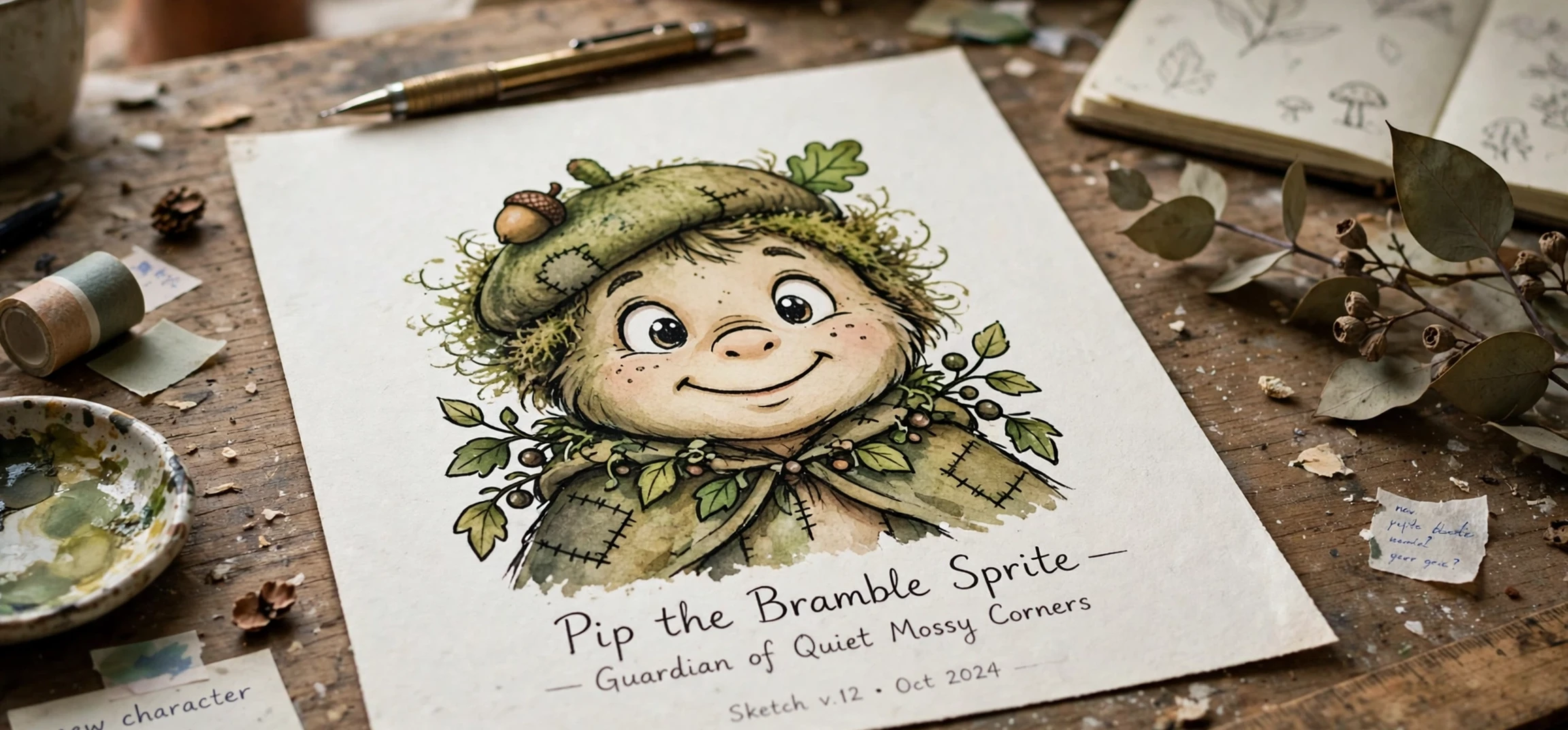
If you searched for ‘how to make a cartoon of myself’, you may already have a cartoon portrait, or be planning one, and now want to put it to work. A cartoon portrait is unusually versatile: the same artwork can become a profile avatar, a sticker, a mug, a poster, or a birthday card, and it carries a personal touch that a stock illustration never will. This guide explains how to make a cartoon of myself into avatars, prints and gifts, starting from a portrait you already have or plan to create, and working through the practical steps that turn a single image into a set of finished items. The focus is on getting the sizes, crops and finishes right, so the things you make look intentional rather than improvised.
The first decision is which version of your portrait to use as the master copy. Keep the largest, cleanest version you have, ideally the layered working file or a high-resolution export with a plain or transparent background. Every avatar, print and gift will be derived from this master, and a small, compressed copy will limit everything that follows. If your cartoon currently has a busy background baked in, consider making a second version with a plain background for products: a plain background crops cleanly into circles and squares, prints well on mugs and shirts, and lets the face stay the focus on every item. Starting from that master is the practical foundation of how to make a cartoon of myself into more than a single picture.
How to Make a Cartoon of Myself Into a Great Avatar
An avatar is a small image that must read instantly, often in a circle only a few dozen pixels wide on a phone screen. That constraint changes how you should crop. Zoom in so the face fills most of the frame, keep both eyes clearly visible, and leave just enough space around the hair that a circular crop does not clip the top of the head. Test the result at a genuinely small size before settling on it: shrink the image on your screen, step back, and check whether the face is still recognisable. If the eyes vanish or the outline blurs, thicken the outlines slightly, simplify the background, or crop tighter.
Consistency matters if you use the same avatar in several places. Export a square master, then derive each platform’s size from it, rather than uploading a different crop everywhere. A single recognisable avatar becomes a visual signature: friends and followers spot it before they read a name. Keep the colours consistent too. If you recolour the background for one platform, note the colour so the avatar still feels like the same person elsewhere. Small details like these are what separate a polished online presence from a collection of unrelated pictures. That consistency is why learning how to make a cartoon of myself for avatars is worth doing deliberately rather than by accident.
Consider making two avatar variants: a friendly, everyday version for personal accounts, and a slightly more formal version, perhaps with plainer clothing and a neutral background, for professional profiles. The cartoon style can stay the same, which keeps you recognisable, while the presentation suits the setting. This is particularly useful if you use the same portrait for both social and work contexts and want each to feel appropriate without maintaining two entirely different identities.
Turning a Cartoon Portrait Into Prints
Prints reward resolution more than any other use. A portrait that looks crisp on a phone may look soft on an A4 poster, because print needs far more pixels per inch than a screen. As a rough rule, check the pixel size of your master file before ordering: a small download from a free online tool may suit a postcard but not a large framed print. If the file is too small, order a smaller print, or return to the original tool or editor and export a larger version, rather than stretching a small image and hoping the printer will fix it. Printers reproduce what they are given, including softness. Checking resolution first is an essential step in how to make a cartoon of myself for print.
Colour also behaves differently on paper. Screens glow, while paper reflects, so printed colours often look slightly darker and less vivid than they do on your phone. If your cartoon uses very pale skin tones or subtle pastels, they may print paler still, so a test print on ordinary paper is a cheap way to preview the result. Paper choice matters too: a matte finish suits a soft, flat cartoon style and reduces glare in a frame, while a glossy finish makes bold colours pop but shows fingerprints and reflections. For a gift, matte is usually the safer, more forgiving choice.
Choosing Print Sizes and Frames
Match the print size to the portrait’s shape. A square cartoon suits a square frame or a square canvas, while a taller portrait suits a standard rectangular frame. Leaving a border, or mat, around the image gives it breathing room and makes even a simple cartoon look like a considered piece of art. If you are framing the print as a gift, choose a frame that suits the recipient’s home rather than your own taste: a plain black or natural wood frame suits most rooms, while a brightly coloured frame can clash with the cartoon’s palette.
How to Make a Cartoon of Myself Into Gifts
Cartoon portraits make memorable gifts because they are personal without being expensive, and they work for occasions where a generic present would feel thoughtless. Mugs, cushions, phone cases, tote bags and T-shirts are the most popular choices, and each has its own practical quirk. Mugs need a design that wraps well and keeps the face away from the handle area. Cushions need a bold, simple design, because fine lines can be lost in fabric texture. T-shirts need a strong, high-contrast version, because a pale cartoon on a pale shirt will look washed out. Check the product preview carefully before ordering, and zoom into the face in the preview to make sure it has not been stretched, cropped awkwardly, or placed over a seam.
Stickers and cards are smaller, cheaper ways to use the same artwork, and they are ideal for testing an idea before committing to a larger gift. A sheet of stickers made from your cartoon can personalise notebooks, laptops and letters, while a birthday card with a cartoon portrait on the front and a handwritten message inside feels far more personal than a shop-bought card. For group gifts, a cartoon of two or more people, drawn in the same style, can mark a shared memory such as a holiday, a graduation or a team milestone. Keep the style consistent across the faces so the group portrait feels like one picture.
When giving a cartoon portrait as a gift, think about the recipient’s comfort as well as your own enthusiasm. Most people enjoy a flattering cartoon of themselves, but a caricature that exaggerates a feature they are sensitive about can land badly, however kindly it was meant. If you are making a cartoon of someone else as a gift, use a photo they like, keep the likeness kind, and, when in doubt, show a trusted friend first. A gift should make the recipient smile when they unwrap it, not wish they could quietly put it in a drawer. Kindness in the likeness matters as much as technique when you learn how to make a cartoon of myself as a gift for someone else.
| Use | Best crop and size approach | Common pitfall |
|---|---|---|
| Avatar | Square, face filling most of the frame | Eyes lost at small sizes |
| Poster print | Largest master file, plain background | Small file stretched too large |
| Mug | Face clear of the handle area | Design wrapping awkwardly |
| T-shirt | High-contrast version, centred design | Pale art on a pale shirt |
| Card or sticker | Simple, bold shapes and outlines | Fine detail lost at small sizes |
Organising your files saves repeated work. Keep a folder with the master portrait, a transparent-background version, a square avatar crop, and a print-ready export, each clearly named. When a new occasion arises, you can pick the right version in seconds instead of re-editing the original. If you update the portrait later, for example with a new hairstyle, update the master first and re-derive the other versions, so you do not end up with different faces circulating as your avatar, your print and your gifts. Good file organisation is the unglamorous side of how to make a cartoon of myself into a lasting set of items.
For more picture ideas, see our guide to blurring pictures on an iPhone, our look at cartoon photography, and, if you are planning a present for someone, our guide to searching a gift registry by name, which helps you avoid buying a duplicate gift.
Frequently Asked Questions About Cartoon Avatars and Gifts
What file type is best for printing a cartoon?
A high-resolution PNG is a good general choice, because it preserves clean edges and flat colours well and supports transparency. If a print service requests a different format, export from your master file in that format rather than converting a small, already-compressed image, which can introduce artefacts around the outlines. Exporting from the master is the cleanest finish to how to make a cartoon of myself for print.
Can I use a cartoon of myself on products to sell?
If the cartoon is your own artwork, or you have the right to use it commercially, then generally yes. If an online tool created it, check that tool’s licence first, because many free tiers allow personal use only and require a paid licence for products sold commercially. When in doubt, use your own drawing or a tool whose terms clearly permit the use you have in mind.
How do I keep a cartoon avatar recognisable?
Keep the hairstyle, eyebrow shape and face shape consistent, and avoid changing the background colour or the style with every update. Viewers recognise a pattern: the same face, the same palette, the same framing. Change one element at a time, and the avatar will evolve without becoming a stranger.
Conclusion: From Cartoon Portrait to Everyday Use
A cartoon portrait earns its keep when it leaves the screen and becomes part of daily life: an avatar friends recognise instantly, a print on the wall, a mug used every morning, or a card kept long after the occasion. The secret is not a fancier tool but a good master file, a crop suited to each use, and a quick test at the real size before you commit. Get those three things right, and one portrait can serve you well across profiles, prints and gifts for years, while still looking unmistakably like you.