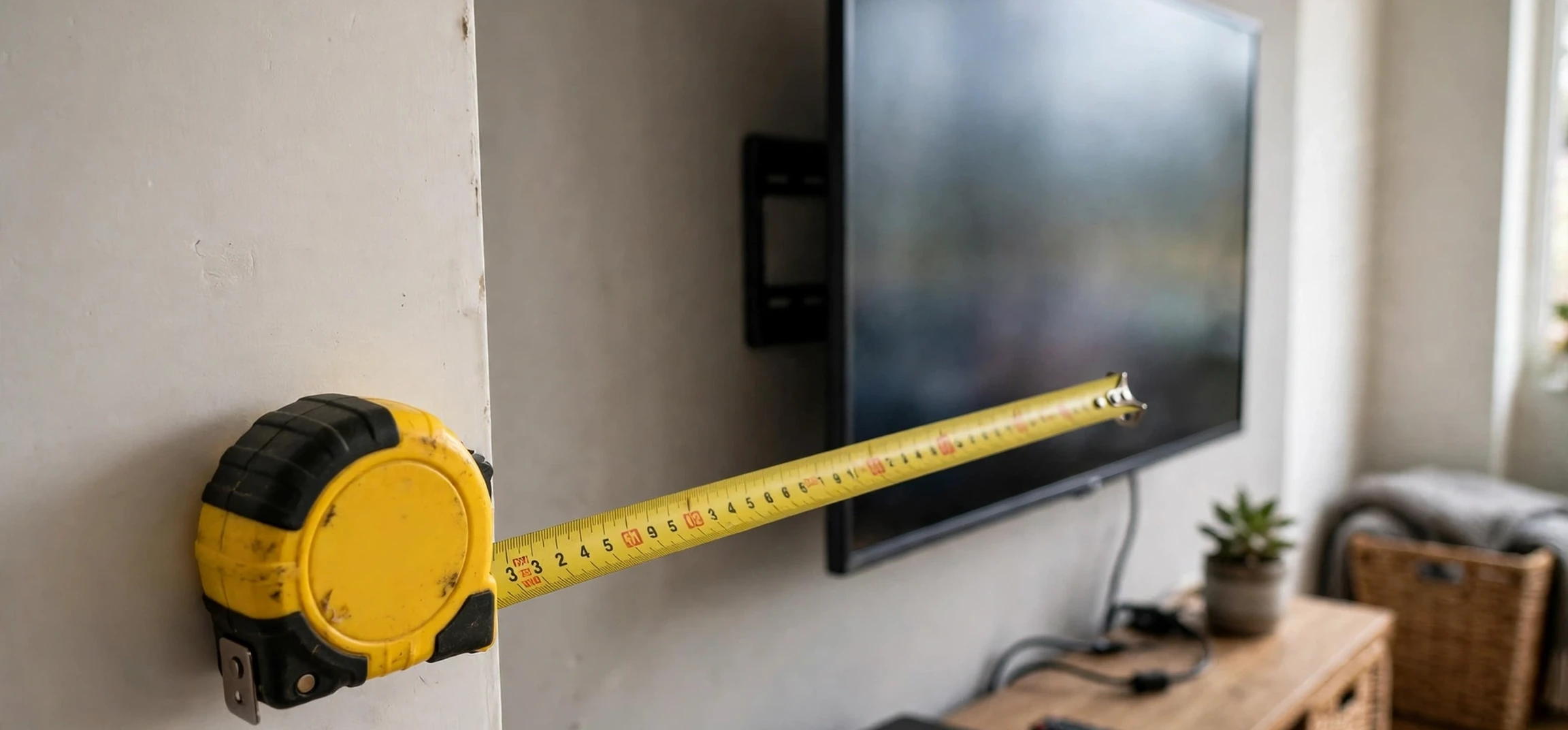
Before you buy a new television, move one to another room, or order a wall mount, it pays to learn the skill of measuring tv dimensions properly. Television sizes are advertised by a single diagonal number, such as 55 inches, but that number alone does not tell you how wide or tall the set is, whether it will fit your stand, or how much clearance a wall bracket needs. This guide explains measuring tv dimensions step by step for your own television, covering screen size, full width, height, depth, stand footprint, and viewing distance, so you can shop and set up with confidence and avoid the common mistake of buying a screen that does not fit its space.
The first thing to understand is that the advertised size is a diagonal screen measurement, not the width. Manufacturers measure the visible screen diagonally from one corner to the opposite corner, excluding the frame in most modern specifications, although older sets sometimes included more of the bezel. That is why two televisions with the same advertised size can have slightly different overall widths: bezel thickness, stand design, and aspect ratio all affect the final dimensions. Measuring tv dimensions yourself, with a tape measure and a few minutes, removes all guesswork and gives you numbers you can compare directly with your furniture and wall space.
Measuring TV Dimensions: The Diagonal Screen Size
Measuring tv dimensions starts with the diagonal, because that is the number used in shops and listings. To measure your own screen, place the tape measure at one corner of the visible display area and extend it diagonally to the opposite corner, keeping the tape straight and flat against the screen. Read the number in inches, since television sizes are conventionally quoted in inches in most markets. Write the result down, and compare it with the advertised size: small differences can occur if you accidentally include part of the bezel, so measure the lit display area itself for the most accurate comparison.
It is worth measuring both diagonals if you want to be thorough, since they should match on a rectangular screen. If they differ noticeably, you may have measured from the wrong points or allowed the tape to sag. A second measurement takes seconds and confirms the first. Remember that this diagonal figure is only the starting point for measuring tv dimensions. A 55-inch screen sounds compact until you realise its width is close to 48 inches, and that width, not the diagonal, is what decides whether the television fits on your stand.
Measuring TV Dimensions: Width, Height, and Depth
After the diagonal, measuring tv dimensions means recording the three outer measurements that decide fit. Width is the horizontal distance from the leftmost edge of the television, including the frame, to the rightmost edge. Height is the vertical distance from the bottom of the set, including any attached stand feet, to the top edge. Depth is the distance from the front of the screen to the back of the set at its thickest point, usually where the electronics housing sits. For wall mounting, depth matters because it decides how far the set will project from the wall, especially with a tilting or full-motion bracket.
Measure each dimension twice, and measure with the stand attached if the television will sit on furniture, and without it if you plan to wall-mount. Many specification sheets list both sets of figures, labelled with stand and without stand, and confusing them is a common source of error. When measuring tv dimensions for a stand, also measure the stand footprint: the width between the outer edges of the feet and the depth from front to back. Some modern televisions have wide-set feet that need a broader surface than the screen width alone might suggest, and discovering that after delivery is an avoidable frustration.
Measuring Your Space Before You Buy
Measuring tv dimensions is only half the job; the other half is measuring the space where the television will live. Measure the width and depth of your stand, cabinet, or wall area, and leave breathing room around the set for ventilation, cables, and safe handling. A good rule is to allow at least a couple of inches of clearance on each side, more if the stand also holds speakers, consoles, or decorative items. Also measure doorways, stairwells, and lift dimensions if a large television must be carried into the room, because a set that fits the wall may still struggle to reach it.
Height matters for viewing comfort as well as fit. The centre of the screen should sit roughly at eye level from your usual seating position, so measure the height of your seating and the height of the stand together. If the television will sit above a fireplace or on a high shelf, check the viewing angle carefully: a screen mounted too high can cause neck strain over long viewing sessions. A tilting bracket can help in such cases, but it cannot fully compensate for a badly chosen height. Planning the height on paper, using your measured dimensions, is far easier than adjusting a mounted set afterwards.
Viewing Distance and Room Size
Measuring tv dimensions also helps you judge viewing distance, which affects comfort and picture quality. As a general guide, larger screens suit larger rooms and longer seating distances, while smaller screens suit bedrooms and compact spaces. A commonly quoted starting point is a viewing distance of roughly one and a half to two and a half times the diagonal screen size, but personal preference, eyesight, and room layout all matter. Measure the distance from your sofa or chair to the screen position, and compare it with the size you are considering, rather than choosing the largest screen that physically fits.
Resolution plays a part too. Higher-resolution screens remain sharp at closer distances, which is one reason large high-resolution televisions have become popular in average-sized living rooms. Even so, a screen that dominates a small room can feel overwhelming, and a small screen at the far end of a long room can feel distant. The goal is balance: a size that fills your field of view comfortably without forcing you to turn your head to follow the action. For entertainment context, readers may enjoy our guide to television streaming plans, our television viewing guide, and our best television streams round-up.
Measuring TV Dimensions for Wall Mounting
Wall mounting adds extra measurements to the task of measuring tv dimensions. First, check the mounting-hole pattern on the back of your own set, known as the VESA pattern, which is the horizontal and vertical distance between the mounting holes in millimetres. Your bracket must match that pattern and support the television’s weight, so note both figures before ordering. Second, measure the wall area and mark the stud positions or fixing points, because a bracket must anchor securely. Third, decide how far the bracket should extend or tilt, and check that cables can reach without strain once the set is in place.
Cable management deserves attention during measuring tv dimensions for a wall install. Measure the distance from the bracket position to the nearest power socket and to any devices the television will connect to, and allow slack for tilting or swivelling. A bracket that pulls cables tight when extended will cause problems sooner or later. If you are unsure about wall strength, fixings, or electrical safety, ask a qualified installer rather than guessing. A well-measured, professionally mounted television is safer and looks better than a rushed job, and the measurements you take beforehand make the installer’s work faster and more accurate.
Common Mistakes When Measuring TV Dimensions
Several mistakes recur whenever people tackle measuring tv dimensions. The first is confusing diagonal size with width, which leads to buying a stand that is too narrow. The second is measuring without the stand, then placing the set on furniture where the feet do not fit. The third is forgetting depth, which matters for cabinets with doors, recessed alcoves, and tight corners. The fourth is ignoring ventilation: televisions generate heat, and a set squeezed into an enclosed cabinet without airflow may run hot. The fifth is measuring once, in a hurry, and trusting a single reading that turns out to be off by an inch or two.
| Measurement | What to Measure | Why It Matters |
|---|---|---|
| Diagonal screen | Corner to opposite corner of visible screen | Matches the advertised size |
| Width | Left edge to right edge, including frame | Decides stand and wall fit |
| Height | Bottom to top, with or without stand as needed | Decides viewing height and clearance |
| Depth | Front of screen to thickest rear point | Decides projection and cabinet fit |
| Stand footprint | Outer edges of feet, width and depth | Decides whether feet fit the surface |
Avoiding these mistakes is mostly a matter of patience: measure twice, write every figure down, and compare each one with the space and the product specification. Photographing the tape in position can also help, especially if you are shopping later and need to recall an exact figure. Measuring tv dimensions carefully before ordering saves returns, redelivery, and the disappointment of a television that looks perfect in the shop but awkward at home.
A Simple Measuring Checklist for Your Own TV
Use this checklist when measuring tv dimensions for your own set. You will need a tape measure, a notepad or phone for notes, and ideally a second person to hold the far end of the tape on larger screens. Record the diagonal screen size, the width, the height with and without the stand, the depth, and the stand footprint. Then record the space: stand width and depth, wall width and height, seating distance, and the height of your eye level when seated. Keep those notes together, because they are useful not only for buying a television but also for choosing a mount, a cabinet, or a new room layout later.
If you are comparing models online, check the manufacturer’s specification page against your own measurements, and look for figures labelled with stand and without stand. Retailer listings sometimes round numbers or copy them incorrectly, so the manufacturer’s own page is the more reliable source. When measuring tv dimensions for a replacement set, compare the new model’s width and footprint directly with the old set’s measurements and with your furniture, rather than assuming the same advertised size means the same physical size. Bezels get thinner, feet get wider, and designs change between generations.
Frequently Asked Questions
Is a 55-inch TV 55 inches wide?
No. The 55 inches is the diagonal screen measurement. The width of a 55-inch television is usually close to 48 inches, which is why measuring tv dimensions yourself is essential before buying furniture or a mount.
Should I measure with the stand on or off?
Measure both ways. Use the with-stand figures for furniture placement and the without-stand figures for wall mounting, and keep the stand footprint as a separate measurement.
How much clearance should I leave around a TV?
Allow at least a couple of inches on each side for ventilation, cables, and safe handling, and more if the stand holds other devices. Check the manufacturer’s guidance for enclosed cabinets.
What is the VESA pattern?
It is the spacing of the mounting holes on the back of the television, measured in millimetres. Your wall bracket must match that pattern and support the set’s weight.
Conclusion
Measuring tv dimensions is a small job that prevents large problems. The advertised diagonal tells you the screen size, but width, height, depth, stand footprint, and viewing distance tell you whether the television will actually work in your room. Measure your own set twice, measure the space just as carefully, note the mounting pattern and weight if you plan to wall-mount, and compare every figure with the manufacturer’s specifications before you buy. A few minutes with a tape measure now will save you a return, a remount, or a stand that does not fit later, and it will leave you with a television placed at the right height, at the right distance, and in the right space for comfortable viewing.



