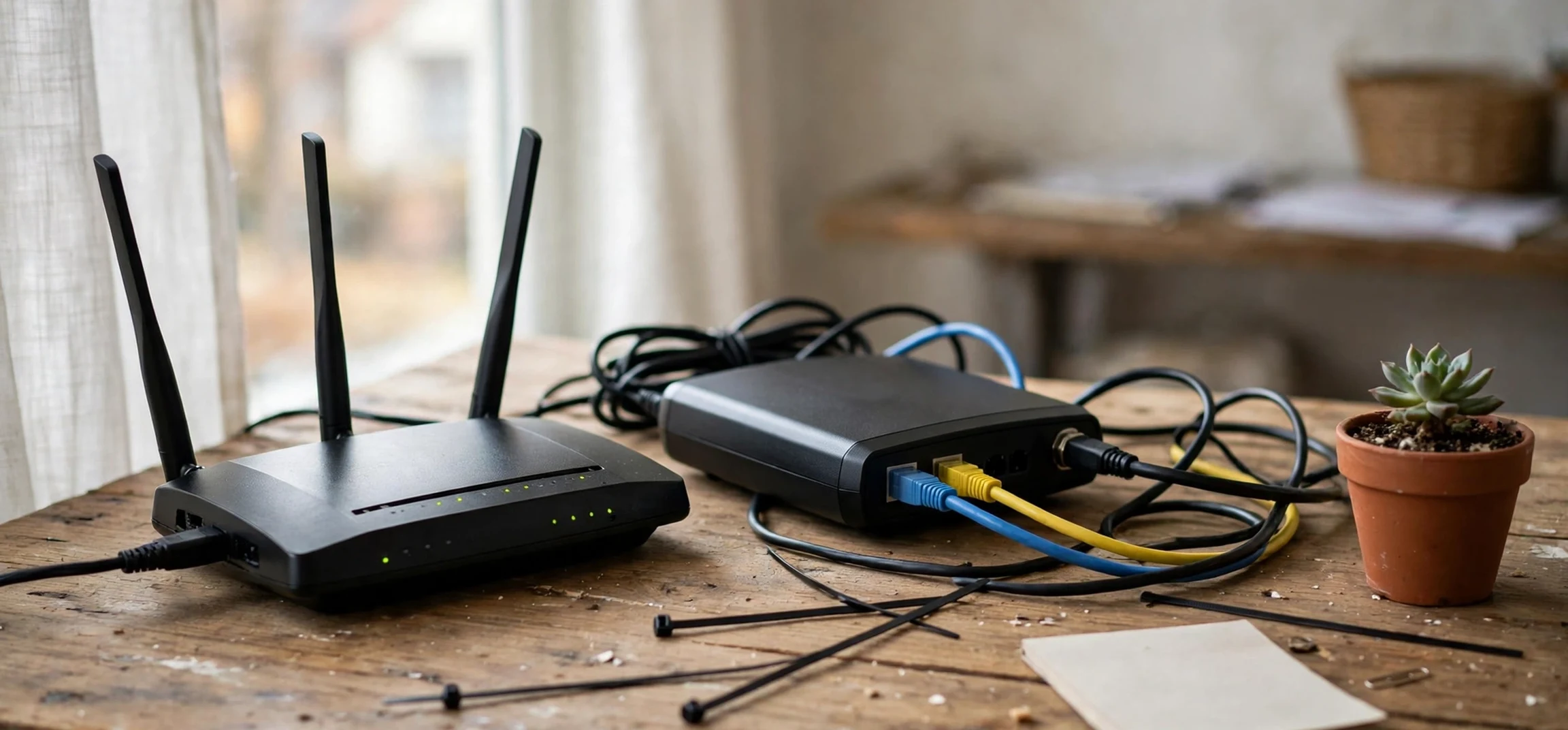
If you searched for “lookup ip address owner”, this guide takes a different and deliberately safer direction from the one that phrase might suggest. It does not explain how to identify another person from an internet address, and it does not provide any method for obtaining someone else’s personal information. Instead, it is a privacy-protection guide: it explains what an IP address is, what it can and cannot reveal, and, most importantly, how you can protect your own IP privacy online. If you searched for “lookup ip address owner” because you are worried about your own privacy, or because you want to understand what websites and networks can see about you, then you are in the right place. The focus throughout is on your own devices, your own connection, and your own choices.
That framing matters, because IP addresses sit at the intersection of everyday internet use and personal privacy, and misunderstandings about them are common. Some people assume an IP address is a precise home address, like a postal address that points to a front door. Others assume it is completely anonymous, revealing nothing at all. Neither extreme is accurate. An IP address is a network identifier that helps devices find each other and route data correctly, and it is normally associated with a network or a service provider rather than with a named individual. Understanding that middle ground is the foundation for protecting your privacy sensibly, without either panic or false confidence.
Why “lookup ip address owner” is a privacy question, not a detective tool
When people type “lookup ip address owner”, they often have one of several concerns in mind. Some are worried after seeing a strange address in a log or a message. Some have heard that websites can track visitors, and they want to know what that means for them. Some are simply curious about how the internet works. In all of those cases, the most useful answer is not a method for identifying a stranger, but an explanation of the system and a set of protections for your own connection. Looking up another person’s identity from an IP address is not a legitimate do-it-yourself project: IP addresses are normally assigned to internet service providers and networks, not published as a public directory of individuals, and attempts to identify private individuals from network data can breach privacy law, platform rules, and basic safety norms.
There is also a practical reason to reframe the question. Even the information that is publicly associated with an IP address, such as a very approximate geographic area or the name of a service provider, is not a reliable way to identify a person, and it is often wrong in detail. IP addresses change, they are shared between many users, they can be routed through different networks, and geolocation data is approximate by design. Treating an approximate network location as if it were a person’s identity leads to mistakes, and those mistakes can harm innocent people. The responsible approach, and the approach this guide takes, is to focus on what you can control: your own network, your own devices, and your own privacy settings.
What an IP address actually is
An IP address, short for Internet Protocol address, is a numerical label assigned to a device or a network connection so that data can be sent to the right place. Think of it as a routing label rather than a personal name. When you visit a website, send a message, or stream a video, your device and the service you are using need addresses to exchange data, in the same way that postal services need addresses to deliver letters. Without IP addresses, the internet could not route traffic at all. The address itself is part of the technical infrastructure, not a piece of personal identity that you choose or publish in the way you publish a social media profile.
There are two main versions in use: IPv4, which uses four groups of numbers, and IPv6, which uses a longer hexadecimal format and was introduced because the supply of IPv4 addresses was running out. Most home users encounter IPv4 addresses in everyday settings, while IPv6 is increasingly common behind the scenes. Your device may have a local address on your home network, assigned by your router, and your router will have a public address assigned by your internet service provider for communicating with the wider internet. That distinction between local and public addresses matters for privacy discussions, because the address that external websites normally see is the public address of your network, not the local address of an individual device inside your home.
Dynamic, shared, and changing addresses
Many home internet connections use dynamic IP addresses, which means the address assigned to your connection can change over time, for example when your router restarts or after a period set by your provider. Other connections use static addresses that stay the same, which is more common for businesses and servers than for homes. In addition, many users share a public address through a process called network address translation, in which several devices in a home or organisation appear externally under a single public address. Mobile networks share addresses even more widely, with many users appearing under the same ranges. All of this means that a single public IP address rarely points to one person in a simple, one-to-one way, and it can change without any action by the user.
Internet service providers keep records of which customer account was assigned which address at which time, but those records are not public, and they are normally disclosed only through lawful processes, such as a court order or a formal request from law enforcement, under the law of the relevant country. That is an important privacy protection in itself: the system is designed so that ordinary members of the public cannot simply look up a private individual from a network address. If you ever need to report harassment, fraud, or another serious online incident, the correct route is to report it to the relevant platform and, where appropriate, to law enforcement, who can follow the lawful process. Trying to investigate another person yourself is not a safe or reliable substitute.
What an IP address can and cannot reveal about you
From a privacy perspective, the honest summary is that an IP address can reveal a limited amount, and that limited amount still deserves protection. A website that you visit can normally see the public IP address of your connection, and from that it may be able to infer an approximate location, often at the level of a city or region, and the name of your internet service provider or mobile network. It cannot, from the address alone, reliably determine your name, your exact street address, or your identity. That distinction is important: approximate location is not the same as a home address, and a provider name is not the same as a person’s name. At the same time, approximate location combined with other data, such as account details, cookies, or browsing patterns, can contribute to a fuller picture of a user, which is why privacy protection is about the whole system, not just the address alone.
It is also worth understanding that IP addresses are only one piece of online tracking. Websites and apps can also use cookies, device information, account logins, and behavioural data to recognise returning visitors, even when an IP address changes. Protecting your IP privacy is therefore one layer of a broader privacy approach, not a complete solution on its own. A person who uses a privacy tool but logs into the same accounts, accepts all cookies, and shares identifying details publicly may still be easily recognisable. The most effective privacy habits combine network-level protections with sensible account, browser, and sharing habits, as described in the sections below.
| What an IP address may suggest | What it does not reliably reveal | Why the distinction matters |
|---|---|---|
| Approximate city or region | Your exact home address | Approximate location is not a street address |
| Your internet service provider or network | Your personal name | Provider records are not public |
| The type of connection, such as home or mobile | Your identity on its own | Addresses are often shared and change over time |
| A rough time window for a connection | A complete browsing history | History requires far more data than an address |
Protecting your own privacy after searching “lookup ip address owner”: the core habits
Protecting your own IP privacy starts with understanding your own connection. Your home router is the gateway between your devices and the internet, and keeping it secure is a foundational step. Use a strong, unique password for your router’s administration settings, keep the router’s software updated, and make sure your home Wi-Fi network uses modern encryption with a strong password that you do not share publicly. A neighbour or visitor who joins your network will share your public IP address externally, which is another reason to control who can join your network and to use a separate guest network for visitors where your router offers that option. These are basic home network hygiene steps, and they protect far more than just your IP address.
Your choice of network also matters. Public Wi-Fi in cafes, airports, and hotels is convenient, but it is shared with strangers, and it may be less secure than your home network. If you must use public Wi-Fi, avoid accessing highly sensitive accounts on it where possible, and make sure the websites you use show a secure connection. A virtual private network, often shortened to VPN, is a tool that many people use for IP privacy, and it is worth understanding properly before you choose one. A VPN routes your internet traffic through a server run by the VPN provider, so that websites you visit see the VPN server’s address rather than your home address. That can hide your IP address from websites, but it does not make you anonymous: the VPN provider itself can see your traffic, so choosing a trustworthy provider with a clear privacy policy matters a great deal.
Choosing and using a VPN wisely
If you decide to use a VPN, treat the choice as a trust decision, not just a price decision. Look for a provider with a clear, published privacy policy, an independent audit or a strong reputation, support for modern encryption, and a no-logs policy that has been tested rather than merely claimed. Be wary of completely free VPN services that offer unlimited use with no clear business model, because running servers costs money, and a provider that does not charge users may be funding itself in other ways, including through data. A VPN is most useful for hiding your IP address from websites and from others on a local network, and for accessing your own home network securely while travelling. It is not a guarantee of anonymity, and it does not protect you if you log into accounts that identify you, or if you share identifying information yourself.
For a plain-language explanation of what a VPN is and how it works, see what a VPN means on this site. That guide explains the concept without assuming technical knowledge, and it pairs well with the practical steps here. Remember that a VPN changes the address websites see, but it does not change the fact that you are still using accounts, cookies, and devices that can identify you in other ways. Privacy is a combination of tools and habits, not a single switch.
Browser, device, and account habits that support IP privacy
Beyond your network, your browser and device settings play a large role in privacy. Modern browsers offer privacy modes, cookie controls, and tracking protections, and using them thoughtfully can reduce the amount of data that accompanies your IP address. Clearing cookies regularly, limiting third-party cookies where your browser allows it, and reviewing which extensions you have installed are all sensible steps. Extensions can be useful, but each one can also access browsing data, so install only extensions you trust and need, and remove those you no longer use. Keeping your browser and operating system updated is equally important, because updates often fix security flaws that could otherwise expose your device.
Account habits matter just as much. If you are logged into an account, that service can associate your activity with your account regardless of your IP address, which is why logging out of accounts you are not actively using, and using separate accounts for separate purposes where appropriate, can help. Review the privacy settings on the services you use most, and pay attention to location permissions on your phone and other devices. Many apps request location access that they do not need for their core function, and granting it can reveal far more precise location information than an IP address ever would. Turning off location access for apps that do not need it is one of the simplest and most effective privacy steps available.
Removing your personal details from public places is another layer. Old forum posts, public profiles, and data broker listings can connect a name to other details in ways that an IP address alone cannot. If you are concerned about your online footprint, a guide to removing your name from the internet can help you work through the main places where personal information appears. See how to remove your name from the internet for a step-by-step approach to that broader cleanup, which complements the IP-specific steps in this guide.
A practical home network privacy checklist
Putting the advice together, a practical checklist for your own home network looks like this. First, secure your router: change any default administration password, keep its firmware updated, and use strong Wi-Fi encryption with a password you keep private. Second, control access: use a guest network for visitors, and remove devices you no longer recognise from your network. Third, consider a reputable VPN for situations where hiding your IP address from websites or from a public network is important, while remembering its limits. Fourth, review your browser and device settings: limit cookies and location permissions, keep software updated, and remove untrusted extensions. Fifth, review your accounts: log out when you are done, check privacy settings, and avoid sharing identifying details publicly.
None of these steps requires technical expertise, and none of them involves investigating anyone else. They are all about your own connection and your own devices, which is exactly where your privacy control lies. If you run a small business or work from home, the same checklist applies, with the addition of keeping work and personal networks separate where possible, and following any privacy policies your employer or clients require. For general internet safety concepts, including how IP addresses work on different operating systems, related guides on this site explain, for example, how to find your own device’s network information. For a device-level example, see how to find the IP address of a Mac, which is about your own device, not about anyone else’s.
If you are worried about your own IP address being exposed
If you believe your own IP address has been shared publicly, or if someone has threatened to use it against you, take the concern seriously but stay calm and practical. An IP address on its own does not normally give a stranger your name or home address, but harassment and threats should still be reported. Save evidence of any threatening messages, report the behaviour to the platform where it happened, and contact your internet service provider or local law enforcement if the behaviour continues or escalates. You can also restart your router, where your provider uses dynamic addresses, which may assign you a new public address, and you can review who has access to your home network. If the situation involves a workplace or a school network, report it through that organisation’s safeguarding or IT channels.
It is also worth distinguishing between a genuine privacy incident and a scare tactic. Some online messages claim to reveal a person’s location or identity based on an IP address, but the information shown is often approximate, outdated, or simply guessed. Do not engage with the person making the claim, do not confirm or deny personal details, and do not attempt to retaliate by investigating them in return. Reporting through proper channels is safer and more effective than a personal investigation, and it creates a record that platforms and authorities can act on. If you are unsure whether a threat is serious, a trusted adviser, a support organisation, or local law enforcement can help you assess it.
Frequently asked questions
Can I look up the owner of an IP address?
No, not as a member of the public. IP addresses are assigned to networks and providers, not published as a directory of individuals, and provider records are disclosed only through lawful processes. This guide does not provide any method for identifying another person.
Can I check my own IP address?
Yes. You can view your own network information through your own device settings or your router’s administration pages, and that information relates to your own connection only. That is a legitimate privacy check, and it is different from investigating someone else.
Does a VPN make me completely anonymous?
No. A VPN can hide your IP address from websites you visit, but the VPN provider can see your traffic, and accounts, cookies, and device data can still identify you. Privacy requires a combination of tools and habits.
Does my IP address reveal my exact home address?
No, not on its own. It may suggest an approximate area and a provider name, but it does not reliably reveal a street address or a personal name.
Conclusion
To return to the search that brought you here: “lookup ip address owner” is best understood as a prompt to protect your own privacy, not as a project to identify someone else. An IP address is a routing label for a network connection, normally associated with a provider and an approximate area, not a public directory of individuals. The protections that matter most are the ones you control: a secure home router, careful use of public Wi-Fi, a trustworthy VPN where appropriate, sensible browser and device settings, and thoughtful account and sharing habits. Put those layers together, report harassment through proper channels if it ever occurs, and you will have a practical, lawful, and genuinely effective approach to IP privacy, without ever needing to investigate another person.



