If you searched for “how to rescan a samsung tv”, you want to refresh your Samsung television’s channel list so it picks up new, moved, or restored broadcast channels. Rescanning is the fix when channels disappear after a transmitter change, when a new local channel launches, or when your TV was set up in a different area. This guide walks through the rescan process on Samsung TVs, what to do if channels are still missing, and how to avoid losing your settings.
Why You Need to Rescan
Broadcast channel lineups change more often than many viewers realise. Transmitters retune frequencies, stations move multiplexes, and new services launch, all of which can leave a television’s stored channel list out of date. When that happens, affected channels show a “no signal” message or vanish from the guide entirely, even though the aerial and television are working perfectly.
Rescanning tells the television to search the airwaves again and rebuild its list from what it actually finds. It is the broadcast equivalent of refreshing a web page, and it resolves most missing-channel problems without any equipment changes. Broadcasters and transmission authorities typically advise viewers to rescan after announced retune events, and doing so periodically is good maintenance even without an announcement.
How to Rescan a Samsung TV
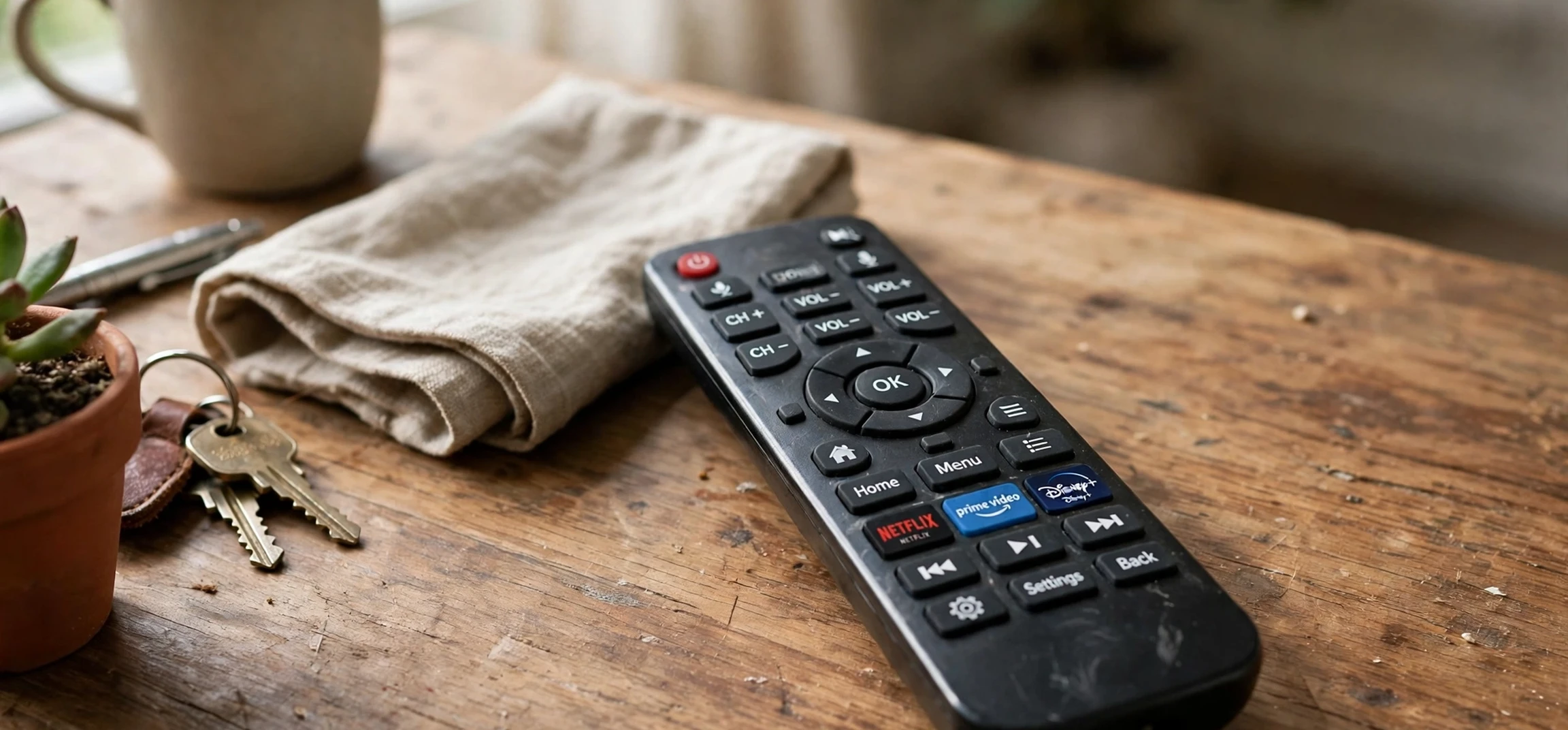
On most Samsung TVs, the rescan process runs through the broadcasting or channel settings menu. Press the Home button on your remote, open Settings, and look for Broadcasting or Channels, depending on your model and software version. Within that section you will find an option such as Auto Tuning, Channel Scan, or Auto Program. Select it, choose the correct source, usually Air for an aerial or Cable for a cable feed, and confirm whether you want digital channels, analogue channels, or both.
The television will then scan through frequencies, which typically takes several minutes. A progress bar shows channels found so far, and you should let the scan finish completely rather than stopping it early, since stopping can leave the list half-built. When the scan completes, the television saves the new list automatically and returns to normal viewing.
Differences Between Samsung Models
Menu names vary across Samsung’s ranges and model years. Older models may place tuning under a Channel menu reached from a traditional settings screen, while newer smart TVs place it under Broadcasting within the main Settings hub. Some models offer a choice between a full rescan and an update scan; a full rescan rebuilds the list from scratch, while an update scan adds new channels without removing old ones. For a missing-channel problem, a full rescan is usually the better choice, because it clears stale entries that can confuse the guide.
| Step | What to do |
|---|---|
| 1 | Press Home, open Settings |
| 2 | Go to Broadcasting or Channels |
| 3 | Choose Auto Tuning or Channel Scan |
| 4 | Select Air or Cable as appropriate |
| 5 | Let the scan finish completely |
How to Rescan a Samsung TV: Quick Checks First
Before rescanning, check the simple things. Make sure the aerial cable is firmly connected to the television and that any amplifier or booster in the chain is powered on. If you use a set-top box or recorder, remember that it has its own tuner and channel list, so it may need its own rescan separately from the television.
Also confirm that your television’s region or country setting is correct, since an incorrect region can cause the scan to search the wrong frequency plan. If you recently moved the television from another home or region, a full retune with the correct region setting is essential.
If Channels Are Still Missing After a Rescan
If a rescan does not restore a channel, work through the possibilities in order. First, check whether the channel is genuinely still broadcasting in your area, since some services close or move to streaming only. Broadcaster websites and transmission authority pages publish current lineups and retune notices, and checking them saves wasted effort.
Second, consider your aerial. Indoor aerials, damaged cables, and aerials pointing at a distant transmitter can all cause weak signals that a scan misses. If neighbouring homes receive the channel but you do not, an aerial problem is likely, and a local installer can test signal strength properly. Third, try a manual tune for the specific frequency, if your model offers it and you know the multiplex details from an official source.
Saving Favourites and Settings
A full rescan can reset channel order and clear favourite lists, which annoys viewers who have carefully organised their guides. Before rescanning, note your favourite channels and any custom ordering, so you can restore them quickly afterwards. Some Samsung models preserve favourites across rescans, but many do not, and a quick note avoids frustration.
After the rescan, check that parental controls, audio language preferences, and accessibility settings are still as you left them. These are usually unaffected, but a quick verification takes a moment and prevents surprises later.
For more television help, see our guide to connecting a smart TV to wifi and our article on TV and internet services in your area.
Frequently Asked Questions
How long does a Samsung TV rescan take?
Typically several minutes, depending on how many frequencies it must check. Let it finish completely.
Will I lose my channels by rescanning?
A full rescan rebuilds the list from what the aerial currently receives, so channels no longer broadcasting will drop off, but receivable channels will return.
How often should I rescan?
After any announced retune, after moving home, or whenever channels disappear. Otherwise, an occasional rescan is good maintenance.
Understanding Retune Events
Retune events happen when broadcast authorities reorganise frequencies, often to free spectrum for mobile services or to improve coverage. During such events, some channels move to new frequencies, and televisions that do not rescan lose them. Authorities usually announce retunes in advance through on-screen messages, broadcaster websites, and news coverage, and they advise viewers to rescan on a specific date.
If you see an on-screen message advising a retune, act on it promptly, since the old frequencies may stop carrying the channels soon after. Retunes are routine maintenance for the broadcast system, not a sign that your equipment is failing, and a rescan after each one keeps your channel list current.
Aerial Basics for Reliable Reception
Reliable reception starts with the aerial. Outdoor aerials generally outperform indoor ones, particularly in areas with weak signals or difficult terrain. The aerial should point toward the correct transmitter for your area, which transmission authority websites can confirm from your postcode or region. A misaligned aerial can cause exactly the symptoms that lead people to rescan repeatedly without success.
Cables and connectors matter too. A damaged cable, a loose connector, or a long run of poor-quality cable can weaken the signal enough to lose channels, especially in bad weather. If rescans help only temporarily, or if reception varies with weather, suspect the aerial system rather than the television, and consider professional testing.
When Broadcast Is Not the Answer
Some channels that disappear from broadcast have not vanished; they have moved to streaming. Broadcasters increasingly place niche or archive channels on their streaming platforms, where they are available on demand rather than on a schedule. If a favourite channel is no longer in the broadcast lineup, check the broadcaster’s streaming service before assuming it has closed.
Samsung smart TVs can access most major streaming services directly, which makes this transition easier. A channel’s move to streaming is not a reception fault, and no amount of rescanning will restore it to the broadcast list. Knowing the difference saves time and points you to the right way of watching.
Rescanning Recorders and Set-Top Boxes
Many viewers watch through a recorder or set-top box rather than the television’s own tuner, and each device has its own channel list. If you rescan the television but still miss channels on the recorder, rescan the recorder too, using its own settings menu. The process is similar, though menu names differ by manufacturer, and the same advice applies: let the scan finish, then restore favourites.
Also remember that scheduled recordings depend on the channel list. After a retune, recordings set for a moved channel may fail until the recorder’s list is updated and the recording is re-scheduled. Checking scheduled recordings after any rescan is a small step that prevents missed programmes.
With the rescan complete and favourites restored, your Samsung TV should now show the full current lineup for your area. Keep this guide in mind for the next retune event, and remember that most missing-channel problems have simple causes: a stale list, a loose cable, or a channel that has moved to streaming.
One final tip: if you share an aerial with other homes, coordinate rescans after retune events, since a communal system may need adjustment by a building manager or installer before individual televisions can find every channel.
Conclusion
Knowing how to rescan a Samsung TV is a simple skill that solves most missing-channel problems. Open Broadcasting settings, run Auto Tuning on the correct source, let it finish, and restore your favourites. If channels remain missing, check official lineups and your aerial before assuming the television is at fault.



