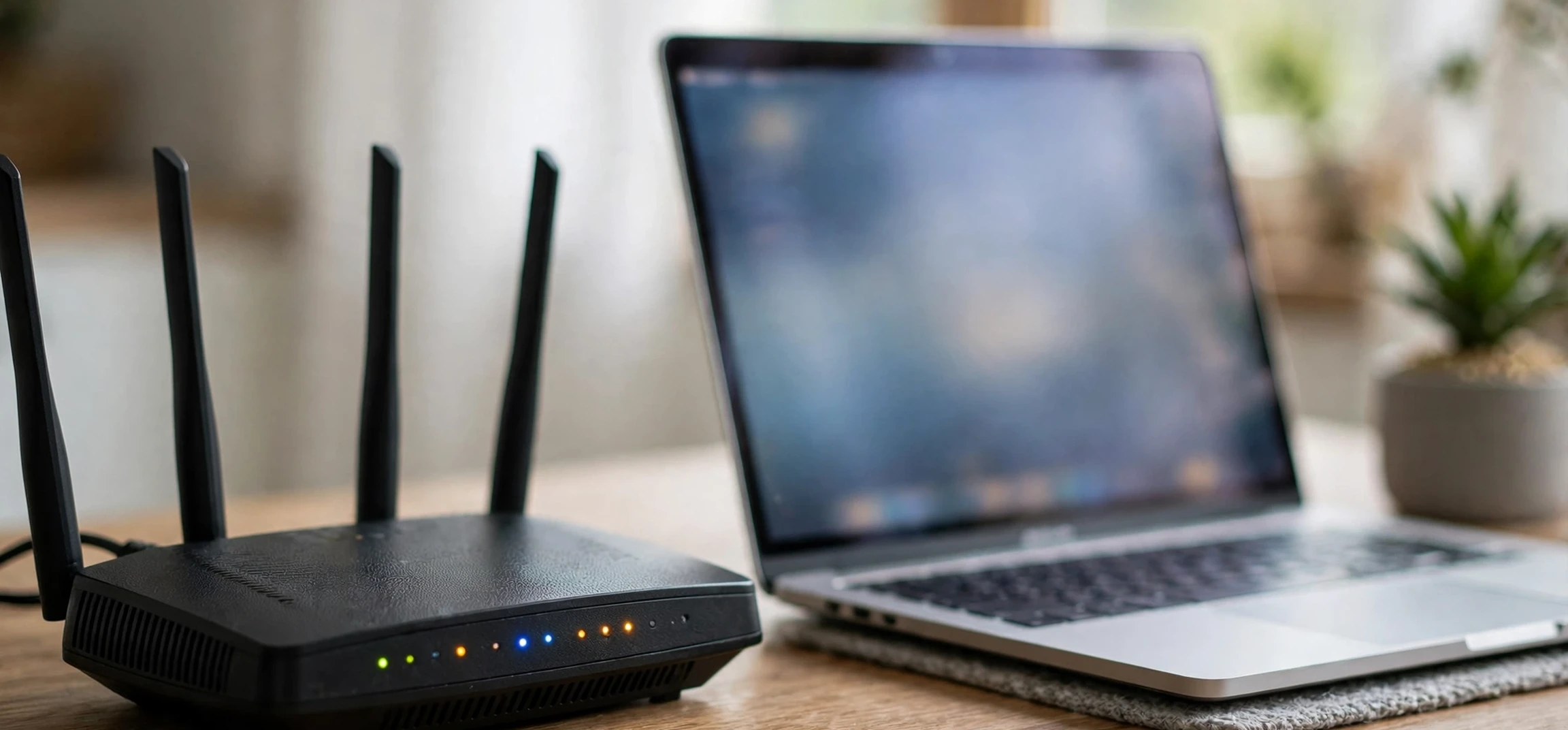
If you have ever set up a home printer, a game server, or a security camera and been asked to choose between address types, you have probably wondered about static ip address meaning: what is a static IP address, and how is it different from the dynamic address most homes use? In plain language, an IP address is a number that identifies a device on a network so that data can find its way to the right place. A static IP address is one that stays the same over time, while a dynamic IP address can change. This guide explains both, using only your own devices and your own home network as examples. It contains no instructions for obtaining another person’s address or data, and it is general educational information, not a setup guide for any specific product.
Understanding static ip address meaning starts with how networks deliver data. When your phone, laptop, or television connects to your home Wi-Fi, your router gives it an address on your local network, and your internet provider gives your household connection an address on the wider internet. Those addresses work like postal addresses for data: without them, a request for a web page or a video stream would have no destination to return to. Most home connections handle all of this automatically, which is why most people never need to think about address types until a particular device or project makes the choice matter.
Static IP Address Meaning in Plain Language
Static ip address meaning can be summed up simply: a static IP address is an address that is assigned to a device or a connection and does not change unless someone deliberately changes it. Because it stays fixed, other devices and services can rely on finding that device at the same address every time. That reliability is the main advantage of a static address. If you run a small server on your own home network, host a game for friends on your own connection, or need to reach a specific device remotely through your own network settings, a fixed address removes the uncertainty of an address that might shift overnight.
A practical understanding of static ip address meaning helps you decide whether your own printer or server needs a fixed local address.
Static addresses exist at two levels, and it helps to keep them separate. A static local address is an address inside your own home network, such as the address your router gives to your printer, and it is managed through your router’s own settings. A static public address is an address for your whole household connection on the internet, and it is usually provided by your internet provider, sometimes for an extra charge. Many home projects only need a static local address, which you can manage yourself on your own equipment. A static public address is a separate service, and whether you need one depends on what you are trying to do with your own connection.
Static IP Address Meaning Compared With Dynamic Addresses
Static ip address meaning becomes clearer when compared with its opposite. A dynamic IP address is assigned automatically and can change over time, for example when a device reconnects to the network, when a router restarts, or when a lease period expires. Most home internet connections use dynamic public addresses, and most home devices use dynamic local addresses, because that system is simple, automatic, and efficient. Your internet provider keeps a pool of addresses and hands them out as needed, rather than reserving one permanently for every household.
Comparing options is where static ip address meaning becomes concrete, because dynamic addresses suit most everyday home use.
For everyday browsing, streaming, email, and video calls, a dynamic address works perfectly well, because those activities do not require anyone else to find your device at a fixed address. You reach out to a service, the service replies to your current address, and the conversation ends when you disconnect. Problems only arise when something needs to find your device later, without you initiating the contact: a remote connection to your own home computer, a camera you want to view while away, or a game server running on your own machine. In those cases, a changing address can break the connection, and a static address on your own network can fix it.
| Feature | Static address | Dynamic address |
|---|---|---|
| Address over time | Stays the same until changed deliberately | Can change on reconnection or lease expiry |
| Best suited to | Your own servers, printers, and cameras on your own network | Everyday browsing, streaming, and general home use |
| Setup effort | Needs manual configuration on your own equipment | Usually fully automatic |
| Typical cost | May cost extra for a public static address from a provider | Usually included with a standard home connection |
| Main risk | A fixed address is easier to target if your own security is weak | An address change can break remote access to your own devices |
How Your Own Home Network Assigns Addresses
Most home networks use a system called DHCP, which automatically hands out local addresses to devices as they join the network. When your phone connects to Wi-Fi, it asks the router for an address, the router offers one from its available range, and the phone uses it for a set lease period. When the lease expires, the phone may renew the same address or receive a new one. This automation is why you can connect a new device at home without typing in numbers: the router handles the bookkeeping for you.
A reservation keeps static ip address meaning simple, because the router still manages the address, just consistently for one device.
DHCP reservations offer a middle path for static ip address meaning, giving your own device a stable address without manual conflicts.
Many routers also offer a middle ground called a DHCP reservation, which tells the router to always give a particular device on your own network the same local address, based on that device’s hardware identifier. A reservation gives you the reliability of a static local address without the risk of accidentally assigning the same address to two devices. If your router supports reservations, it is often the simplest way to give your own printer or media device a stable local address, and it avoids the conflicts that can happen when addresses are set manually on individual devices without checking the router’s range.
For background on related concepts, readers may find another name for a network useful for terminology, what a network operating system means helpful for how network software is organised, and a guide to static addresses on one Linux system shows how the same idea is configured on a particular operating system for its own machine.
When a Static Address on Your Own Network Helps
A static local address on your own network helps most with devices that other devices on the same network need to find reliably. A network printer is the classic example: if its address changes, computers that were set up to print to the old address may fail until they are updated. Giving your own printer a reserved or static local address avoids that recurring annoyance. The same logic applies to a media server, a network storage device, or a home automation hub that other devices on your own network connect to regularly.
Remote access to your own devices is the second case where static ip address meaning genuinely matters at home.
Printers show static ip address meaning in action: a stable address stops other devices losing track of your own printer.
Remote access to your own devices is the other common case. If you want to reach your own home computer or camera while you are away, you need a reliable way to locate your own network, and a changing public address complicates that. Some people solve this with a static public address from their provider, while others use a dynamic DNS service, which gives your own connection a stable name that updates automatically when the address changes. Both approaches concern only your own connection and your own devices. They do not involve anyone else’s network, address, or data, and this guide does not describe any method for reaching a device that is not yours.
Examples That Only Involve Your Own Equipment
Safe examples all share one property: every device involved belongs to you or to your household, and every setting is changed on equipment you own or administer. Setting a reservation for your own printer, giving your own media server a stable local address, or configuring port forwarding on your own router for your own game server are all in this category. If a project would require an address, password, or setting belonging to someone else, it is outside the scope of this guide and should not be attempted.
When a Dynamic Address Is the Better Fit
For most households, a dynamic address is the better fit, and there is no reason to change it. Dynamic addresses are automatic, they require no configuration, and they reduce the chance of address conflicts that can knock devices off the network. They also give a small privacy benefit: because a household’s public address can change over time, it is a less stable identifier than a permanently fixed one. That benefit is modest, and it should not be overstated, but it is one reason providers default to dynamic addresses for residential connections.
Privacy is a small bonus of dynamic addressing, and a reason static ip address meaning should not be applied to every device by default.
Portability limits static ip address meaning for laptops, which need a fresh address on every network they join.
Dynamic addresses also suit devices that move between networks. A laptop that connects at home, at work, and at a cafe needs a new local address on each network, and automatic assignment handles that seamlessly. Forcing a static local address from your home network onto a laptop elsewhere would break its connection, because that address may already belong to another device on the new network, or may fall outside the new network’s range. Portability is a strong argument for leaving most personal devices on automatic addressing.
Checking Your Own Device Settings Safely
If you want to know how your own device is currently configured, use the network settings on that device itself. On most computers, phones, and tablets, the Wi-Fi or network settings page shows whether the device is set to automatic addressing or a manual address, and what local address it currently holds. Checking your own device in this way is safe and routine. Record any changes you make, change only one setting at a time, and keep your router’s login details private: anyone with access to your router settings can change your whole home network.
Recording changes protects static ip address meaning in practice, because you can always revert a device to automatic addressing.
Checking your own settings clarifies static ip address meaning for your household, since you can see whether each device uses automatic addressing.
If you decide to set a static local address for one of your own devices, choose an address inside your own network’s range but outside the range your router hands out automatically, so you avoid assigning the same address twice. Write down the address, the device, and the date you set it. If something stops working afterwards, reverting to automatic addressing will usually restore the connection, and that is a safe first step before seeking further help from your provider or a trusted technician.
Common Problems and Simple Checks
The most common problem with manual addressing is an address conflict, where two devices on your own network end up with the same address. Symptoms include one device losing its connection intermittently, or error messages about a duplicate address. The fix is to return the affected device to automatic addressing, or to give it a different address that no other device uses, using your router’s list of connected devices as a check. A router restart can also clear stale assignments and let automatic addressing start fresh.
A mistyped gateway shows why static ip address meaning must be matched to your own network range, not copied from elsewhere.
Address conflicts are the classic downside of static ip address meaning done manually, and automatic addressing usually fixes them.
Another common issue is a mistyped address, subnet mask, or gateway, which can leave a device unable to reach the internet even though it appears connected to Wi-Fi. Double-check each number against your router’s own settings page, and remember that a static local address must match your own network’s pattern: an address from a different network range will not work at home. If you are unsure, automatic addressing is the safe default, and your provider’s support team can advise on your own connection specifically.
Frequently Asked Questions
What is a static IP address?
A static IP address is an address that stays the same over time until someone deliberately changes it. It can apply to a device on your own local network or to your whole household connection on the internet, depending on how it is set up.
Do most homes need a static address?
No. Most homes work perfectly well with dynamic addresses, which are automatic and require no configuration. A static address is mainly useful for your own servers, printers, cameras, or remote access to your own devices, where a stable address matters.
Is a static address less private?
A fixed public address is a more stable identifier than one that changes, so it can be slightly easier to associate with a household over time. That is one reason many providers use dynamic addresses by default. Good security habits on your own network, such as strong router passwords and up-to-date software, matter far more than the address type alone.
Can I look up someone else’s IP address?
This guide does not cover that, and it should not be attempted. The methods described here concern only your own devices, your own router, and your own connection. Respecting that boundary protects other people’s privacy and keeps your own network use lawful and safe.
Conclusion
Static ip address meaning is straightforward once the two levels are separated: a static address stays fixed, a dynamic address can change, and each suits different needs on your own network. Most households are well served by automatic, dynamic addressing, and most personal devices should stay on it. A static local address earns its place when your own printer, server, camera, or remote-access setup needs a reliable address that does not shift. Set it only on equipment you own, record what you changed, and revert to automatic addressing if anything goes wrong. With those habits, you get the reliability of a fixed address where it genuinely helps, without taking on configuration headaches, or crossing into anyone else’s network, where you do not belong.
Holding static ip address meaning in mind makes home networking calmer: use fixed addresses where they help, automatic ones elsewhere.
Most questions about static ip address meaning resolve once readers separate local addresses from public addresses.