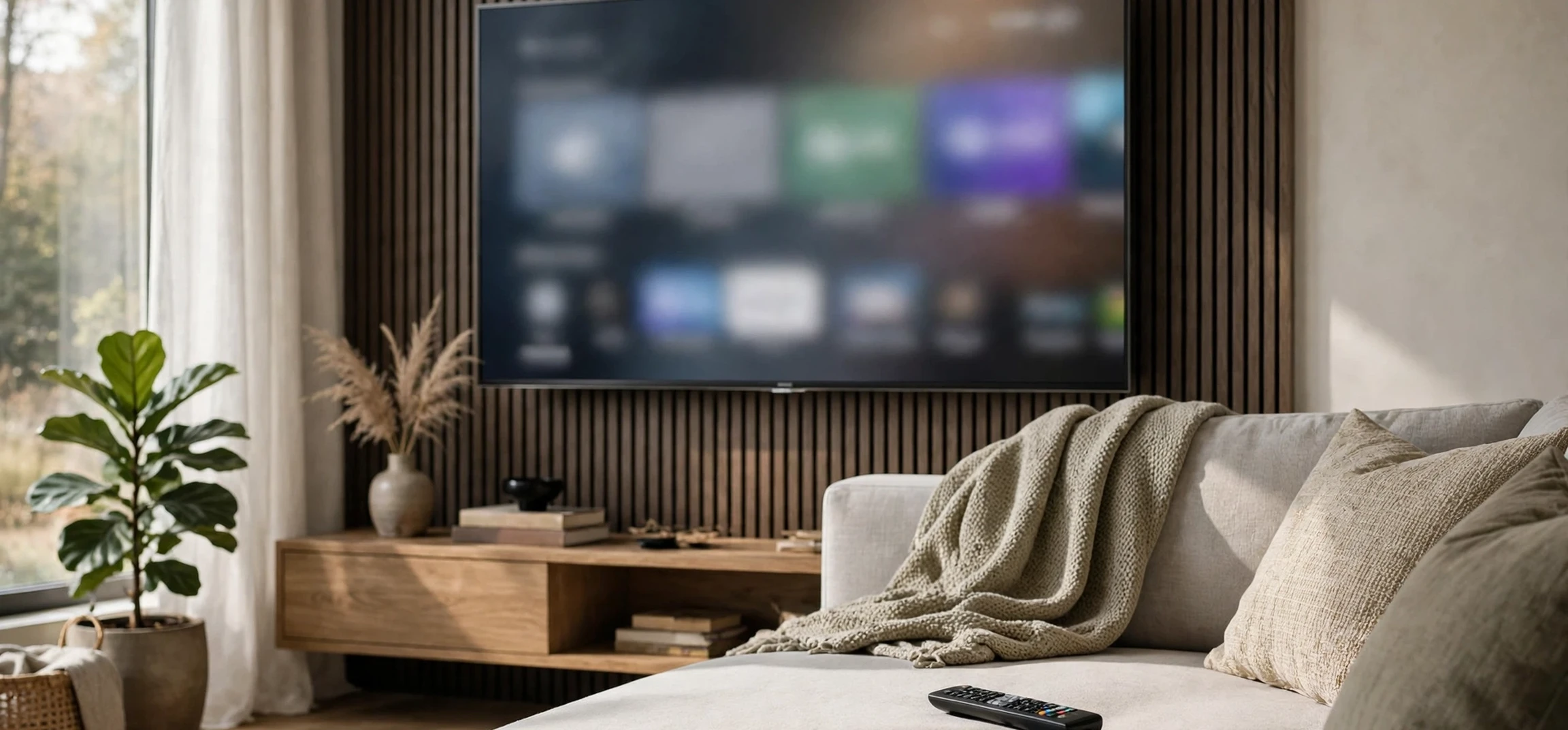
If you have ever bought a smart television, browsed a television settings menu, or wondered what software actually runs your TV, you may have come across the question whats webos. WebOS is an operating system, best known today as the software platform that powers LG smart televisions, but its history stretches back much further than the TV in your living room. It began life as a mobile operating system for smartphones, passed through several owners, and eventually found its most successful home on the big screen — which is why anyone asking whats webos today usually means the television version. This guide explains whats webos in plain language: where it came from, how it works on a modern television, what makes it different from rival TV platforms, and what to consider if you are choosing a TV that runs it.
The short answer to whats webos is that webOS is the software layer between you and your television’s hardware. It draws the home screen, manages your apps, handles your remote control, connects to the internet, and decides how quickly and smoothly everything feels. Like the operating system on a phone or a computer, you rarely think about it when it works well — and you notice it immediately when it does not.
Whats WebOS? A Plain-Language Answer
To answer whats webos directly: webOS is a Linux-based operating system originally developed by Palm for smartphones, later owned by HP, and now developed by LG Electronics, which uses it as the smart platform for its televisions. On an LG TV, webOS is what you see when you press the home button: a launcher bar along the bottom of the screen, rows of apps and recommendations, and a settings system that controls picture, sound, and connectivity. It also runs the TV’s voice assistant features, its app store, and its connections to streaming services, games consoles, and smart home devices.
The name itself gives a clue to its origins. The “web” in webOS reflects its original design philosophy: apps built with web technologies, such as HTML, CSS, and JavaScript, rather than only with traditional native code. That philosophy made it easier for developers to build apps, and it gave the system a distinctive, card-based approach to multitasking that was widely praised when it first appeared on phones. Although the platform has changed enormously since then, the name has stuck, and it remains one of the most recognisable brands in television software.
It is important not to confuse webOS with other TV platforms. Samsung televisions run Tizen, many other brands run Google TV or Android TV, and some manufacturers use Roku TV or their own proprietary systems. Each platform has its own home screen, app store, and voice assistant, and apps available on one may not be available on another — a practical point that matters once you understand whats webos and what it can and cannot run. Knowing which platform a television runs is therefore one of the most useful things to check before buying, because it determines much of your day-to-day experience with the set.
The History of WebOS, From Palm to LG
WebOS began at Palm, the company behind the pioneering Palm Pilot organisers, as the operating system for its Pre smartphone, launched in 2009. The Pre was praised for its elegant card-based multitasking, in which open apps appeared as cards that could be flicked away to close or rearranged with a gesture, and for its notification system, which gathered alerts unobtrusively. Critics and users alike regarded the software as ahead of its time, but Palm struggled commercially against the rapid rise of the iPhone and Android, and the company was acquired by HP in 2010.
HP initially planned to expand webOS across phones, tablets, and even printers, but the strategy changed quickly, and HP’s tablet based on the system was discontinued after a short time on the market. HP then released webOS as an open-source project, which kept the software alive in the developer community but ended its career as a mainstream phone platform. LG acquired the webOS business from HP in 2013, and it was LG that gave the system its second life — not on phones, but on televisions.
LG’s first webOS televisions appeared in 2014, and the platform has been developed steadily ever since. Each major version has refined the home screen, improved performance, expanded the app store, and added features such as voice control, smart home integration, and gaming support. There are also open-source editions of webOS, maintained for developers and for other kinds of devices, which keep the project’s original open philosophy alive alongside LG’s commercial television version. For a sense of how television technology has evolved, our article on the first colour television puts the modern smart TV in historical context, and the guide to programming a TV remote covers the practical side of living with a modern set.
How WebOS Works on a Modern LG TV
Switch on a modern LG television and webOS presents a home screen designed around a launcher bar. Pressing the home button brings up a horizontal strip of apps and inputs along the bottom of the screen, overlaid on whatever you are currently watching, so you can switch apps without losing your place. Above the launcher, the full home screen shows recommendations, recently used apps, and content from your streaming services, personalised to your viewing habits where you have allowed it.
Navigation is built around LG’s Magic Remote, a feature often highlighted in whats webos reviews, which works both as a traditional button remote and as a pointer: you can wave it to move an on-screen cursor, scroll with a wheel, and use voice commands by holding a microphone button. Voice control is handled by LG’s ThinQ AI system, which can also work with popular third-party voice assistants, allowing you to search for shows, change settings, or control compatible smart home devices by speaking. The system also supports screen sharing from phones and computers, including popular casting standards, so content from a mobile device can be shown on the big screen with minimal fuss.
Under the surface, the system behind whats webos manages the television’s hardware resources, internet connection, and software updates. Major updates arrive periodically and can refresh the home screen layout, add features, or improve performance, while security and app updates arrive more quietly in the background. Like any smart platform, webOS collects some usage data to personalise recommendations, and its privacy settings allow you to control much of this. Checking those settings when you first set up a television is good practice on any platform, not just webOS.
Apps and the LG Content Store
Apps for webOS televisions come from the LG Content Store, the platform’s built-in app shop. It includes the major streaming services, catch-up TV apps, music services, games, and a range of smaller specialist apps. Availability varies by country, because streaming rights and app partnerships are regional, so an app available in one country may not appear in another. If a particular service is essential to you, it is worth checking its availability on webOS in your country before buying a television, rather than assuming it will be there.
Compared with the largest app stores, the LG Content Store is smaller than those on Google TV or Roku, but it covers the mainstream services most viewers use. Niche or regional apps are the most likely gap, and this is the main practical difference buyers notice between platforms. For most living-room viewing — the major streaming services, catch-up television, and music — webOS is well covered, and the gap only matters if you rely on a less common service.
WebOS vs Other TV Platforms
Choosing between TV platforms, including whats webos, comes down to a few practical differences. WebOS is often praised for its clean, fast home screen and its intuitive launcher, which many reviewers regard as one of the easiest smart TV interfaces to use. Its Magic Remote pointer control is distinctive, and some users prefer it to traditional directional navigation. Google TV, by contrast, offers deeper integration with Google services and a very large app catalogue, while Samsung’s Tizen offers its own strengths, including tight integration with Samsung phones and smart home products. Roku TV is known for simplicity and a broad app selection, particularly in North America.
Performance also varies with the television’s hardware, not just its software. A high-end LG television will feel faster and more responsive than a budget set running the same version of webOS, because the processor and memory differ. Software updates can improve things over time, but they cannot fully overcome modest hardware. When comparing televisions, therefore, look at both the platform and the model’s specifications, and if possible try the interface in a shop before buying, since personal preference for a home screen layout is genuinely subjective.
Another consideration is longevity. Television manufacturers typically support a model’s software for several years, but support eventually ends, and older sets may lose access to newer apps or features. This is true of every platform, not just whats webos. If long-term app support matters to you, an external streaming device can extend a television’s useful life, since the device’s platform, rather than the TV’s, then handles streaming. Many viewers use this approach to keep an older television current without replacing the screen itself.
| Platform | Main manufacturers | Notable strengths |
|---|---|---|
| webOS | LG | Clean launcher, Magic Remote pointer, intuitive home screen |
| Tizen | Samsung | Integration with Samsung devices and smart home products |
| Google TV / Android TV | Many brands | Very large app catalogue, Google service integration |
| Roku TV | Various brands | Simplicity, broad app selection, especially in North America |
| Proprietary systems | Various brands | Varies by manufacturer; often simpler but with fewer apps |
WebOS Beyond the Television
Although televisions are the main home of whats webos today, the system has appeared in other products too, including projectors, signage displays, and some smart home devices. LG has also licensed webOS to other television manufacturers, so you may encounter it on sets that do not carry the LG brand. The open-source editions of the system continue to be used by developers and hobbyists for experimental devices, keeping alive the tradition of web technologies and open development that defined the platform from its Palm origins.
This wider footprint is a reminder of how flexible an operating system can be. The same core software that once ran a smartphone now runs a television, because the underlying ideas — apps, multitasking, and a user interface built on web technologies — transfer across device types. For most buyers, though, the practical question behind whats webos remains simple: if you are buying an LG television, you are buying webOS, and understanding it means understanding the home screen, the app store, and the remote you will use every day.
Frequently Asked Questions About Whats WebOS
What is webOS?
WebOS is a Linux-based operating system developed by LG, best known as the smart platform for LG televisions. It provides the home screen, apps, voice control, and settings on the TV.
Who makes webOS?
WebOS was originally developed by Palm for smartphones, then owned by HP, and is now developed by LG Electronics, which acquired it in 2013 and rebuilt it as a television platform.
Is webOS the same as Android TV?
No. WebOS is LG’s own platform, while Android TV and Google TV are Google’s platforms, used by many other television brands. They have different home screens, app stores, and features.
Can I get all streaming apps on webOS?
The LG Content Store covers the major streaming services, but availability varies by country, and some niche apps may not be offered. Check for any essential service before buying.
What does the name in whats webos actually mean?
The “web” in webOS reflects its original design philosophy: apps built with web technologies such as HTML, CSS, and JavaScript. That idea dates back to its Palm smartphone origins, and the name stayed even as the platform moved to televisions.
Does webOS get updates?
Yes, LG issues periodic major updates that refresh features and the home screen, plus smaller app and security updates. Support lasts several years but eventually ends, as with every TV platform.
Conclusion
So, whats webos, in the end? It is the operating system behind LG’s smart televisions — a platform with an unusual history, from Palm smartphones through HP to its current life on the big screen, and a reputation for a clean, fast, and easy-to-use interface. If you own an LG television, webOS is the software you interact with every time you press the home button, and knowing how it works — its launcher, its app store, its remote, and its rivals — will help you get more from your set and make a better choice the next time you buy one.