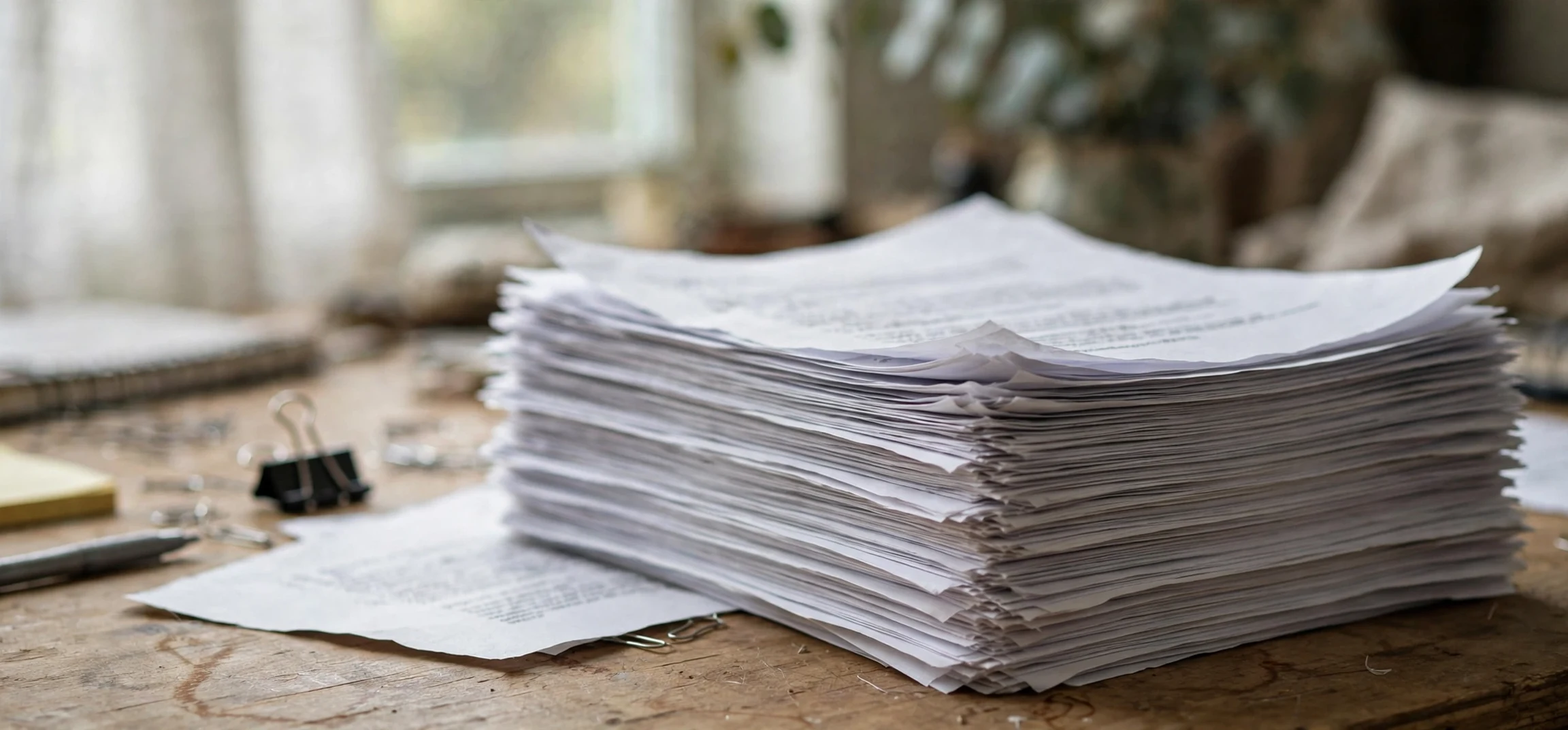
When a printer asks you to collate or not, it is asking a simple question with a practical payoff: should multi-page copies come out in reading order, or should all copies of each page come out together? Choosing collate or not correctly saves sorting time, prevents mixed-up reports, and makes booklets, handouts, and meeting packs far easier to handle. This guide explains what collating means, when to choose it, when to skip it, and how the setting works on printers, copiers, and in everyday documents.
Imagine printing a ten-page report five times. With collating turned on, the printer produces pages 1 to 10, then pages 1 to 10 again, five times in order, so each set is ready to staple or hand out. With collating turned off, the printer produces five copies of page 1, then five copies of page 2, and so on, leaving you to sort the stack by hand. Both outputs contain the same pages, but only one is ready to use. That difference is the whole point of the collate setting, and it matters most when documents are long or copies are many.
Collate or Not: What Collating Means
To collate means to arrange printed pages in their correct sequence across multiple sets. The word comes from a Latin root meaning to bring together, and in printing it describes gathering sheets so that each complete copy reads from first page to last page. Collating can be done by a machine, by a printer with a sorting unit, or by hand at a table. In modern offices, the printer usually does the work: it orders the output so that finished sets emerge ready for binding, stapling, or distribution.
The opposite, uncollated printing, is not a mistake. It simply groups identical pages together. That output is useful when pages will be distributed separately, inserted into different folders, or combined later with other materials. For example, a teacher printing a single worksheet for a class needs no collating, because every copy is the same one-page sheet. A team printing a training manual, by contrast, almost always wants collated sets. The choice of collate or not therefore depends on what happens after printing, not on the printer alone.
Collating by hand
Before affordable sorting printers, collating was manual work. Staff would lay stacks of each page along a long table and walk along the table picking one sheet from each stack to build a set. Large print runs used mechanical collators with bins for each page, which dropped sheets in sequence onto a belt. The modern printer setting is the descendant of that process, and the vocabulary survives: print shops still talk about collated sets, uncollated stacks, and gathering, even when the machine does everything automatically.
Collate or Not: When You Should Collate
Collate whenever each recipient needs a complete, ordered document. Meeting packs, reports, proposals, training manuals, booklets, exam papers with multiple sections, and wedding programmes are classic cases. In each example, handing out an uncollated stack would force every recipient, or the organiser, to sort pages before reading. Collated printing moves that labour into the machine, where it is fast and error-free, and it reduces the risk of missing or duplicated pages in any single set.
Collating also matters for binding and stapling. A stapler, a binder, or a folding machine expects pages in order, and feeding it an uncollated stack guarantees a jam or a misbound book. Print finishers that staple or fold automatically assume collated input unless told otherwise. If you plan to staple, bind, punch, or fold, choose collated output and check the first finished set before running the full job. That single check catches page-order errors, blank pages, and orientation problems before they multiply across dozens of copies.
Signs that collating is the right choice
Ask three questions. Does each copy need to read from start to finish? Will copies be handed out as complete sets? Will sets be stapled, bound, or filed as units? If the answer to any of these is yes, collate. A useful rule of thumb is that documents longer than one page and printed more than once almost always benefit from collating. The longer the document and the larger the number of copies, the greater the time saved, because hand sorting grows quickly with both factors.
Collate or Not: When to Skip Collating
Skip collating when pages are meant to be separated. Single-page flyers, forms that will be filed in different places, pages that will be combined with materials from other sources, and handouts where each page is a standalone item all work better uncollated. In those cases, identical pages grouped together are easier to count, stack, and distribute. A reception desk handing out one-page forms, for example, wants a neat stack of the same form, not sets that mix forms together.
Uncollated printing can also be faster on some older printers, because the machine prints the same page repeatedly without reordering. For very large runs of single pages, that speed difference is real, although modern printers have narrowed it greatly. Another case is cut-and-stack work, where printed sheets will be cut into smaller items, such as tickets or labels, and the cut pieces need to stay in a particular grouped order. In those specialised jobs, print shops choose uncollated output deliberately and use cutting plans to produce the final order.
| Situation | Collate or not | Why |
|---|---|---|
| Ten-page report, five copies for a meeting | Collate | Each person needs a complete, ordered set |
| Training manual to be stapled | Collate | Binding requires pages in order |
| One-page flyer for a noticeboard stack | Do not collate | Every copy is identical and single-page |
| Forms to be filed in different folders | Do not collate | Pages will be separated anyway |
| Booklet to be folded and stapled | Collate | Finishing expects ordered sets |
| Worksheets for separate classes | Do not collate | Each class needs its own stack |
Collate or Not: Finding the Setting on Printers and Copiers
On most printers, the collate setting appears in the print dialogue under copies, finishing, or layout options. In common office software, the print window shows a copies box and a collate checkbox nearby. Checking the box orders the output into sets; leaving it unchecked groups identical pages. On a copier, the setting may appear as sort or collate on the touchscreen, sometimes combined with stapling and punching options. The exact label varies by brand, but the concept is the same, and the preview or first-copy check will confirm the result.
When printing a document file, the same choice appears in the software rather than on the printer itself. A multi-page document saved as a file can also be described as collated when its pages are in reading order, which is the normal case for a finished document. Problems usually arise not from the file but from the print dialogue: a user sets ten copies, forgets the collate box, and receives ten stacks of page 1 followed by ten stacks of page 2. The fix is simple once recognised, but it is worth checking before a long run, because reprinting wastes paper, toner, and time. For related printing help, see this guide to printer setup and this overview of print services.
Collating in digital documents
Collating also applies beyond paper. When several documents are merged into one file, the pages must be gathered in the right order, which is a form of digital collating. Mail merge, report builders, and booklet makers all perform this step automatically, arranging cover, contents, chapters, and appendices into a single sequence. Understanding the print meaning helps here too: if a merged file reads out of order, the fix is to reorder the source pages before exporting, just as a hand collator would reorder physical sheets.
Collate or Not: Common Mistakes and Fixes
The most common mistake is printing a long job uncollated by accident, then discovering a sorting task that takes longer than the print run itself. The fix is to reprint with collating on, or, if paper is scarce, to sort by hand using a table method: lay out one stack per page, then build sets by taking the top sheet from each stack in order. A second mistake is collating when pages should stay separate, which creates sets that must then be broken apart. Both mistakes come from the same cause: choosing the setting without thinking about the next step after printing.
Other problems include missing pages in one set, which usually points to a paper jam or an empty tray mid-run rather than to the collate setting itself, and sets that emerge in reverse order on printers that stack face-up. Reverse-order output is not wrong; it simply means the last set comes out first, and flipping the stack restores reading order. When in doubt, print one test copy, check its order, and only then run the full job. That habit saves more time than any other single printing tip.
Collate or Not: Frequently Asked Questions
Does collate or not matter for a single-page document?
For a single-page document, collate or not makes no visible difference, because there is only one page to order. Every copy is identical either way. The setting only changes the output when a document has two or more pages and more than one copy is printed.
What does collate mean on a copier?
On a copier, collate usually appears as sort or collate and means the same thing: finished copies emerge as complete sets in page order. Copiers with finishers can combine collating with stapling, punching, or folding, so the setting is often found alongside those finishing options rather than beside the copy count.
Should I collate a booklet?
Yes, a booklet should almost always be collated, and booklet printing adds one more step: pages must also be imposed, meaning arranged so that folding produces the right reading order. Most booklet settings handle imposition automatically, but the collate choice still matters, because the folded sheets must arrive in sequence for stapling to work.
Staff often ask about collate or not during training, and the trainer’s answer about collate or not usually starts with the finished stack. Thinking about collate or not before pressing print prevents most sorting problems, and a quick team note about collate or not saves every new starter the same confusion.
Collate or Not: Conclusion
The choice of collate or not is small on screen and large at the table where finished copies are handled. Collate when each recipient needs a complete, ordered document, when sets will be stapled or bound, and when sorting by hand would waste time or introduce errors. Skip collating when pages are meant to be separated, counted, or filed independently, and when every copy is a single page. Keeping that simple rule in mind turns a confusing printer option into a quick, confident decision.
Before your next multi-page print run, pause for ten seconds and picture the finished stack. If you see complete sets ready to hand out, choose collate. If you see neat piles of identical pages ready to separate, leave it off. That mental picture, plus a one-copy test print, is all it takes to get collate or not right every time, saving paper, time, and the familiar frustration of a mixed-up report.