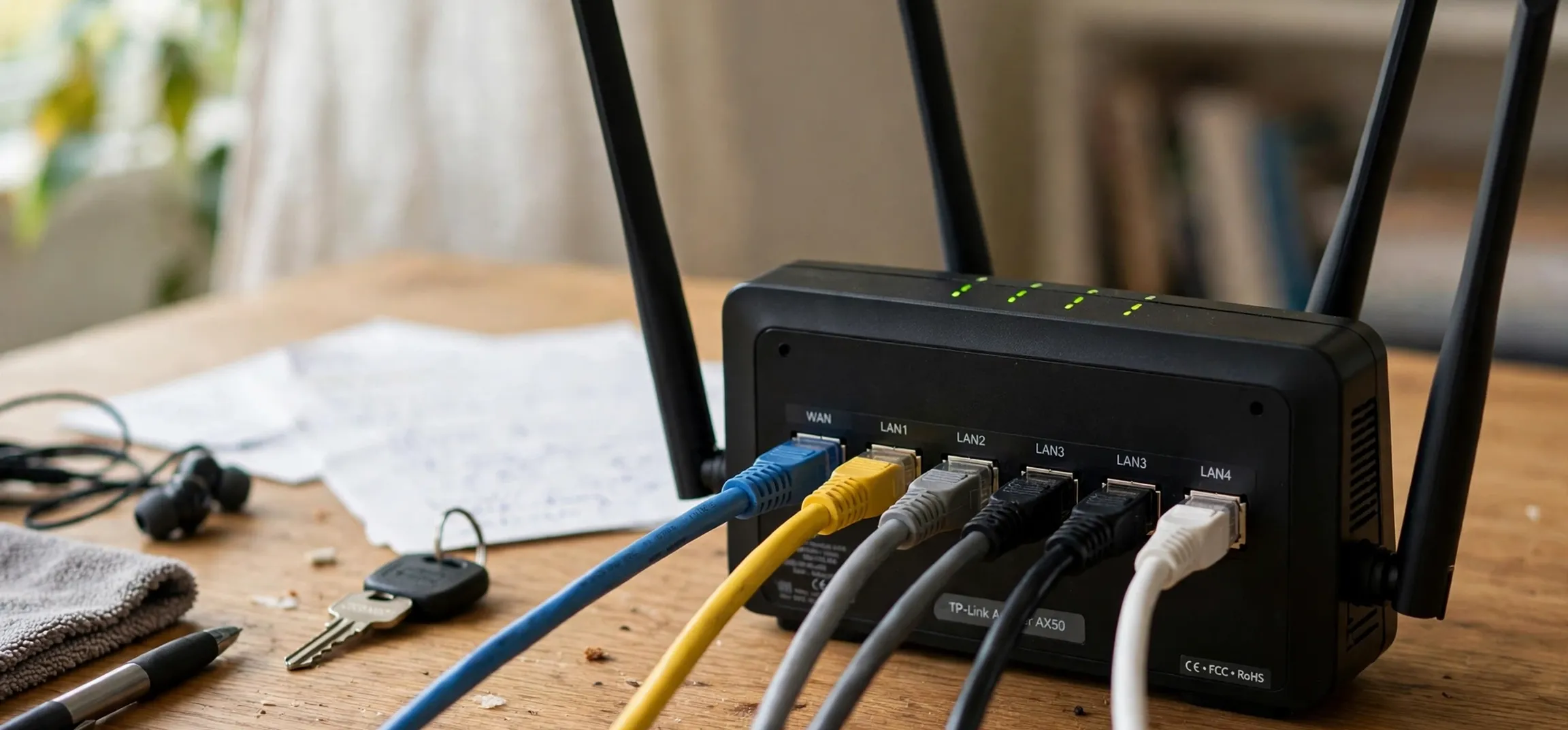
What is a public ip address? In plain terms, it is the address that identifies your home or office network on the public internet, so that websites and online services can send information back to you. When you visit a website, your request travels from your device, through your home router, and out to the internet carrying that public address. The website then sends its reply to the same address, and your router passes it to the correct device inside your home. Without a public address, the wider internet would have no way to route replies to your network, just as a letter needs a return address to receive a reply.
To understand a public address, it helps to picture two levels of addressing. Inside your home, each device has a private address that only works on your local network. Your phone, laptop, television, and printer can talk to one another using those private addresses, but those addresses are not unique on the wider internet, and they are not visible to the outside world. Your router sits between the two levels: it uses private addresses inside the home, and a single public address outside it. That arrangement, known as network address translation, allows many devices to share one public address, and it is the normal setup for most homes and small offices.
What Is a Public IP Address? Explained Simply
An IP address is a numerical label assigned to a device or network so that data can be routed to it. The older version, IPv4, uses four groups of numbers separated by dots, such as 203.0.113.45, which is a documentation example and not a real address to use. The newer version, IPv6, uses a longer format with letters and numbers separated by colons, because the supply of IPv4 addresses has become limited. A public IP address is simply an IP address that is routable on the public internet and assigned to your network by your internet service provider. A private IP address, by contrast, is reserved for local networks and is not routed on the public internet.
Your internet service provider assigns your public address when your router connects to its network. In most homes, that address is dynamic, meaning it can change from time to time, for example when the router restarts or when the provider reassigns addresses. Some businesses and advanced home users pay for a static public address, which stays the same. A static address is useful for hosting a server or for remote access that must always point to the same place, but it is not needed for ordinary browsing, streaming, or email, and it can make a network easier to find over time, so it should only be used where there is a clear reason.
Public, private, and shared addresses
To go further with what is a public ip address, three kinds of address are worth distinguishing. A private address works only inside a local network, such as the familiar ranges beginning with 192.168 or 10. A public address works on the whole internet and identifies a network to the outside world. A shared or carrier-grade address sits in between in some provider setups: several customers may share one public address through an extra layer of translation at the provider. That sharing can affect online gaming, video calls, and remote access, because incoming connections may not reach a particular home network directly. If a service that needs incoming connections does not work, the type of address your provider gives you is one of the first things worth checking.
What Is a Public IP Address Used For?
Asked what is a public ip address used for in daily life, the answer is that it has several everyday uses, most of which happen invisibly. It allows websites to send pages back to your browser, streaming services to deliver video, and email servers to deliver messages. It also allows online services to apply location-based settings, such as showing content in the right language or applying regional availability rules, although location derived from an address is approximate and usually identifies a city or region rather than a precise home. It allows network administrators to keep logs, apply security rules, and troubleshoot connection problems, because an address gives a reference point for tracing a request.
For remote workers and small businesses, a public address can also support remote access to an office network, when that access is set up securely with strong authentication and encryption. That kind of setup should be planned carefully, because opening a network to the internet creates risk if it is done without proper controls. For most home users, the safest approach is to leave remote access switched off unless a specific, trusted need arises, and to rely on the security features built into the router and the services used. A public address is a tool for routing, not a reason to expose devices unnecessarily.
| Address type | Where it works | Who assigns it | Typical example use |
|---|---|---|---|
| Public IPv4 | Whole internet | Internet service provider | Home router seen by websites |
| Public IPv6 | Whole internet | Internet service provider | Modern networks with larger address space |
| Private IPv4 | Local network only | Home router | Phone, laptop, and printer at home |
| Shared public address | Shared by several customers | Internet service provider | Provider-level translation for many homes |
How to Find Your Own Public IP Address Safely
You can find your own public address using your own device and your own network, and that is the only address you should look up in this way. The simplest method is to use your router’s status page, which is reached from a device connected to your home network and shows the wide-area address assigned by your provider. Many internet providers also show the address in their customer account pages. Some well-known search engines and network tools will also display the public address of the device making the request, because that address is part of every request they receive. Use a service you trust, and treat the result as information about your own connection.
There are sensible privacy habits to follow. Do not post your public address in public forums, screenshots, or social media, because it can be used to narrow down your location and to target your network. Do not share it with strangers who ask for it without a clear, legitimate reason, and be cautious about websites that ask you to reveal network details. If you need help from your provider, share the address only through the provider’s official support channel, after checking that you are dealing with the genuine provider. Keeping your router firmware updated, changing default router passwords, and switching off features you do not use are more useful protections than trying to hide an address that, by design, must be visible to the services you use.
Related guides on this site explain whether an IP address counts as personal data, how to find the address of your own Mac on your own network, and how to check the address of your own Linux device. Those guides deal with your own devices, which is the appropriate scope for this kind of lookup.
Public IP Addresses, Privacy, and Security
Returning to what is a public ip address in privacy terms, it reveals limited information on its own, but it is still worth treating with care. It can indicate your internet provider and an approximate location, and it can be linked with other data by services that collect logs. That is why many people use a virtual private network, which routes traffic through a remote server so that websites see the server’s address rather than the home address. A virtual private network can help on public Wi-Fi and can reduce straightforward tracking, but it is not a complete privacy solution: the provider of the service can still see traffic, and many tracking methods do not depend on an address at all.
Security at home depends more on device and router settings than on the address itself. Keep operating systems and browsers updated, use strong and unique passwords, enable two-factor authentication where it is offered, and be wary of unexpected messages asking you to change settings or share details. If your public address changes, that is usually normal for a dynamic address and is not a cause for alarm. If you notice unfamiliar devices on your home network, unusual router settings, or accounts being accessed from unknown locations, contact your provider and review your account security promptly.
Dynamic and static addresses in practice
Most home users asking what is a public ip address will never need to think about whether their address is dynamic or static, because browsing and streaming work either way. A dynamic address changes occasionally, which can be mildly inconvenient for a home server but is harmless for everyday use. A static address stays fixed, which helps for services that must always be found at the same address, but it also means the address remains a stable identifier over time. If a provider offers a choice, weigh the practical need against the privacy point, and choose the simpler option unless a static address solves a specific problem.
Public IP Addresses: Frequently Asked Questions
What is a public ip address, and is it the same as my device address?
Usually not. Your device has a private address on your home network, while your router presents a single public address to the internet. Websites see the public address, not the private address of your phone or laptop.
Can someone find my exact home from my public address?
An address alone usually gives only an approximate location, such as a city or region, and a provider name. It does not normally give a street address. Even so, do not share it publicly, and report any misuse to your provider.
Does my public address change?
For most homes, yes, from time to time, because providers assign dynamic addresses that can change when the router restarts or when addresses are reassigned. Business and server setups may use a static address that stays the same.
Should I hide my public address?
You cannot hide it completely while using the internet, because services need an address to send replies to you. A trusted virtual private network can mask it from websites, but good passwords, updates, and router settings matter more for everyday security.
Conclusion
What is a public ip address, in short, and what should you remember? It is the address your internet provider assigns to your network so that the public internet can send information back to you. It works alongside private addresses inside your home, it is usually dynamic for home users, and it underpins browsing, streaming, email, and video calls without most people ever noticing it. Treat it with sensible care, look it up only for your own network, keep your router and devices updated, and you will have a clear and safe understanding of one of the basic building blocks of the internet.