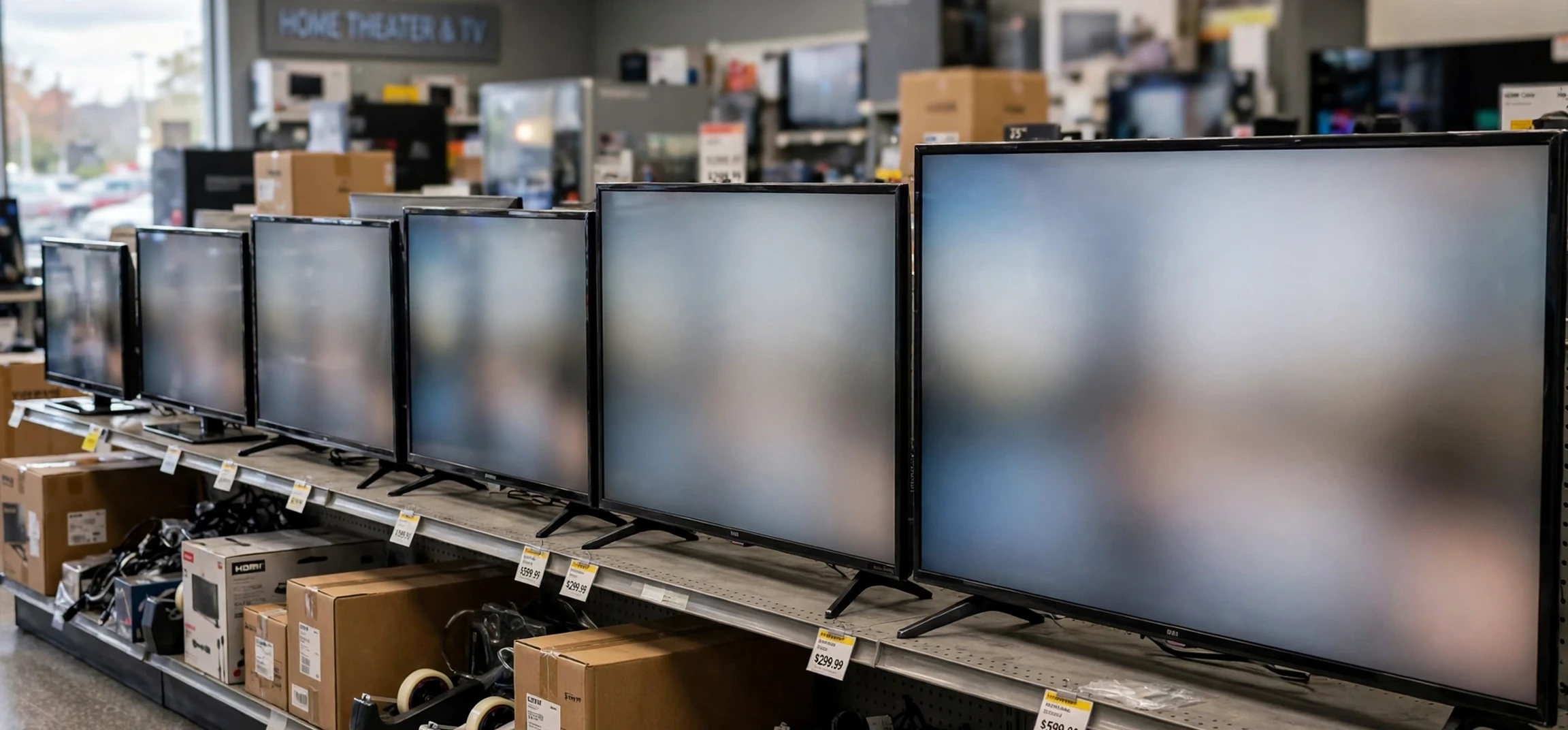
If you searched for “tv sizes in inches”, you are probably trying to work out which television will actually fit your room, your stand, or your wall, and the diagonal screen number alone does not tell you the whole story. TV sizes in inches refer to the diagonal measurement of the screen itself, measured from one corner to the opposite corner, not the width or the height of the whole television. This guide explains how tv sizes in inches translate into real width, height, and viewing distance, so you can compare models with confidence and avoid the common mistake of buying a screen that is too wide for its space. No model is recommended here as a purchase, and no price is stated as fact; the focus is purely on measurements and how to use them.
The first thing to understand about tv sizes in inches is that the number describes only the screen panel, not the frame around it. A television advertised as a certain size has a screen whose diagonal measures that many inches, while the full television, including its bezel and stand, will be slightly wider and taller. The bezel is the frame around the screen, and on modern televisions it is usually slim, but it still adds a small amount to the overall dimensions. The stand can add further width if it uses wide feet, and it always adds depth. For that reason, always check the full product dimensions listed by the manufacturer, not just the screen size, before you decide whether a television fits.
TV Sizes in Inches Explained: The Diagonal Rule
TV sizes in inches follow a single industry convention: the size is the diagonal distance across the screen, measured in inches, from the top corner on one side to the bottom corner on the other side. A 55-inch television therefore has a screen diagonal of 55 inches, while a 65-inch television has a screen diagonal of 65 inches. This convention applies across brands and across screen types, which makes it a useful shorthand for comparison, even though it does not directly tell you the width.
The reason the diagonal is used, rather than the width, is historical. Early television screens varied in shape, and the diagonal gave a single number that worked for different aspect ratios. Today, almost all televisions use the same widescreen shape, with a width-to-height ratio of 16 to 9, so the diagonal still works as a consistent label. Because the shape is now standard, you can estimate the width and height of a screen from its diagonal with reasonable accuracy, and the table later in this guide gives those estimates for the most common sizes.
One common misunderstanding about tv sizes in inches is that a 10-inch jump in size means a 10-inch jump in width. It does not. Because the measurement is diagonal, an increase in diagonal produces a smaller increase in width and height. For example, moving from a 55-inch screen to a 65-inch screen adds 10 inches to the diagonal, but the width grows by roughly 9 inches and the height by roughly 5 inches. That still matters for fitting a stand, but it is less than many buyers expect, and it explains why a larger screen can sometimes fit a space that seemed too small at first glance.
TV Sizes in Inches: Width and Height Guide
The table below gives approximate screen widths and heights for popular tv sizes in inches, based on the standard 16 to 9 widescreen shape. These figures describe the screen panel itself, not the full television with its bezel, so allow a little extra room on each side for the frame and, if you use a stand, for the feet. Actual dimensions vary slightly by model, so always confirm the manufacturer’s stated product dimensions before buying furniture or a wall mount.
| Screen size (diagonal) | Approx. screen width | Approx. screen height |
|---|---|---|
| 32 inches | About 28 inches | About 16 inches |
| 43 inches | About 37 inches | About 21 inches |
| 50 inches | About 44 inches | About 25 inches |
| 55 inches | About 48 inches | About 27 inches |
| 65 inches | About 57 inches | About 32 inches |
| 75 inches | About 66 inches | About 37 inches |
| 85 inches | About 74 inches | About 42 inches |
Reading the table with tv sizes in inches in mind, you can see why measuring your space matters more than guessing from the diagonal alone. A 65-inch screen is about 57 inches wide, so it needs a stand or wall space comfortably wider than that, with room for ventilation and for cables at the back. A 75-inch screen, at about 66 inches wide, needs a substantially larger wall or unit. If your stand is exactly the same width as the screen, the television may look cramped and the feet may sit too close to the edge, so leave a margin on both sides wherever possible.
TV Sizes in Inches and Viewing Distance
TV sizes in inches also affect the best viewing distance, because a larger screen fills more of your field of vision from the same seat. As a rough guide, many home cinema guides suggest sitting at a distance of roughly one and a half to two and a half times the diagonal screen size, measured in the same units, for comfortable everyday viewing. On that basis, a 55-inch screen suits a seating distance of roughly 7 to 11 feet, while a 65-inch screen suits roughly 8 to 13 feet. These are guidelines, not strict rules, and personal preference matters: some viewers enjoy sitting closer for a more immersive feel, while others prefer a little more distance.
Room layout matters as much as raw distance when you think about tv sizes in inches. A long, narrow room may suit a larger screen because the seating is far from the wall, while a small square room may suit a smaller screen even if a larger one would physically fit. Viewing angle also matters: seats far to the side of the screen will see a less clear picture than seats directly in front, and that effect becomes more noticeable on very large screens. Before choosing, sit in your usual viewing spot, measure to the wall or stand, and picture the screen width from the table above in that space.
Eye comfort is another factor linked to tv sizes in inches. A screen that is too large for a very short viewing distance can feel overwhelming, because you need to move your head to follow action across the screen. A screen that is too small for a long distance can make subtitles and fine detail hard to read. The middle ground, where you can see the whole screen comfortably without turning your head and without squinting, is usually the best choice for everyday watching, and it is worth testing in a store if you can, by standing at a similar distance to your home seating.
TV Sizes in Inches: Stand, Wall Mount, and Room Fit
When you compare tv sizes in inches for a stand, measure the stand itself, not just the wall behind it. Check the width of the top surface, the depth from front to back, and the weight limit if one is stated. Check whether the television’s feet sit near the edges of the screen or closer to the centre, because centre-mounted feet fit narrower stands, while wide feet need a wider surface. Also leave room behind the television for cables, ventilation, and any soundbar or console you plan to place nearby.
For wall mounting, tv sizes in inches still matter, but the mount specification matters more. Wall mounts are rated by screen size range and by weight, and by the fixing pattern on the back of the television, known as the VESA pattern. Always match the mount to your exact model, follow the manufacturer’s instructions, and fix the mount into a solid wall or studs, not just plasterboard, unless the mount is specifically designed for that. A large screen is heavy and awkward to lift, so wall mounting is a two-person job, and professional installation is worth considering for the largest sizes.
Room style also plays a part in choosing among tv sizes in inches. In a dedicated home cinema room with dark walls and controlled lighting, a very large screen can feel natural and immersive. In a bright living room that doubles as a family space, a mid-size screen often fits better, both visually and practically, because the room has other furniture and functions. Think about how the television looks when it is switched off, too: a huge dark rectangle can dominate a small room, while a well-matched screen blends into the space.
TV Sizes in Inches: Common Mistakes to Avoid
The most common mistake with tv sizes in inches is confusing the diagonal with the width. Buyers sometimes assume a 65-inch television is 65 inches wide, then discover it is about 57 inches wide, or they assume it will fit a 60-inch stand without checking the feet. The second common mistake is forgetting the bezel and stand, which add a little to the width, height, and depth. The third is measuring the wall but not the viewing distance, ending up with a screen that fits physically but feels too large or too small from the sofa.
Another mistake is choosing purely by the largest size that fits, rather than by what suits the room. A larger screen is not automatically better if the seating is close, the room is bright, or the main viewing is standard-definition content that looks softer when stretched across a huge panel. Conversely, choosing the smallest size to save space can disappoint if the seating is far away and detail becomes hard to see. The best choice balances fit, distance, room use, and viewing habits, and the table in this guide gives you the numbers to make that balance concrete.
Finally, remember that tv sizes in inches describe the screen, not the picture quality. Resolution, panel type, brightness, and processing all affect how good the picture looks, and two televisions of the same size can look quite different. Size is the starting point for fit and immersion, but it should be weighed alongside picture features, sound, and connectivity when you compare models. Retailers and manufacturer pages list full specifications, and those pages are the right place to confirm dimensions for a specific model.
TV Sizes in Inches: Frequently Asked Questions
Are tv sizes in inches the width or the diagonal?
TV sizes in inches are the diagonal measurement of the screen, from one corner to the opposite corner, not the width of the television.
How wide is a 55-inch television?
The screen of a 55-inch television is about 48 inches wide, and the full television with its bezel is slightly wider. Always check the manufacturer’s product dimensions for the exact model.
How wide is a 65-inch television?
The screen of a 65-inch television is about 57 inches wide, with the full television slightly wider once the bezel is included.
What size television suits a small room?
For a small room with seating close to the screen, a 32-inch to 50-inch screen often suits better than a very large screen. Measure your seating distance and compare it with the width table in this guide.
Conclusion
TV sizes in inches are simple once you know the rule: the number is the diagonal of the screen, not its width, and the width is always a little less than the diagonal on a widescreen television. By using the width table in this guide, measuring your stand or wall, and thinking honestly about your viewing distance, you can choose a size that fits your room and feels comfortable from your usual seat. Avoid the common traps of confusing diagonal with width, forgetting the bezel and feet, and picking the largest screen that physically fits regardless of distance. Measure first, compare the full product dimensions, and let fit and comfort guide the final choice. For more viewing guides, see our pages on ABC Family TV series and the retro classic Airwolf TV show.



