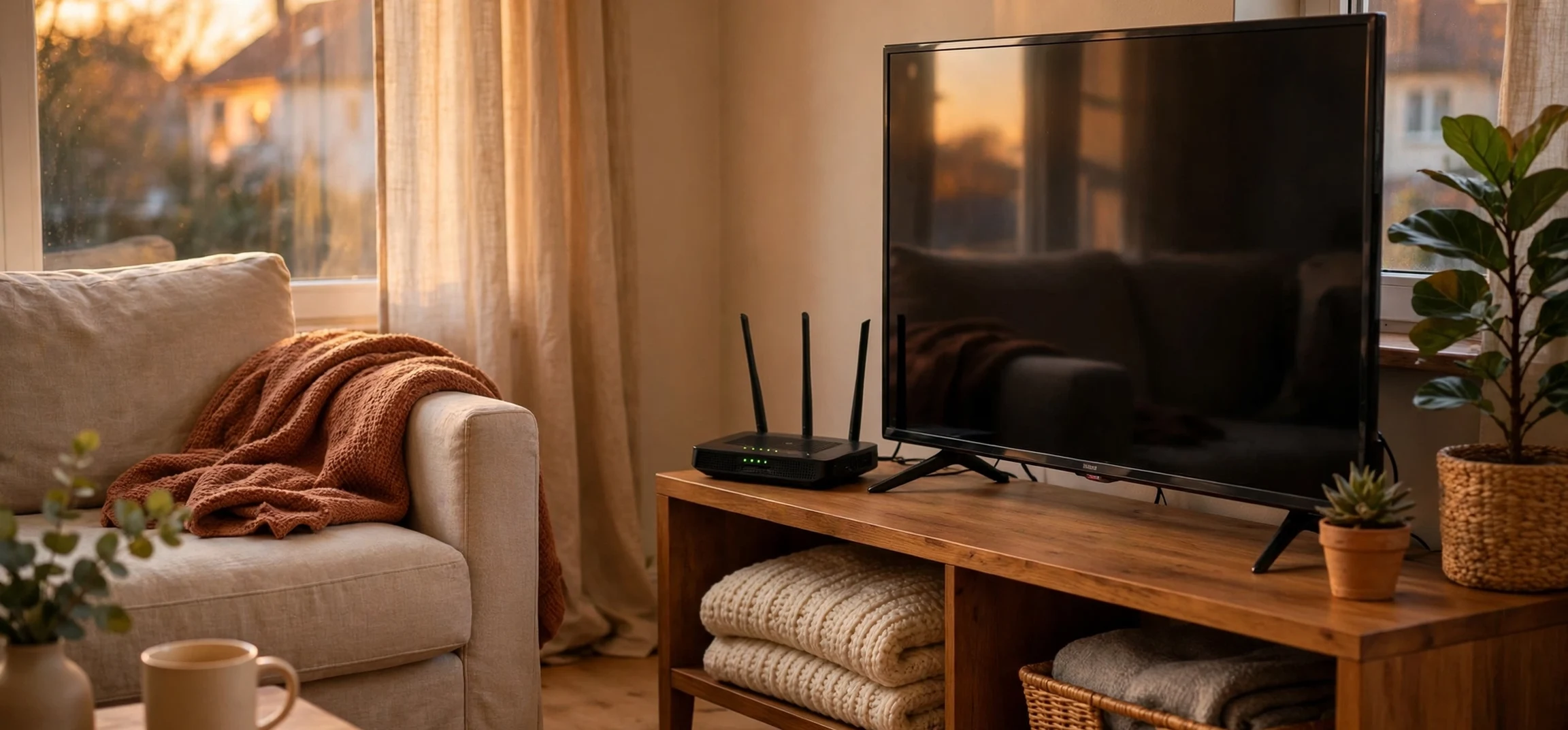
Choosing a WiFi name is a small task, but it is also a chance to have a little fun. A clever network name can make guests smile, help visitors spot your network quickly, and add personality to your home. For fans of the Harry Potter stories, wizard-themed WiFi names are a popular choice. They use familiar ideas — magic, spells, castles, owls, and hidden platforms — without needing to copy long passages from the books or films.
This guide offers original WiFi name ideas inspired by Harry Potter in general terms. It explains what makes a good WiFi name, how to pick one that is easy to find and easy to remember, and how to change your network name safely. It also looks at the idea of an immersive view: how a themed name, a matching password hint, and a tidy home setup can make your whole home network feel more intentional.
You do not need to be an expert to use these ideas. Whether you live alone, share a house with friends, or run a small guesthouse, a good WiFi name is easy to set up and easy to change later. The only rules are to keep it friendly, keep it private enough, and avoid anything that could confuse or embarrass a guest.
What Makes a Good WiFi Name
A good WiFi name, also called an SSID, is short, clear, and easy to recognise. Guests should be able to find it in a list without asking you to spell it three times. Long names with strange symbols can be hard to type, and names that look like default router codes are easy to miss.
The best names balance fun and function. A funny name is great, but if no one can tell which network is yours, it fails at its main job. Try to keep the name under about 30 characters, avoid unusual characters that some devices struggle with, and test it on a phone after you change it. If it appears clearly and connects smoothly, it works.
Privacy matters too. Avoid using your full name, your exact address, your flat number, or your phone number in a WiFi name. Your network name is visible to neighbours and passers-by, so treat it like a public sign. A themed name is safer than a personal one, because it says something about your interests without revealing who you are.
Length and Characters
Most routers accept names up to 32 characters, but shorter is usually better. Letters, numbers, spaces, and a few simple symbols work best. Avoid emojis in the network name itself, because some older devices, printers, and smart home gadgets may not display them correctly. Save the creativity for the words, not the symbols.
If you share your home with others, ask them before you change the name. Every device will need to reconnect, and some smart devices may need to be set up again. Pick a time when no one is in the middle of an important call or download, and keep the old password handy in case you need to revert.
Harry Potter WiFi Name Ideas
The ideas below are original suggestions inspired by general wizarding themes. They are grouped by style, so you can pick the mood that fits your home. Feel free to adapt them: add your street number in a vague way, swap a word, or combine two ideas into one that feels personal.
Castle and school themes work well for a main home network. Examples include The Castle Network, Wizard School WiFi, Great Hall Connection, Tower Signal Strong, and Hidden Castle Internet. These names are warm, easy to understand, and unlikely to confuse guests who have never read the books.
Spell and magic themes are more playful. Try Lumos Connection, Expecto Fast Internet, Wingardium WiFi, Accio Strong Signal, and Alohomora Open Network. The last one is best used as a joke only — do not actually leave your network open. A clever name should never mean weak security.
Creature and owl themes suit animal lovers. Ideas include Owl Post Delivery, Hedwig Air Mail, Hippogriff High Speed, Niffler Treasure Net, and Phoenix Rising Signal. These names feel friendly and work well in a family home.
Funny WiFi Names
Humour is one of the main reasons people choose themed names. Funny options include You Shall Not Buffer, The WiFi That Must Not Be Named, Muggle Net Access, No Muggles Beyond This Point, and It Is Leviosa Not Leviosa. The humour works because it plays on familiar phrases in a new context, not because it copies long lines from the stories.
Keep humour kind. Avoid jokes that mock guests, use rude language, or reference scary themes that might upset children. A WiFi name is visible to everyone nearby, including neighbours and their children, so a light, welcoming joke is the safest choice.
Names for Each Room or Floor
If you have a mesh system or more than one access point, you can give each one a themed name. For example, the living room could be Great Hall WiFi, the study could be Library Quiet Net, and the guest room could be Guest Tower Connection. This helps visitors find the strongest signal and adds a sense of place to your home.
Do not overcomplicate this. If you have only one router, one clear name is enough. Extra names are useful only when you actually have extra networks. Too many similar names can confuse guests more than they help.
Guest Network Names
A separate guest network is a smart idea. It lets visitors use the internet without giving them access to your printers, shared folders, or smart home controls. Give the guest network a clear name, such as Wizard Guests Welcome, Visitor Owl Post, or Guest Hall Connection. Make it obvious that this is the network guests should join.
Change the guest password regularly, especially after a party or a stay by a large group. A guest network is a convenience, not a permanent open door. A fresh password keeps your main network safer and gives you control over who is connected.
Creating an Immersive View at Home
An immersive view is about more than a single name. It is the feeling that your home setup has a theme that runs through it, from the network name to the way you welcome guests. You can build that feeling with small, simple touches that cost nothing.
Start with the network name and the password hint. If your network is called Great Hall Connection, your guest card could say “Welcome to the Great Hall — ask for the password at the door.” A small printed card near the entrance is more welcoming than shouting a long password across the room. It also avoids guests mishearing letters and numbers.
Next, think about the devices in your home. Give your smart speaker, printer, and TV clear names that match the theme, if your household enjoys that. For example, a living-room speaker could be called Hall Speaker, and a study printer could be called Library Printer. Clear device names make troubleshooting easier, because you can tell at a glance which device is which.
Visual touches can complete the effect without turning your home into a film set. A warm lamp, a bookshelf display, or a framed poster can echo the theme. The goal is a cosy, welcoming space, not a replica of a fictional castle. A few thoughtful details are more immersive than a room full of clutter.
| Home area | Example WiFi or device name | Why it works |
|---|---|---|
| Whole home | The Castle Network | Clear, friendly, easy to spot |
| Living room | Great Hall Connection | Matches a shared gathering space |
| Guest room | Wizard Guests Welcome | Guests know it is for them |
| Study | Library Quiet Net | Suggests calm and focus |
How to Change Your WiFi Name Safely
Changing a WiFi name is usually straightforward, but the steps vary by router. In general, you open a browser, enter your router address, sign in with the admin details printed on the router or in its manual, and look for wireless settings. There you can edit the network name and, if you wish, the password. Save the change and reconnect your devices.
Before you start, write down your current network name and password. If something goes wrong, you can revert. Also, check whether your internet provider has an app that lets you change the name more easily. Many modern providers offer this, and it can be simpler than using the router settings page.
After you change the name, reconnect your phone first and test the connection. Then reconnect laptops, tablets, smart TVs, and smart home devices one by one. If a device will not connect, forget the old network on that device and join the new one fresh. That usually fixes the problem.
Security Tips to Keep
A fun name is not a substitute for security. Use a strong password, ideally a long phrase that is easy for you to remember but hard for others to guess. Use the strongest security mode your router offers, usually WPA2 or WPA3, and keep your router software up to date. Turn off remote admin access unless you specifically need it.
Never share your admin password with guests. The WiFi password is for guests; the admin password is for you alone. If you suspect someone has changed your settings without permission, reset the router and set new passwords. When in doubt, contact your internet provider for help.
For more plain-language tech guides, see our post on Ploomes Org and our TechNewsTop Org overview. Both cover how to judge online advice and keep your home setup simple and safe.
Frequently Asked Questions
Will a funny WiFi name slow my internet?
No. The name itself has no effect on speed. Speed depends on your plan, your router, signal strength, and how many devices are connected. A themed name is purely cosmetic.
Can neighbours see my WiFi name?
Yes, unless you hide the network, which is not recommended for most homes because it can cause connection problems. Choose a name you are happy for neighbours to see, and avoid personal details.
Should I use a Harry Potter themed name?
If you enjoy the theme, yes. Pick a short, friendly idea from this guide, adapt it to your home, and pair it with a strong password. The theme is a bit of fun, not a security feature.
How often should I change my WiFi password?
There is no fixed rule, but changing it after guests leave, after a device is lost, or if you suspect unauthorised access is good practice. A strong, unique password matters more than frequent changes.
Conclusion
A Harry Potter inspired WiFi name is a simple way to add character to your home network. Pick a clear, friendly idea, keep personal details out of it, and pair it with strong security. Add a guest network, a welcoming guest card, and clear device names, and you will have an immersive setup that feels intentional without being complicated.
The best name is the one your household enjoys and your guests can find easily. Try one idea from this guide, test it for a week, and change it if it does not feel right. Changing a WiFi name is easy, so there is no need to overthink the first choice. For another light-hearted guide, read our Feet Tickled In Stocks Fast Download explainer on confusing search phrases and safe downloads.



