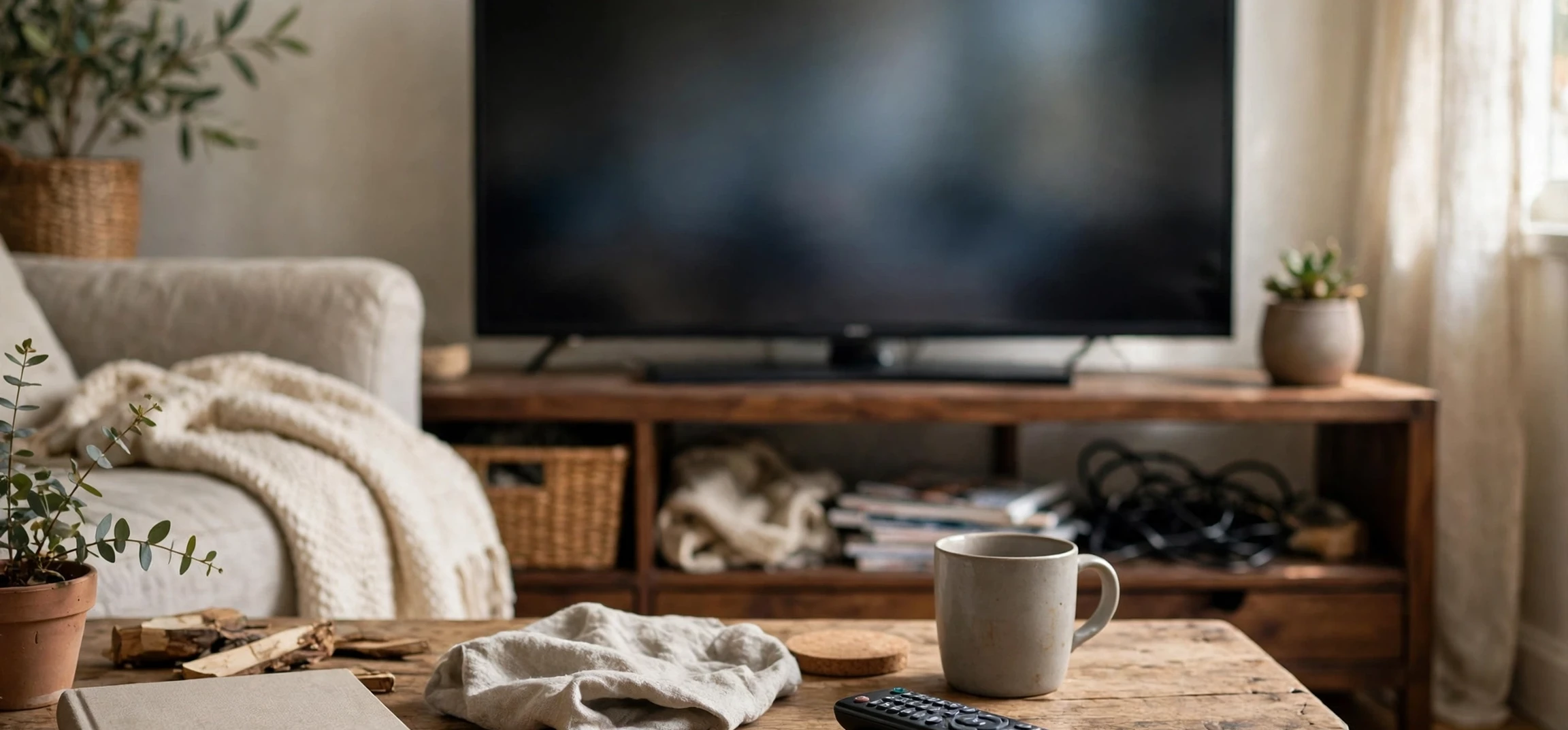
Learning how to program cox cable remote controls to a television is one of the most useful setup skills for any cable household, because a correctly paired remote lets you change channels, adjust the volume, and turn the television on and off without juggling two or three different controllers. If you have just installed a new television, replaced an old remote, or moved a cable box to another room, the pairing process can feel confusing at first, especially since different Cox remote models use slightly different buttons and menus. The good news is that most setups follow the same basic pattern: put the remote into programming mode, tell it which device you want to control, and test the basic functions until everything responds smoothly. This guide walks through that process step by step, explains the difference between automatic pairing and manual code entry, and covers the fixes that solve the most common problems.
Before you begin, it helps to understand what programming actually means in this context. A cable remote does not magically know which television brand you own. It stores a set of infrared or radio-frequency commands that match different television models, and programming selects the right set for your screen. Some newer remotes pair over a wireless connection to the cable box itself, while others send infrared signals directly to the television. In both cases, the goal is the same: one remote that reliably controls the functions you use every day. Taking a few minutes to prepare will save you from repeated failed attempts, so gather the remote, make sure it has fresh batteries, and keep the television and cable box powered on and within clear sight of each other during setup.
How to Program Cox Cable Remote: Before You Start
The first step in learning how to program cox cable remote devices is preparation, and it is worth doing properly rather than rushing straight to button presses. Start by checking the batteries, because weak batteries are the single most common cause of pairing failures. If the remote has been sitting in a drawer, replace the batteries with a fresh pair and confirm that the indicator light responds when you press a button. Next, identify your remote model. Many Cox remotes have a model name printed inside the battery compartment or on the back of the remote, and knowing the model helps you follow the correct button sequence. If the label has worn away, look at the layout: some remotes have a dedicated setup button, others use a combination such as holding the television power button and another key, and voice remotes often pair through an on-screen menu instead.
It also helps to know your television brand and, if possible, the model family. Manual code entry, which is covered later in this guide, relies on a code list organised by brand, so having that information ready avoids a long search midway through the process. Make sure the television is turned on and set to the correct input for the cable box, and make sure nothing is blocking the front of the television or the cable box, since infrared signals need a clear path. If you use a soundbar or a home theatre receiver, decide whether you want the remote to control the television speakers or the external audio system, because that choice affects which device you program for volume. Finally, keep the original television remote nearby during setup. It is a useful backup if you need to change television settings, and it lets you confirm that the television itself is working normally before you blame the cable remote for a problem.
What You Need for Remote Pairing
In most cases you need only three things: the Cox remote, fresh batteries, and a powered-on television connected to the cable box. A code list is helpful for manual programming, and that list is usually available through the official Cox support pages or in the printed guide that came with the remote. You do not need special tools, and you do not need to open the cable box or the television. If your remote is a voice remote, you will also use the on-screen menus on the television, so make sure the cable box is displaying its home screen clearly. For households with more than one television, program one room at a time and test each setup fully before moving on, because pairing one remote can otherwise become confused with another nearby device.
How to Program Cox Cable Remote Using Automatic Pairing
Automatic pairing is the simplest route, and it is the method to try first on newer remotes. Begin by turning on the television and the cable box, then point the remote at the cable box. On many models, you press and hold a setup or pairing button until the indicator light changes colour or begins to blink, which signals that the remote is ready to pair. Some voice remotes instead ask you to hold the voice or microphone button while the on-screen setup menu appears, and then follow the prompts displayed on the television. The television screen is your best guide here: read each prompt carefully, confirm the device type when asked, and wait for the confirmation message before testing.
Once the pairing prompt appears, the system will usually test the connection by asking you to press the volume or power button and confirming whether the television responded. Answer honestly at each test step. If the volume changes, confirm that it worked. If nothing happens, tell the setup menu so, and it will try another command set. This trial process is normal and does not mean anything is broken. It may take two or three attempts before the right command set is found, especially with less common television brands. When the test succeeds, complete the setup and then run your own checks: change the channel, mute the sound, turn the television off and back on, and open the cable guide. If all of those work, the automatic pairing is complete, and you can put the original television remote away as a backup.
For readers who enjoy comparing setup methods, our guide to connecting a universal remote to a television covers similar pairing ideas in a different context, and the principles of testing each function after pairing apply just as well here. The key lesson in both cases is patience: a remote that works for channels but not for volume is only partly programmed, and finishing the full test sequence is what turns a partial setup into a reliable daily remote.
How to Program Cox Cable Remote With a Manual Code
If automatic pairing does not work, manual code entry is the next reliable method. Start by finding the code list for your television brand. Enter programming mode on the remote, usually by holding the setup button until the indicator light stays on, then pressing the television device button. Next, enter the first code listed for your brand using the number keys. After entering the code, the indicator light should blink or turn off to confirm that the code was accepted. Now test the television power button. If the television turns off, the code is correct, and you should turn it back on and test volume and mute as well. If the television does not respond, repeat the process with the next code for your brand.
Manual code entry can require patience, because some brands have many codes and the correct one may be several entries down the list. Work through the list methodically rather than jumping around at random, and note which codes you have already tried if the list is long. Do not rush the button presses: enter each digit clearly, wait for the indicator light response, and test before moving on. Some remotes also offer a code search mode, which cycles through codes automatically while you repeatedly press the power button until the television turns off. That method is slower, but it is useful when you cannot find a printed code list or when none of the listed codes work. Once you find a working code, write it down and keep it with the remote documentation, because it will save time if the remote ever needs to be reprogrammed after a battery change or a reset.
Tips That Make Manual Programming Easier
First, keep the remote pointed at the television throughout the process, and stay within a normal viewing distance rather than standing right next to the screen, since infrared signals can behave oddly at very close range. Second, if a code turns the television off but does not control volume, try the next code for the same brand, because partial matches are common and a nearby code may control the full function set. Third, if you have a soundbar, remember that volume programming may need to target the soundbar rather than the television, and the setup menu usually lets you choose which audio device the volume buttons control. Our overview of programming another provider remote to a television shows how similar these brand-code steps are across systems, which can be reassuring if you have programmed a remote before and the Cox sequence feels familiar.
Programming a Cox Voice Remote
Voice remotes add an extra layer of convenience, but they also have their own pairing steps. After inserting fresh batteries, many voice remotes pair automatically when you press and hold the voice button near the cable box for a few seconds. The on-screen menu will guide you through naming or confirming the television, and it may ask you to test volume and power as part of the setup. If the voice functions do not respond, check that the remote is paired to the cable box first, because voice commands travel through the box rather than directly to the television. A remote that changes channels but does not respond to voice commands is often paired for infrared television control but not yet fully linked to the box, and repeating the voice pairing step usually fixes it.
Voice control also depends on a clear spoken command and a quiet moment to be heard, so test it in a normal room rather than during a loud programme. Speak the channel name or programme title clearly, and give the box a second or two to respond. If voice search works but volume does not, revisit the television programming step separately, because the two functions are sometimes configured in different parts of the setup menu. Keeping the remote software and the cable box software up to date also helps, since providers periodically improve voice recognition and device compatibility. If an update is available through the box settings, install it before troubleshooting further, and then retest both voice and standard buttons.
Troubleshooting Common Programming Problems
Even a careful setup can hit a snag, and most problems have simple causes. If the remote does nothing at all, replace the batteries first and check that they are inserted in the correct orientation. If only some buttons work, the remote may be partly programmed, and repeating the pairing or trying the next manual code usually completes the set. If the remote works from one chair but not another, check for obstacles between the remote and the television, bright sunlight hitting the television sensor, or a glass cabinet door interfering with the infrared signal. Moving a few steps to the side or opening the cabinet door during a test can quickly reveal whether the signal path is the issue.
Another common problem is a remote that controls the cable box perfectly but will not control the television at all. In that case, the television programming step has not succeeded, even if the box pairing worked. Go back to the television setup section of the menu or the manual code process and complete it separately. If the television turns on but the cable box does not, check the power and input settings, and confirm that the box is not in a deep sleep or standby mode that needs a manual wake. Finally, if a remote that worked for months suddenly stops responding, try fresh batteries and a re-pair before assuming the remote is broken. Battery changes and power interruptions can occasionally reset a pairing, and a quick repeat of the setup steps restores normal use. Readers setting up other equipment may also find our guide to programming a different remote to a television useful for comparison, since the troubleshooting pattern is very similar.
| Remote Type | Best First Method | When to Try Another Method |
|---|---|---|
| Standard infrared remote | Manual code entry by television brand | When no listed code controls all functions |
| Voice remote | On-screen automatic pairing | When voice works but volume or power does not |
| Universal-style cable remote | Automatic code search | When the brand list is missing or incomplete |
| Replacement remote | Automatic pairing, then manual code | When the first method gives only partial control |
Frequently Asked Questions
Why does my remote change channels but not volume?
This usually means the remote is paired to the cable box but not fully programmed for the television, or the volume is set to control a soundbar instead of the television speakers. Revisit the television programming step and check the audio device setting in the setup menu.
What if I lose the manual code that worked?
You can repeat the code search process or work through the brand list again. Once you find a working code a second time, write it down and store it with the remote guide so a future reprogramming takes minutes instead of an evening.
Do I need to reprogram the remote for a new television?
Yes. A new television uses a different command set, so repeat the pairing process for the new screen even if the cable box and remote stay the same. The steps are identical, and the new television brand code list will guide the manual method if automatic pairing does not succeed.
Can weak batteries cause pairing to fail?
Yes, weak batteries are a leading cause of failed pairing and inconsistent button response. Always start troubleshooting with fresh batteries, and replace them as a pair rather than mixing one new battery with one old battery.
Conclusion
Programming a Cox cable remote to a television is a straightforward task once you know the sequence: prepare with fresh batteries and the television powered on, try automatic or on-screen pairing first, use manual codes if needed, and test every function before calling the job done. Patience during code entry and honesty during on-screen tests make the difference between a remote that mostly works and one that works every time. If a first attempt fails, work through the troubleshooting steps in this guide before replacing the remote, because most issues come from batteries, signal paths, or an incomplete television programming step. With the setup complete, you can enjoy the simplicity of a single remote for channels, volume, power, and voice search, and you will know exactly how to repeat the process whenever a new television joins the household.



