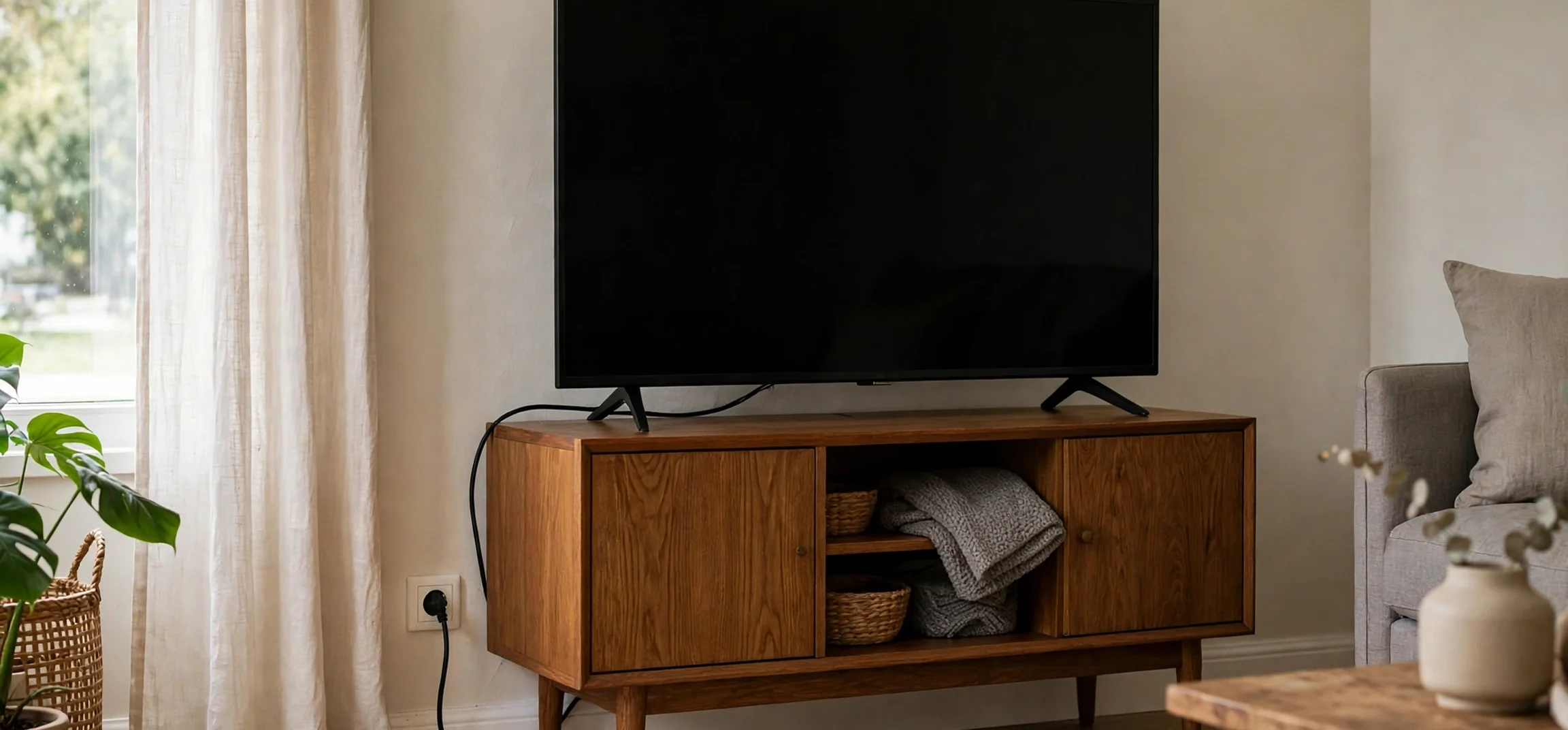
The average watts of tv sets in a typical home is a question that sounds simple, but the answer depends on screen size, screen technology, brightness settings, and how the television is used. A small bedroom television and a large living-room television can differ by a wide margin, and the same television can draw very different amounts of power when it is showing a bright scene, when it is in a dim eco mode, and when it is sitting in standby. This guide explains the typical ranges you can expect, what affects them, and how to estimate the energy use of your own television, using wattage and hours of use rather than any statement about current charges or tariffs.
Understanding watts is the first step. A watt is a unit of power, which measures the rate at which energy is used at a given moment. A television rated at 100 watts uses energy at a rate of 100 watts while it is operating at that level. Energy use over time is measured in watt-hours, or kilowatt-hours, where one kilowatt-hour equals using 1,000 watts for one hour. So a 100-watt television used for four hours uses about 400 watt-hours, or 0.4 kilowatt-hours, of energy. That simple relationship, watts multiplied by hours, divided by 1,000, lets you estimate energy use for any television once you know its typical wattage and your viewing habits.
Manufacturers usually publish power consumption figures on a specification sheet, on an energy label, or on a sticker on the back of the set. Those figures often include a typical operating power, a maximum power, and a standby power. The typical figure is the most useful for everyday estimates, while the maximum figure shows what the set can draw at its brightest or loudest settings. Standby power is usually very low on modern sets, but it is not zero, and it adds up over the many hours a television spends switched off but still connected to power. Checking those three figures for your own model is more accurate than relying on a single average for all televisions.
Average Watts of TV by Screen Size
Screen size is the single biggest factor in television power use, because a larger screen has more area to light. As a broad guide, a small television of around 32 inches typically uses in the range of 30 to 60 watts while operating, depending on technology and brightness. A mid-size television of around 43 to 50 inches typically uses in the range of 60 to 110 watts. A larger television of around 55 to 65 inches typically uses in the range of 80 to 150 watts. A very large television of 75 inches or more can typically use in the range of 120 to 250 watts, and some of the brightest large models can go higher at maximum brightness.
Those ranges are deliberately broad, because two televisions of the same size can differ significantly. A model with an efficient panel, a lower default brightness, and a good eco mode will sit at the lower end of its range, while a brighter model with more processing features may sit at the higher end. Age also matters. Older televisions, particularly older plasma models and early LCD models with less efficient backlights, often used more power than a modern set of the same size. Modern LED-backlit LCD televisions and OLED televisions are generally more efficient, although OLED power use varies more with picture content, because bright scenes draw more power than dark scenes.
It is also worth noting that the average watts of tv use in a home is not the same as the wattage of the largest television in the home. Many households have more than one television, and the average across all sets, weighted by hours of use, is what determines total household television energy use. A large living-room set used for several hours each evening will dominate the total, while a small bedroom set used occasionally will contribute far less. When estimating household use, count each television separately, with its own wattage and hours, and then add the results together.
Average Watts of TV by Screen Technology
Screen technology affects power use in several ways. LED-backlit LCD televisions, which are the most common type in homes today, use a backlight behind a liquid crystal panel. Their power use is fairly steady regardless of picture content, because the backlight is always on, although local dimming features can reduce power in dark scenes by dimming parts of the backlight. Typical LED LCD televisions fall within the size-based ranges above, with efficient models at the lower end.
OLED televisions work differently. Each pixel produces its own light, so dark pixels use very little power and bright pixels use more. That means OLED power use varies with what you are watching. A dark film may use noticeably less power than a bright sports broadcast on the same set. As a broad guide, OLED televisions of a given size often use a similar amount of power to LED LCD televisions on average, but with wider variation from scene to scene. If you watch a lot of bright content at high brightness, expect your OLED set to sit towards the higher end of its size range.
Older technologies tell a different story. Plasma televisions, which were popular in the past for large screens, typically used considerably more power than modern sets of the same size, often in the range of 150 to 400 watts for large models, because each pixel had to be driven individually and bright scenes required more energy. Early LCD televisions with fluorescent backlights also tended to use more power than modern LED models. If you still own an older set, its specification label is the best guide, and replacing it with a modern efficient model can reduce television energy use noticeably, although that is a separate decision from day-to-day energy saving.
Factors That Change Television Power Use
Beyond size and technology, several settings and habits affect how much power a television draws. Brightness is the most important. A television set to maximum brightness in a bright room uses more power than the same set at a moderate brightness in a dimmer room. Many televisions have an ambient light sensor that adjusts brightness automatically, and enabling it can reduce power use without noticeably harming picture quality. Picture modes also matter: vivid or dynamic modes are usually brighter and use more power than standard, cinema, or eco modes.
Sound and connected devices play a smaller role. Built-in speakers use some power, and an external soundbar or home theatre system adds its own power use, which should be counted separately if you are estimating total entertainment energy. Streaming devices, games consoles, and set-top boxes also draw power, and they may keep a television awake or prevent it from entering standby if they are not managed well. Finally, standby behaviour matters. A television that is switched off at the remote but left connected to power typically draws only a fraction of a watt to a few watts in standby on modern models, but older models and models with network features enabled for quick start-up can draw more. Switching off at the wall, where practical, removes standby draw entirely.
How to Estimate Your Television Energy Use
Estimating your own television energy use takes only a few steps, and it is more accurate than using a generic average. First, find the typical operating wattage for your model from its specification sheet, energy label, or the label on the back of the set. If you cannot find a typical figure, use the rated power as an upper guide and note that actual use may be lower. Second, estimate how many hours per day the television is actually on and showing a picture, not just switched on in the background. Third, multiply watts by hours, and divide by 1,000 to get kilowatt-hours per day. Fourth, multiply by the number of days in the period you want to estimate, such as 30 for a month or 365 for a year.
For example, a television that typically uses 100 watts and is watched for four hours a day uses about 0.4 kilowatt-hours per day. Over a month of 30 days, that is about 12 kilowatt-hours, and over a year it is about 146 kilowatt-hours, before counting standby use. A larger set using 150 watts for five hours a day would use about 0.75 kilowatt-hours per day, about 22.5 kilowatt-hours in a month, and about 274 kilowatt-hours in a year. Those examples are illustrations of the calculation, not predictions for any particular household, because real wattage and viewing hours vary. The value of the calculation is that it lets you compare scenarios: a lower brightness setting, fewer hours, or a smaller set all show up directly in the result.
If you want a more precise measurement, a plug-in power meter can help. These devices sit between the wall socket and the television plug and record actual power draw over time, including standby use. They are inexpensive, easy to use, and far more accurate than a generic average, because they capture your specific model, settings, and viewing habits. Leave the meter in place for a week to capture a representative pattern, including weekdays and weekends, and then use its kilowatt-hour reading as your baseline. That baseline is also useful for testing whether a change, such as lowering brightness or enabling eco mode, actually reduces energy use in practice.
Reducing Television Energy Use Without Losing Picture Quality
Reducing television energy use does not have to mean watching a dim, washed-out picture. Start with brightness. Lowering brightness from maximum to a level that suits your room lighting often saves a noticeable amount of power with little visible difference, especially in the evening when room lighting is lower. Enabling an eco or energy-saving picture mode, where available, usually combines moderate brightness with other efficiency settings, and it is a good default for everyday viewing. Save vivid or dynamic modes for occasions when you genuinely need extra brightness, such as a very bright room during the day.
Next, manage standby and connected devices. Set the television to enter standby or switch off automatically after a period of inactivity, if that option is available, so that a forgotten television does not run for hours unattended. Switch off games consoles and streaming devices when they are not in use, rather than leaving them in a high-power idle state. Where practical, switch the television off at the wall overnight or when you go away, which removes standby draw completely. These habits cost nothing and require no new equipment, yet they add up over a year of daily use.
Finally, consider screen size when you next buy a television. A larger screen is not automatically a problem, but it will generally use more power than a smaller one, and the difference grows with brightness and hours of use. Choosing a size that suits your viewing distance, rather than the largest available, and checking the energy label for efficient models in that size, is a practical way to limit future energy use. Energy labels, where available, compare models on a like-for-like basis and can help you spot efficient options without needing to compare raw wattage figures alone. For broader context on choosing home entertainment options, this guide to internet and TV service providers in your area and this overview of best streams for TV cover related decisions about services and viewing, alongside the hardware itself.
Typical Television Wattage Ranges at a Glance
| Screen size | Typical operating range | Standby (modern sets) | Notes |
|---|---|---|---|
| Around 32 inches | 30 to 60 watts | Under 1 watt to a few watts | Common for bedrooms and kitchens |
| 43 to 50 inches | 60 to 110 watts | Under 1 watt to a few watts | Common mid-size living-room sets |
| 55 to 65 inches | 80 to 150 watts | Under 1 watt to a few watts | Large living-room sets, brightness matters most |
| 75 inches and above | 120 to 250 watts | Under 1 watt to a few watts | Very large sets, bright modes can go higher |
| Older large plasma sets | 150 to 400 watts | Higher than modern sets | Older technology, check the model label |
These ranges are intended as a planning guide, not as a specification for any particular model. Always check the label or specification sheet for your own television for the most accurate figures, and remember that actual power use varies with brightness, picture mode, and content.
Frequently Asked Questions
What is the average watts of a TV?
There is no single average that fits every home, because size and technology vary so much. As a broad guide, a mid-size modern television typically uses around 60 to 110 watts while operating, a smaller set uses less, and a very large set uses more. Your own model label and viewing hours give a far more accurate estimate than any generic average.
Do TVs use electricity when switched off?
Yes, usually a small amount, if they remain connected to power and in standby. Modern sets typically draw under a few watts in standby, while older sets or sets with network quick-start features may draw more. Switching off at the wall removes standby draw entirely.
Does brightness affect TV power use?
Yes, brightness is one of the largest factors. Higher brightness generally means higher power use, especially on large screens and in vivid picture modes. Lowering brightness to suit room lighting and using eco or standard modes can reduce power use with little visible loss in quality.
How do I calculate TV energy use?
Multiply the typical wattage by the hours watched per day, then divide by 1,000 to get kilowatt-hours per day. Multiply by 30 for a month or by 365 for a year. A plug-in power meter gives a more precise measurement for your specific set and habits.
Do OLED TVs use more power than LED TVs?
Not necessarily on average. OLED power use varies more with picture content, using less for dark scenes and more for bright scenes, while LED LCD power use is steadier. For a given size, average use is often broadly similar, but bright content at high brightness will push an OLED set towards the higher end of its range.
Conclusion
The average watts of tv sets depends mainly on screen size, technology, brightness, and hours of use, with typical modern sets ranging from around 30 watts for a small screen to around 250 watts for a very large screen at higher brightness. That range is the reason a single average figure can mislead: your own television, settings, and viewing pattern matter more than any headline number. Find your model wattage, multiply by your hours, and you will have a realistic estimate for your home. From there, simple steps such as moderating brightness, using eco modes, managing standby, and switching off connected devices when idle can reduce energy use without spoiling the viewing experience.



