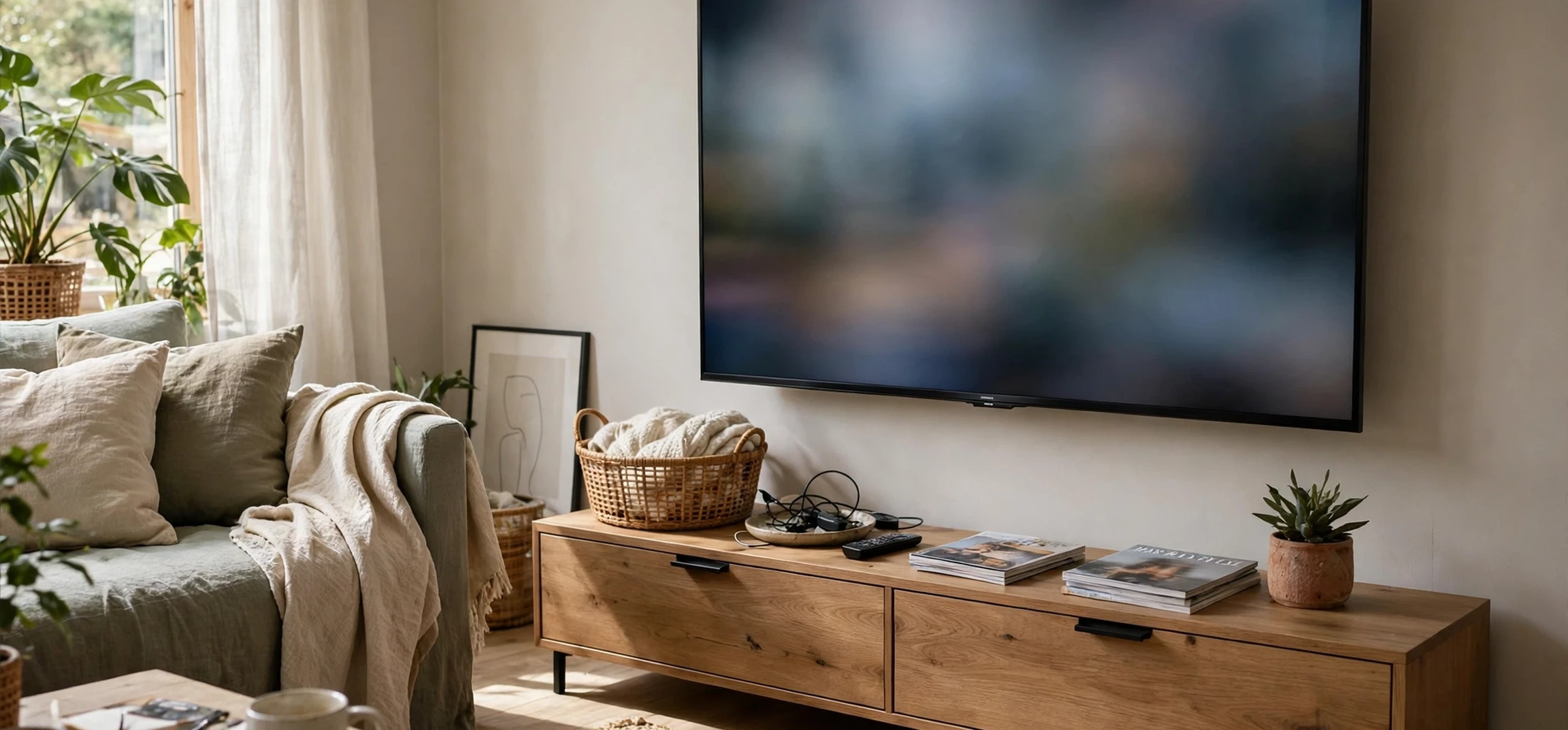
If you are following new television technology, you have probably noticed that the television in the living room no longer behaves like the television of a generation ago. It is thinner, brighter, smarter, and far more connected, and it now sits at the centre of a home network rather than at the end of a broadcast chain. New television technology covers everything from the panel that produces the picture to the software that recommends what to watch, and from the way sound is processed to the way a set talks to other devices in the home. This guide explains the main developments in plain language, without hype and without presenting any price as a current fact, so you can understand what matters, what is marketing language, and what to look for when you next compare sets.
The pace of change can be confusing, because manufacturers introduce new terms every year. Some describe genuine engineering advances, such as better light control or faster processing. Others are brand names for familiar ideas, dressed up to sound new. Learning to separate the two is the most useful skill a buyer can develop. A television is a long-term purchase for most households, often kept for many years, so understanding the underlying technology matters more than memorising this year’s model names. The sections below work through display panels, picture processing, sound, smart platforms, connectivity, and energy use, and finish with practical advice on choosing a set.
What “new television technology” Means Today
The phrase new television technology is best understood as a bundle of changes rather than a single invention. At its core is the display panel, the physical screen that creates light and colour. Around that core sit the processor, which cleans up and enhances the incoming signal, the operating system, which runs apps and menus, and the audio system, which turns a thin cabinet into something that sounds larger than it looks. Connectivity ties the whole package together, letting the set receive content over the internet, from a phone, or from a games console, and letting it control or be controlled by other smart home devices.
It helps to think of a modern television as a computer with a very large screen. That comparison explains both its strengths and its frustrations. Like a computer, a modern set can be updated, can run apps, and can learn viewing habits. Like a computer, it can also feel slow when its processor is weak, confusing when its menus are cluttered, or limited when its software stops receiving updates. When reviewers praise new television technology, they are usually praising the combination of a better panel, a faster processor, and cleaner software, rather than any one feature in isolation.
Display Panels Explained
The biggest visible change in recent years has been the panel itself. The two main approaches in current sets are liquid crystal displays with advanced backlighting and self-emissive displays, in which each pixel produces its own light. Liquid crystal sets use a backlight shining through a layer that controls colour, and modern versions divide that backlight into many small zones that can be dimmed independently. That local dimming improves contrast, because dark parts of a scene can stay dark while bright parts stay bright. The most advanced backlights use thousands of tiny lights, which allows finer control and reduces the halo effect that sometimes appears around bright objects on dark backgrounds.
Self-emissive displays take a different route. Because each pixel makes its own light, a pixel that should be black can simply switch off, producing deep blacks and very high contrast. These panels are prized for film watching in dark rooms, where shadow detail and contrast matter most. They also offer wide viewing angles, so the picture stays consistent when viewed from the side. Their trade-offs have historically included brightness limits in very bright rooms and care needed with static images left on screen for long periods, although newer generations have improved on both points. Neither approach is universally better. The right choice depends on room lighting, viewing distance, and what you watch most.
Resolution and Why It Matters Less Than You Think
Resolution describes how many pixels make up the picture. Ultra-high-definition sets, commonly called 4K, have four times the pixels of older high-definition sets, and some premium sets offer even higher resolutions. More pixels can produce a sharper image, but only when the viewer sits close enough to see the difference and the source content is itself high resolution. From a typical living-room distance, the jump from high definition to ultra-high definition is noticeable, while further jumps are harder to perceive. Picture quality depends at least as much on contrast, colour accuracy, and motion handling as on pixel count, which is why a well-engineered lower-resolution set can look better than a poorly engineered higher-resolution one.
New Television Technology in Picture Processing
Picture processing is the invisible work that turns a broadcast, stream, or disc into the image on screen. Modern processors analyse each frame, reduce noise, sharpen edges gently, and upscale lower-resolution content to fit a high-resolution panel. Upscaling matters because much everyday viewing, from older shows to standard-definition channels, was not made for today’s large screens. A good processor makes that material look clean without making it look artificial. A weak processor can leave it soft, noisy, or oddly smooth.
High dynamic range is another key part of modern picture processing. It is a way of encoding and displaying a wider range of brightness, from deeper shadows to brighter highlights, along with richer colour. When content is made for high dynamic range and the set supports the same format, the result is a picture with more depth and realism, especially in scenes with both bright skies and dark shadows. There are several competing formats, and sets vary in which ones they support, so checking format support matters if you watch a lot of films or premium streaming content. Motion handling is equally important for sport and action, where fast movement can blur or judder on a poor set. Modern sets use faster panels and motion processing to keep movement smooth, although the most aggressive smoothing can make films look unnaturally fluid, and most sets let viewers turn it down or off.
Sound, Voice, and Smart Platforms
As televisions have grown thinner, their built-in speakers have had less room to work with, which is why sound is now a major focus of new television technology. Manufacturers use digital processing to widen the soundstage, clarify dialogue, and simulate surround sound from a slim cabinet. Some sets include upward-firing speakers that bounce sound off the ceiling for a sense of height, and many support object-based audio formats that place sounds in three-dimensional space rather than in fixed channels. For many viewers, a soundbar or home cinema system still improves the experience substantially, but built-in sound has improved enough that casual viewing no longer demands extra equipment.
Smart platforms are the software layer that runs streaming apps, live television guides, and voice control. A good platform is fast, easy to navigate, and kept up to date with new apps and security fixes. Voice control, either through a remote or through a smart speaker, lets viewers search for shows, adjust volume, and control playback without navigating menus. Personalisation is the next step, with home screens that surface recommendations based on viewing history. That convenience comes with a privacy trade-off, since personalisation requires data about what is watched. Viewers who value privacy should check the set’s settings for options to limit data collection and personalised advertising.
Connectivity, Gaming, and the Connected Home
Connectivity is where new television technology meets the rest of the home. Modern sets typically include wireless networking, wired networking, and several high-definition multimedia ports for consoles, players, and sound systems. The newest port standards support higher refresh rates and faster data transfer, which matters for gaming and for high-quality video. Gamers in particular should look for low input lag, which is the delay between pressing a button and seeing the result on screen, and for variable refresh rate support, which keeps fast-moving games smooth by matching the display to the console’s output.
Beyond gaming, televisions increasingly act as smart home hubs, displaying doorbell cameras, controlling lights, or showing calendars and photos. Casting and screen mirroring let a phone or tablet send video to the big screen with a tap, which is useful for sharing photos or watching a clip together. These features are convenient, but they also mean the television is now a networked device that benefits from the same care as any other: a secure home network, regular software updates, and sensible account settings. A set that is never updated can become slow or insecure over time, just like an old phone.
| Technology area | What it improves | What to check before buying |
|---|---|---|
| Display panel | Contrast, colour, viewing angle | Room lighting and viewing distance |
| Picture processing | Sharpness, upscaling, motion | Real content, not just demo clips |
| High dynamic range | Brightness range and colour depth | Format support for your services |
| Sound processing | Dialogue clarity, spaciousness | Whether a soundbar is still wanted |
| Smart platform | Apps, speed, voice control | Update history and app range |
| Connectivity | Gaming, casting, smart home | Port standards and input lag |
Energy Efficiency and Sustainability
Energy use deserves attention as screens grow larger. A bigger, brighter panel naturally uses more power, but modern sets are more efficient per square inch than older models, thanks to better backlights, smarter dimming, and automatic brightness adjustment based on room light. Many sets include an eco mode that reduces brightness slightly to save energy, and turning off quick-start features that keep the set partly awake can reduce standby consumption. When comparing sets, the energy label and the typical power draw in normal viewing are more useful than headline brightness figures, which are usually measured at maximum settings that few people use at home.
Sustainability also covers longevity. A television that receives software updates for several years, has replaceable parts where possible, and can be repaired rather than replaced is a better long-term choice than a cheaper set that becomes obsolete quickly. Buyers can help by choosing a set with a proven update record from its maker, keeping its software current, and recycling the old set responsibly when it is finally replaced. These choices matter at scale, because televisions are among the most common large electronics in the home.
For background on how the television itself developed, see the guide to when television was invented and the guide to when the television was made. Those histories help explain why today’s sets look and behave so differently from the bulky boxes of the past, and why each generation of new television technology builds on the one before it. A further useful comparison is the guide to when the first colour television was made, which marks the moment television moved from black and white to colour.
Frequently Asked Questions About New Television Technology
What is the most important feature in a new television?
Contrast and colour accuracy usually matter more than resolution alone. A set with deep blacks, accurate colours, and good motion handling will look better in everyday viewing than a set that only boasts a higher pixel count.
Do I need the latest television for streaming?
Not necessarily. Most streaming services work well on sets from recent years, provided the smart platform still receives app updates. If apps are missing or slow, a separate streaming device can extend the life of an older set.
Is a bigger television always better?
No. The best size depends on viewing distance and room layout. Sitting too close to a very large screen can make the picture feel overwhelming and reveal flaws in lower-quality content, while sitting too far from a small screen wastes its detail.
How long should a modern television last?
Many households keep a television for seven years or more. Panel life is usually long, but software support and changing app requirements are more likely to limit useful life than the screen itself.
Conclusion: Making Sense of New Television Technology
New television technology is not one breakthrough but a steady accumulation of better panels, smarter processing, clearer sound, and more capable software. The sets of today are brighter, sharper, and more connected than those of a decade ago, and they offer a genuinely better viewing experience when their strengths match the room and the viewing habits of the household. The best buying strategy remains simple: judge the picture with real content in realistic lighting, check that the smart platform and connections suit your needs, and ignore marketing terms until you understand what they actually describe. Do that, and the next television you buy will serve you well for years, whatever new terms the industry invents in the meantime.



