If you have ever searched for mockups meaning, you have probably seen the word used in design, product packaging, websites, and branding, sometimes with slightly different shades of sense. At its core, mockups meaning is simple: a mockup is a realistic preview or model that shows how a finished design will look before it is produced, printed, or launched. It is not the final product itself, and it is not a rough sketch either. It sits between an idea and a finished item, giving designers, clients, and teams a clear picture they can judge, change, and approve.
Understanding mockups meaning helps in everyday work as well as in professional design. A shop owner may use a product mockup to see how a label looks on a bottle. A website designer may use a page mockup to test layout before coding begins. A student may use a presentation mockup to show how slides will look on screen. In each case, mockups meaning stays the same: a visual stand-in that makes an abstract plan concrete, so decisions happen earlier, when changes are cheaper and easier.
What Is a Mockup in Simple Terms for mockups meaning
A mockup is a full-size or scaled model of a design, presented in a realistic setting. For a book cover, the mockup might show the cover on a three-dimensional book on a desk. For a mobile app, the mockup might show screens inside a phone frame. For a website, the mockup might show the homepage as it would appear in a browser window. The purpose of mockups meaning in all these cases is preview and communication, not final production.
Mockups differ from sketches and wireframes in an important way. A sketch explores an idea quickly, often by hand, with little detail. A wireframe maps structure, showing where headings, images, and buttons will go, usually without final colours or pictures. A mockup adds visual detail: colours, typography, images, spacing, and realistic context. That is why mockups meaning is often explained as the stage where a design starts to look real, even though the underlying product may not exist yet.
Mockup Versus Prototype
People often confuse a mockup with a prototype, but the distinction is useful. A mockup is usually static: it shows how something looks. A prototype is usually interactive: it shows how something works, even if only in a limited way. You can click through a prototype, test a button, or follow a user flow. A mockup, by contrast, lets you judge appearance, hierarchy, and branding. Many projects use both, first a mockup to agree the look, then a prototype to test the experience. Keeping mockups meaning separate from prototype meaning prevents teams from expecting interaction from a static image, or expecting final polish from an early test model.
Types of Mockups and mockups meaning in Each Field
Mockups appear in many industries, and mockups meaning adapts slightly to each one while keeping the same core idea. In graphic design, a mockup shows a logo on a business card, a poster on a wall, or packaging on a shelf. In web design, a mockup shows a page layout with real text and images, so a client can approve structure before development. In product design, a mockup may be a physical model or a three-dimensional render that shows size, shape, and finish. In fashion, a mockup may show a pattern on a garment shape before cutting fabric.
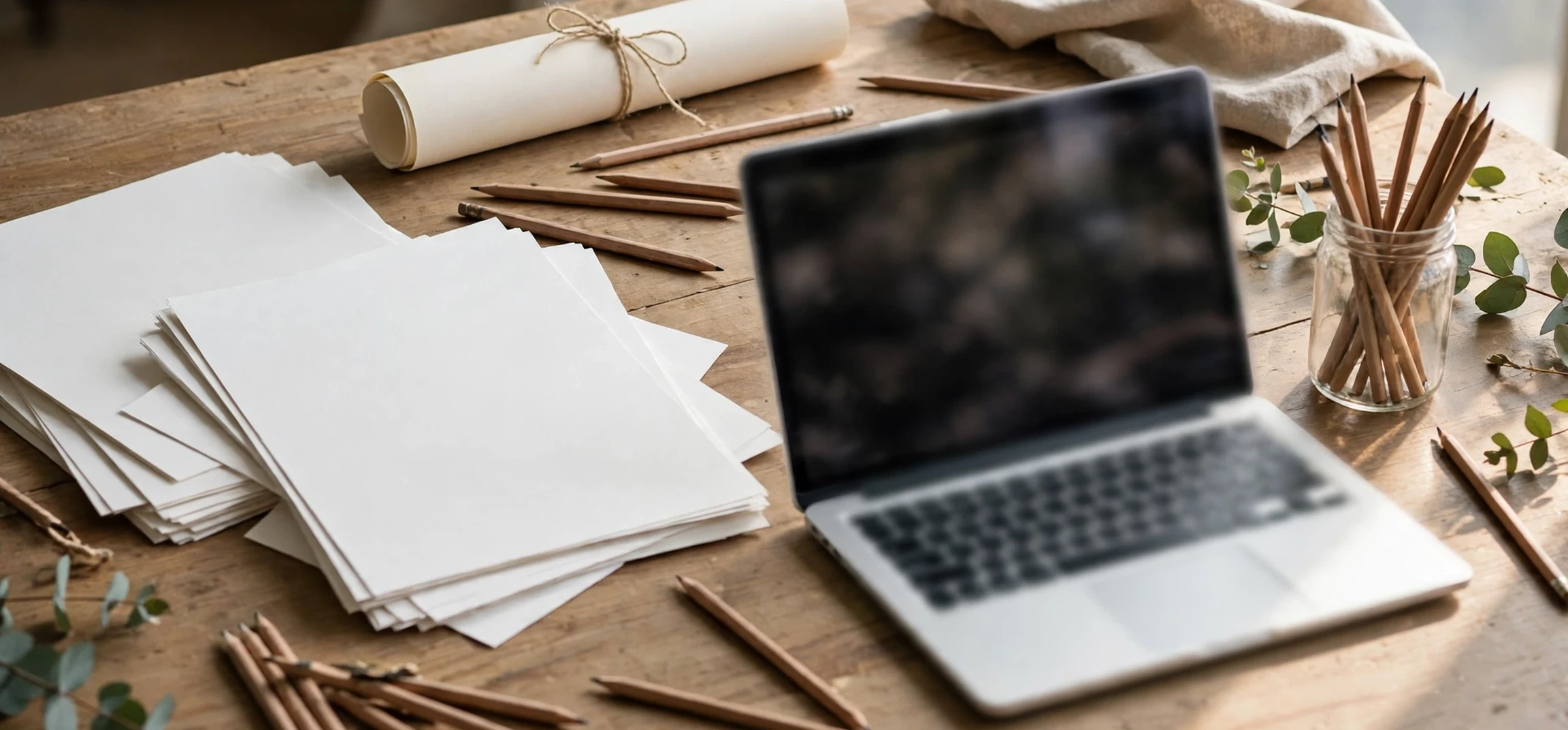
Digital mockups are now the most common form. Design tools allow a designer to place artwork into a ready-made scene, such as a phone, laptop, billboard, or coffee cup, and adjust lighting, shadow, and perspective. That speed is a major benefit: a designer can present ten packaging options in an afternoon, where a physical model for each option would take days. Even so, the principle behind mockups meaning has not changed. The mockup is a preview for discussion, not a promise that every detail in the image will survive production exactly as shown.
| Mockup type | What it previews | Who uses it | Common question it answers |
|---|---|---|---|
| Brand mockup | Logo and identity in use | Designers and clients | Does the brand look consistent? |
| Website mockup | Page layout and hierarchy | Designers and developers | Is the layout clear before coding? |
| App mockup | Screens in a device frame | Product teams | Does the flow feel natural? |
| Packaging mockup | Label on a physical product | Brands and printers | Will the shelf look work? |
| Print mockup | Poster, book, or card in context | Publishers and studios | Does the print design hold up? |
Why Mockups Matter in Real Projects
Mockups save time, money, and misunderstanding. Without a mockup, a client may approve a flat logo file and then be surprised by how it looks on a dark background, a small label, or a curved bottle. With a mockup, that surprise happens early, when the designer can adjust colour contrast, size, or spacing. For mockups meaning in project planning, the key benefit is early feedback: stakeholders react to something that looks real, so their comments are specific rather than vague.
Mockups also improve teamwork. A developer who receives a website mockup can see spacing, font sizes, and image placement without guessing from a written brief. A printer who receives a packaging mockup can spot a label element that sits too close to a fold or edge. A marketing team that receives a campaign mockup can check whether a headline remains readable at poster size. In each case, mockups meaning translates into shared understanding: everyone looks at the same realistic preview, rather than imagining different versions of the same brief.
There is also a sales benefit. A product that does not exist yet can still be presented convincingly with a good mockup, for example in a pitch deck, a crowdfunding page, or a catalogue preview. The mockup must be honest, however. It should not imply features, materials, or sizes that the final product will not have. Good practice is to label a mockup as a preview or concept where buyers or investors might otherwise mistake it for a photograph of a finished item.
How to Create a Good Mockup in Practice
Creating a mockup starts with a clear goal. Ask what decision the mockup must support. Is the client choosing between colour options? Is the team checking readability? Is a printer checking bleed and margins? The answer shapes how detailed the mockup should be. A mockup for a colour decision needs accurate colour and realistic lighting. A mockup for a layout decision needs real headlines and realistic text length, not placeholder lines that hide spacing problems.
Next, choose a realistic context. A business card mockup looks more convincing on a desk scene than floating on a blank background. A website mockup looks more useful inside a browser frame than as a flat image with no device context. Use high-quality artwork, keep text readable, and avoid stretching images out of proportion. When you study tutorials, you will often see the same advice repeated: realism helps, but only when it serves the decision at hand. Extra shadows or backgrounds that distract from the design itself can weaken a mockup rather than strengthen it.
Common Mockup Mistakes to Avoid
One common mistake is using low-resolution artwork that looks sharp in a small preview but blurry when enlarged. Another is placing text over a busy background in the mockup scene, which makes the design look worse than it really is. A third mistake is showing only one perfect angle, which hides problems on the back, side, or small-size version of a product. Good mockup practice shows the design in the contexts where it will actually be used, including small sizes and less flattering settings. For related visual-design reading, see a guide to visual symbols and their meanings and a layout guide for design documents.
Mockups in Web and App Design and mockups meaning for Beginners
For beginners, the idea is easiest to grasp through a website example. Imagine a local bakery wants a new homepage. A wireframe might show boxes labelled header, hero image, menu, and contact section. A mockup replaces those boxes with a real headline, a photograph of the bakery, menu highlights, opening hours, and a contact button, all styled in the bakery colours. The owner can then say the headline is too small, the menu needs more space, or the contact button should stand out more. Those are decisions that are hard to make from boxes alone.
App mockups work the same way. A set of screens shows the home screen, a product screen, and a checkout screen inside phone frames, with realistic text and buttons. A product team can check whether navigation is obvious, whether buttons are large enough, and whether important information sits above the fold. Here, the idea is about testing the look before writing code, which is far cheaper than rebuilding screens after development. Once the mockup is approved, developers can build with confidence, and testers can compare the finished app against the agreed preview.
Frequently Asked Questions About mockups meaning
What is the difference between a mockup and a final design?
A mockup previews a design in a realistic setting, while a final design is the production-ready file used for printing, coding, or manufacturing. The mockup may look finished, but it is still a preview for approval and adjustment.
Do I need to be a designer to use mockups?
No. Many templates and online tools let non-designers place a logo or image into a ready-made scene. The key skill is not software mastery but clear judgement: does the preview look realistic, readable, and true to the final product? That judgement is at the heart of mockups meaning for everyday users.
Are free mockup templates reliable?
Many free templates are useful, but check image quality, licensing, and realism before use. A template with a clear licence, high resolution, and a believable scene is a good starting point. Avoid templates that force your artwork into distorted shapes or that hide the design behind heavy effects.
Conclusion
In short, mockups meaning is the idea of a realistic preview that turns a plan into something people can see, judge, and improve before production. Whether the subject is a logo, a website, an app, or a package, a mockup bridges imagination and reality. Use mockups early, show them in realistic contexts, and treat feedback on a mockup as a low-cost chance to fix problems. Done well, mockups meaning becomes a practical habit: preview first, decide with evidence, and build only what has already been seen and approved. For a broader naming and design reference, see a guide to names and their meanings.