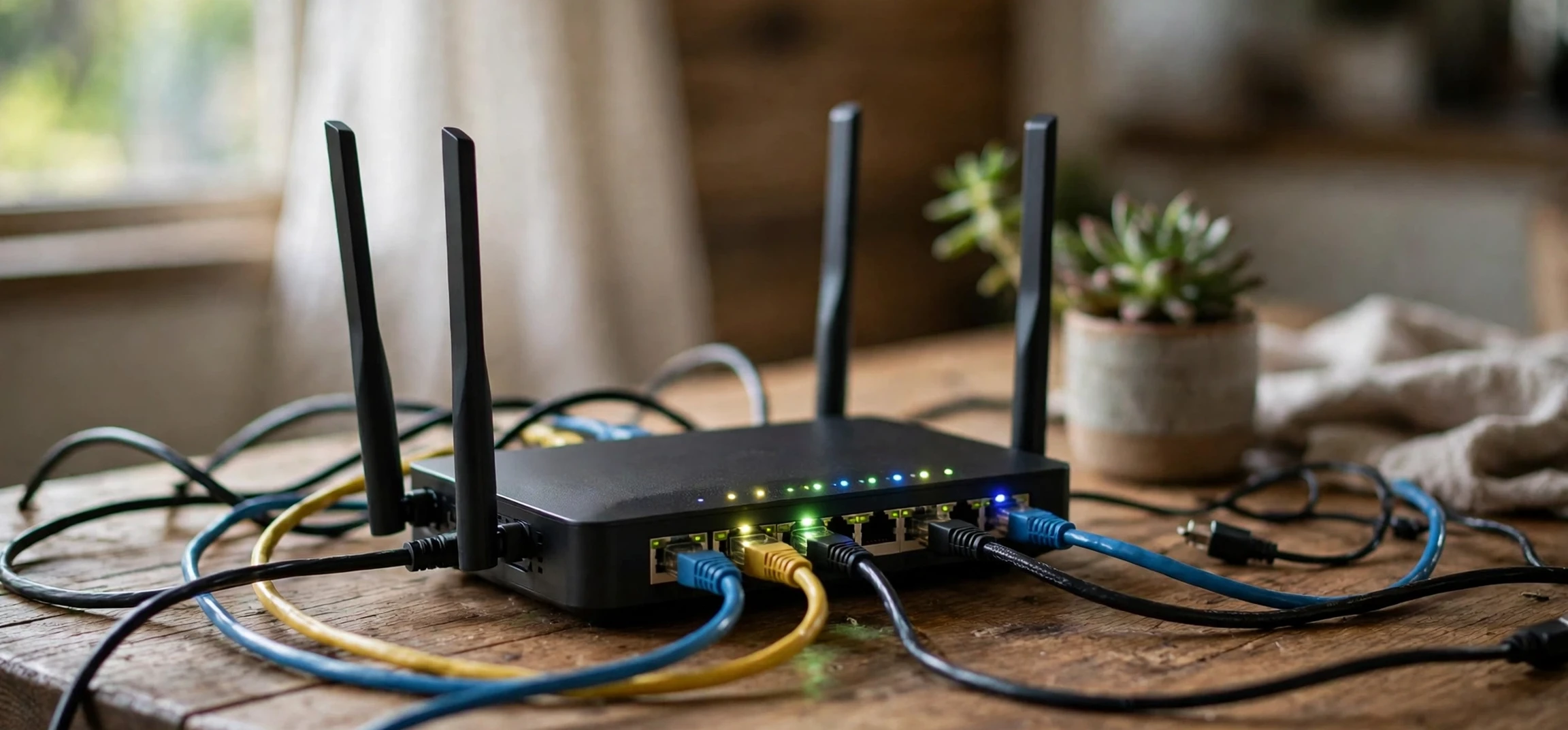
If you searched for ‘local ip address ranges‘, you are asking which IP address ranges are reserved for local, private networks, such as the network in your own home or office. The short answer is that three ranges are set aside for private use under a standard called RFC 1918: addresses starting with 10, addresses from 172.16 to 172.31, and addresses starting with 192.168. This guide explains those local ip address ranges in plain terms, why they exist, how they are used in your own network, and how they differ from public addresses. It covers your own network only, and it gives no instructions for obtaining anyone else’s address or accessing anyone else’s network. Those three ranges are the complete answer to local ip address ranges for IPv4 private use.
Every device on a network needs an address so that data can find it, in the same way that every house on a street needs a number so that post can find it. On the public internet, addresses must be unique worldwide, or data would go to the wrong place. That creates a problem: there are far more homes, offices, phones, laptops, printers, and smart devices than there are easily available public addresses, especially in the older IPv4 system, which uses four numbers separated by dots. Private ranges solve that problem by letting each local network reuse the same addresses internally, while a router handles the connection to the public internet. Homes most often use the 192.168 portion of the local ip address ranges, while larger networks use the 10 range.
Think of a private network as a building with internal room numbers. Room 101 can exist in many different buildings without confusion, because the building address distinguishes them. In the same way, 192.168.1.10 can exist in many different homes without confusion, because each home’s router separates its private network from the public internet. That reuse is not a flaw or a trick; it is the design, and it is why your home devices can share a small set of addresses safely.
Local IP Address Ranges: The Three RFC 1918 Ranges
The local ip address ranges defined by RFC 1918 are the standard private ranges for IPv4, and they are recognised by routers and internet providers worldwide. Routers on the public internet are not supposed to forward traffic addressed to these ranges, which is why they are called private or non-routable. They are meant for use inside a single organisation or home, not for direct communication across the public internet. The upper limit of the middle block is a detail that trips up many readers of local ip address ranges guides.
The three ranges are: 10.0.0.0 to 10.255.255.255, known as the 10 range, with room for over sixteen million addresses; 172.16.0.0 to 172.31.255.255, known as the 172.16 range, with room for just over one million addresses; and 192.168.0.0 to 192.168.255.255, known as the 192.168 range, with room for just over sixty-five thousand addresses. In shorthand, network writers describe them as 10.0.0.0/8, 172.16.0.0/12, and 192.168.0.0/16, where the number after the slash describes the size of the network block.
Most homes use the 192.168 range, commonly 192.168.0.x or 192.168.1.x, because it is large enough for a home and easy for router makers to use as a default. Larger organisations, schools, and companies often use the 10 range, because it gives them room to divide their network into many smaller sections, called subnets, for different departments, buildings, or floors. The 172.16 range sits in the middle and is often used by medium-sized networks. The choice is about size and organisation, not about one range being better or more secure than another. Routers separate local ip address ranges from the public internet, which is why the same addresses can be reused.
Local IP Address Ranges: Why Private Ranges Exist
Private ranges exist for two main reasons: conservation and simplicity. Conservation matters because IPv4 addresses are limited. There are about four billion possible IPv4 addresses in total, which sounds like a lot, but is not enough for every device in the world to have its own unique public address. By reusing private addresses inside each local network, the internet can support many more devices than the public address pool alone would allow.
Simplicity matters because a home or office network does not need globally unique addresses for its internal devices. Your printer, your laptop, and your phone only need to find each other inside your home. Your router acts as the bridge: it has a public address for the internet side, and it manages private addresses on the home side, using a process called Network Address Translation, or NAT. When a device inside asks for a web page, the router sends the request out under its public address, receives the reply, and passes it back to the right private device. From the outside, the whole home looks like a single address. A device address inside the local ip address ranges identifies a device only inside its own network, at one time.
This design also adds a layer of separation, although it should not be mistaken for complete security. A private address is not reachable directly from the public internet, which means a stranger cannot simply type your printer’s private address into a browser and reach it, because that same address exists in millions of homes. Real security still depends on your router’s settings, strong passwords, updated firmware, and sensible sharing settings on your own devices. Private ranges help organise networks; they do not, on their own, make a network safe.
Local IP Address Ranges at a Glance
| Private range | Shorthand | Typical use |
|---|---|---|
| 10.0.0.0 to 10.255.255.255 | 10.0.0.0/8 | Large organisations, many subnets |
| 172.16.0.0 to 172.31.255.255 | 172.16.0.0/12 | Medium networks |
| 192.168.0.0 to 192.168.255.255 | 192.168.0.0/16 | Homes and small offices, most common |
Notice the upper limit of the middle range carefully: it ends at 172.31, not at 172.32 or higher. Addresses such as 172.32.0.1 and above are not part of the RFC 1918 private range, even though they look similar. That boundary is a common source of confusion in quizzes and in network setup, and it is worth memorising: 10 for the large range, 172.16 to 172.31 for the middle range, and 192.168 for the home range. Subnets divide the local ip address ranges into smaller sections for larger organisations.
Understanding Your Own Home Network
In your own home, the private range appears in a few familiar places. Your router itself usually has a private address, often ending in .1, such as 192.168.1.1 or 192.168.0.1, and devices connected to it receive addresses in the same range. Your own device’s network settings, and your router’s own administration pages for your own network, can show you which range your home uses, what address your device has inside that range, and which devices are connected to your own network. This guide describes that general idea only; it does not give step-by-step instructions for changing router settings, and you should only ever look at settings for a network you own or are authorised to manage.
Most home routers assign private addresses automatically, using a service called DHCP. When a new phone joins your home Wi-Fi, the router gives it a free private address from its range, remembers that assignment for a while, and reuses the address later if the device leaves. That is why a device’s private address can change over time, and why writing down a private address is not the same as writing down a permanent identity. A private address identifies a device inside one local network, at one time, nothing more. Confusing link-local addresses with local ip address ranges is common, but the two categories are different.
Some devices in your own home may have a fixed, or static, private address, set so that it does not change. Printers and network storage devices are common examples, because other devices need to find them reliably. Setting a static address is a normal part of managing your own network, but it should be done carefully, inside your own router’s range, and without duplicating an address already in use. If two devices on the same local network share an address, they can interfere with each other, which is a useful reminder that private addresses must still be unique inside their own network, even though they are reused across different networks.
Subnets in plain terms
A subnet is simply a subdivision of a larger network. A large organisation using the 10 range might give one subnet to each floor, so that traffic can be organised and managed more easily. A home rarely needs to think about subnets, because a single 192.168 range is enough for its devices. The shorthand number after the slash, such as /24 for a typical home network, describes how large the subnet is and how many addresses it contains. You do not need to calculate subnets to understand private ranges, but knowing that the slash number describes size helps you read network documentation without confusion. The shared 100.64 range is also not part of the local ip address ranges defined by RFC 1918.
Private, Public, and Special Ranges Compared
Private ranges are only one part of the address system, and confusing them with other special ranges is common. Public addresses are the globally unique addresses used on the internet itself, assigned by regional registries and internet providers. Loopback addresses, starting with 127, refer to the device itself: 127.0.0.1 always means this computer, on any computer, and it never leaves the device. Link-local addresses, starting with 169.254, are used when a device cannot reach a DHCP server and assigns itself a temporary local address. Those link-local addresses work only on a single local link and are not the same as RFC 1918 private ranges.
There is also a shared address range, 100.64.0.0 to 100.127.255.255, used by some internet providers for carrier-grade NAT, where many customers share public addresses. That range is sometimes mistaken for a private range, but it is not part of RFC 1918, and it has a different purpose. Keeping these categories separate, private, public, loopback, link-local, and shared, will help you read network guides accurately and avoid applying the wrong rule to the wrong range. For your own home, the local ip address ranges explain why your printer and laptop share a familiar pattern.
IPv6, the newer address system, has its own equivalent of private ranges, called Unique Local Addresses, starting with fc00. IPv6 addresses look very different from IPv4, using groups of hexadecimal characters separated by colons, and they are designed to remove the shortage that made private IPv4 ranges necessary. Most homes still use IPv4 private ranges day to day, but IPv6 is increasingly present alongside them, and a modern home network may use both systems at once without the user needing to manage either directly.
Common Mistakes With Private Ranges
The most common mistake is assuming a private address can be used to reach a device over the internet. It cannot, by design. Sending a letter addressed only to Room 101, without a building address, will not reach a specific building, and the same logic applies to private addresses. If you need to reach your own home device while away, you need a proper remote-access method set up on your own network, such as a VPN provided by your own router or a trusted service, not a private address typed into a browser. Private addresses in the local ip address ranges are not reachable directly from the public internet, by design.
Another mistake is treating a private address as proof of identity or location. A private address such as 192.168.1.5 tells you nothing about a person, a place, or a public location, because the same address is used in countless homes. Even a public address only identifies a connection at a point in time, not a person, and geolocation based on addresses is approximate at best. This guide therefore gives no method for identifying, locating, or contacting anyone from an address, and you should be wary of any site that claims to do so from a private address alone.
A third mistake is changing router settings without understanding the range in use. If you set a device to an address outside your router’s private range, or duplicate an address already in use, the device may lose its connection. The safe rule for your own network is simple: only change settings you understand, keep a note of the original settings, and use your router maker’s own documentation for your model. If a setting is unclear, leaving it on automatic assignment is usually the safest choice for a home network. That building-and-room-number comparison is the simplest way to remember local ip address ranges.
Related reading on this site covers network topics in general terms, including another name for a network, whether an IP address counts as personal information, and where to find a printer IP address on your own network. Those guides are about your own devices and your own network, in the same spirit as this one.
Frequently Asked Questions About Local IP Address Ranges
What are the local IP address ranges?
The RFC 1918 private ranges are 10.0.0.0 to 10.255.255.255, 172.16.0.0 to 172.31.255.255, and 192.168.0.0 to 192.168.255.255. These are the ranges reserved for private, local networks. IPv6 has its own equivalent, but local ip address ranges in IPv4 remain the everyday system in most homes.
Can I use a private address on the public internet?
No. Private addresses are not routed on the public internet. They work inside a single local network, and a router connects that network to the internet using a public address.
Why does my home use 192.168 addresses?
Because the 192.168 range is large enough for a home, simple to manage, and the default for most home routers. Larger networks use the 10 or 172.16 ranges when they need more addresses or more subnets. In short, local ip address ranges are 10, 172.16 to 172.31, and 192.168, reserved for private networks.
Does a private address identify a person?
No. The same private addresses are reused in millions of homes, so a private address alone identifies neither a person nor a place. It only identifies a device inside one local network at one time.
Conclusion
The local ip address ranges are simple once the idea clicks: 10, 172.16 to 172.31, and 192.168 are reserved for private networks, so that every home and office can reuse them internally while routers handle the public internet. Your home almost certainly uses the 192.168 range, larger networks use the 10 range, and the 172.16 range fills the middle. Those ranges are not reachable directly from the internet, they do not identify a person, and they work because each local network keeps its own addresses unique inside itself, even while reusing the same numbers as millions of other networks. Understand that building-and-room-number idea, remember the 172.31 upper limit, and keep your attention on your own network, its own router settings, and its own devices, and the whole private-address system becomes a straightforward piece of everyday networking, not a mystery.



