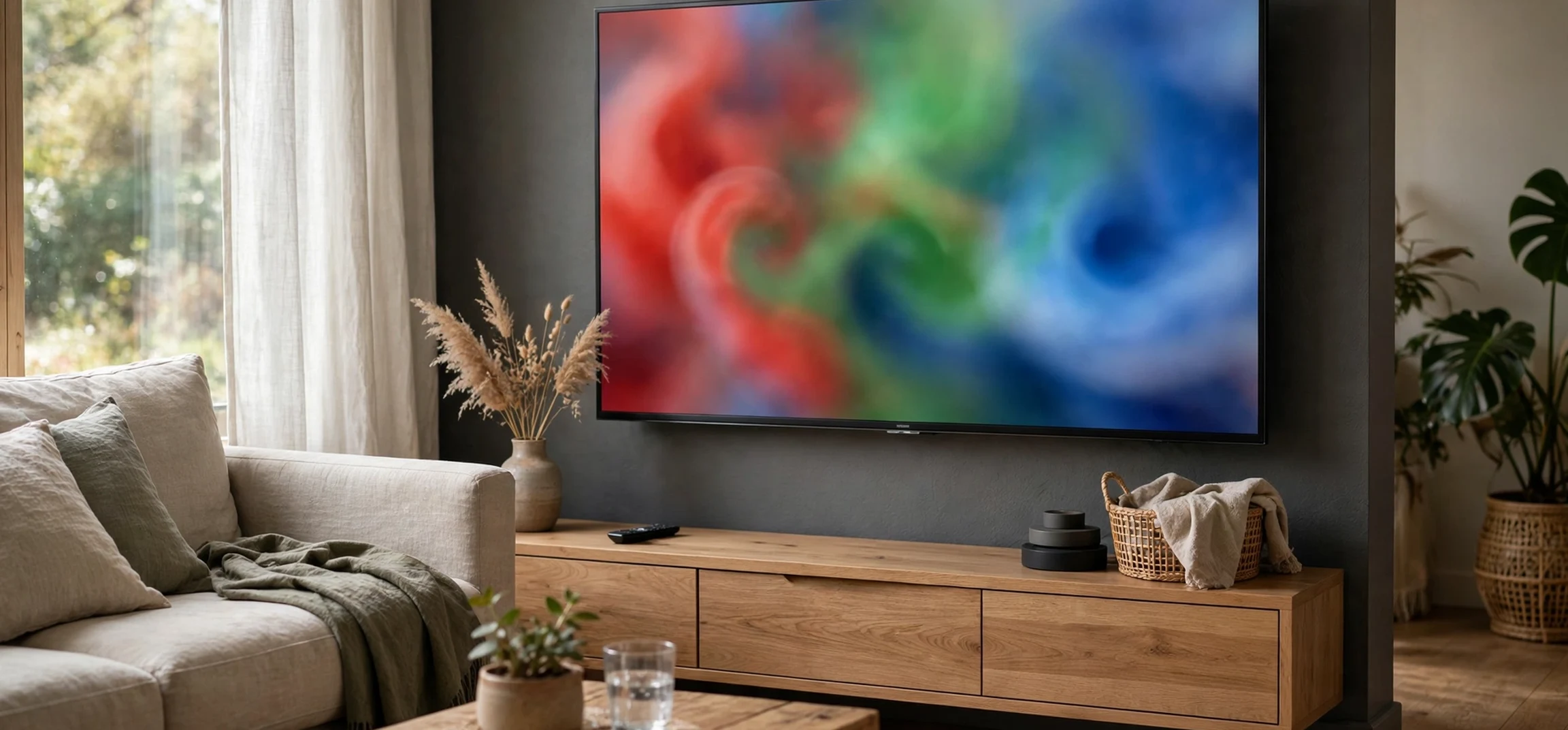
What is an RGB TV? In simple terms, it is a television whose picture is built from red, green, and blue light, the three primary colours of light that combine to create the full range of colours you see on screen. Every colour television works with red, green, and blue in some form, but the phrase RGB TV is often used in marketing and in buyer guides to highlight a display that emphasises its red, green, and blue colour system, its colour accuracy, or its backlight design. Understanding what the letters mean, and how they relate to the panel, the backlight, and the signal, helps you judge claims more clearly and choose a television with confidence.
This guide takes the first angle on the topic: what RGB means in television displays, from the science of colour mixing to the pixels on the screen. It does not state prices as current fact, and it does not recommend a specific model. For specifications, features, and availability, always check the official specifications published by the manufacturer for the exact model you are considering, because features vary widely even between televisions that use similar wording.
What Is an RGB TV and Why Three Colours?
What is an RGB TV at its most basic level? It is a display that creates images by mixing red light, green light, and blue light in different proportions. This is called additive colour mixing, because adding light together builds up to white. Red plus green makes yellow, green plus blue makes cyan, and red plus blue makes magenta. When all three are present at full strength, the result is white, and when all three are absent, the result is black. Every other colour on screen is a mixture somewhere between those extremes.
The reason three colours are enough is tied to human vision. The human eye has colour-sensitive cells that respond most strongly to red, green, and blue wavelengths, and the brain interprets combinations of those signals as the full spectrum of colours. Television engineers exploit this by reproducing only three colour channels and letting the eye and brain do the rest. That is why a screen does not need a separate light for every colour in nature; it needs a precise way to control red, green, and blue at each point on the screen.
On a modern television, each point on the screen, known as a pixel, is divided into smaller subpixels, typically one red, one green, and one blue. By varying the brightness of each subpixel, the television can produce millions of colour combinations at each pixel. A pixel with a bright red subpixel and dim green and blue subpixels looks reddish, while a pixel with all three subpixels at medium brightness looks grey. The finer the control over each subpixel, the smoother the gradients and the more natural the picture can appear.
RGB in the Signal
RGB also appears in the signal that carries the picture to the television. Video sources, such as streaming devices, games consoles, and computers, often send colour information in RGB format or convert it from a related format before display. The television then maps that signal onto its red, green, and blue subpixels. Differences in how a source and a television handle this conversion can affect colour, which is one reason the same programme can look slightly different on two televisions, even when both are described as RGB displays.
Another related term is colour space, which defines the range of colours a display can reproduce. A wider colour space allows more vivid and varied colours, but it only helps if the content, the source, and the display all support it. A television marketed for its RGB performance may be emphasising colour accuracy, colour volume, or the range of its red, green, and blue output, and the official specifications are the best place to check what a particular model actually claims.
What Is an RGB TV Panel and Backlight?
To understand what is an RGB TV in practical terms, it helps to separate two parts of the display: the panel and the backlight. The panel contains the pixels and subpixels that shape the picture, controlling how much light passes through each red, green, and blue subpixel. The backlight, in a liquid crystal display television, is the light source behind the panel. Without a backlight, the panel alone would produce no visible picture, because liquid crystal pixels shape light rather than creating it.
In many televisions, the backlight is white light produced by light-emitting diodes, and colour filters over the subpixels turn that white light into red, green, and blue. In other designs, the backlight itself uses coloured light, or the panel uses materials that convert light into purer red, green, and blue. These design choices affect colour purity, brightness, and efficiency, and they are part of what manufacturers mean when they talk about advanced colour systems. The companion guide on RGB LED backlighting explains the backlight side of this story in more detail.
It is worth noting that not every television that uses red, green, and blue subpixels is sold as an RGB TV. The phrase is sometimes a marketing label, sometimes a shorthand for a particular backlight technology, and sometimes simply a description of the colour system. That ambiguity is why buyers should look past the label and check the panel type, the backlight type, the colour features, and the official specifications together, rather than treating the letters RGB as a guarantee of quality on their own.
How RGB Creates the Picture You See
The picture on a television is updated many times per second, with each pixel’s red, green, and blue subpixels adjusted for every frame. A fast-moving scene, such as a sports match or an action sequence, requires rapid and precise changes across millions of pixels, and any delay or imprecision can show up as blur, colour fringing, or uneven tones. A well-designed display keeps those subpixel changes accurate and consistent across the whole screen, so that a face looks natural in the centre and at the edges alike.
Brightness and contrast interact closely with colour. A colour can only look vivid if the display can make it bright enough against darker surroundings, and it can only look natural if dark areas retain detail rather than turning into flat black. This is why colour, brightness, and contrast should be judged together. A television that produces very saturated reds but crushes dark detail may look striking in a shop demonstration yet less natural at home, where lighting and viewing distance differ.
Viewing angle also matters. On some panel types, colours shift when viewed from the side, so reds, greens, and blues no longer mix in the intended proportions. On other panel types, colours stay more stable across a wider angle. Room lighting matters too, because bright room light can wash out darker colours and reduce the perceived richness of the picture. These factors explain why a television that looks excellent in one room may look different in another, even with identical settings.
Resolution and Colour Together
Resolution describes how many pixels the screen contains, while RGB describes how each pixel creates colour. The two work together: higher resolution gives finer detail, and accurate RGB control gives that detail natural colour. A high-resolution display with poor colour control can still look unnatural, while a lower-resolution display with accurate colour can look pleasing, especially at normal viewing distances. Buyers who focus only on resolution may therefore miss the colour side of picture quality, and buyers who focus only on colour may miss detail.
| Element | What it does | What to check in official specifications |
|---|---|---|
| Red subpixel | Controls the red component of each pixel | Panel type and colour features |
| Green subpixel | Controls the green component of each pixel | Colour range and colour accuracy claims |
| Blue subpixel | Controls the blue component of each pixel | Colour range and colour accuracy claims |
| Backlight | Provides light for the panel to shape | Backlight type, such as LED design |
| Video signal | Carries colour information to the television | Supported signal formats and inputs |
Common Misunderstandings About RGB TVs
One common misunderstanding is that an RGB TV is a completely different kind of television from an ordinary colour television. In reality, all colour televisions use red, green, and blue as their building blocks. The difference lies in how a particular model implements that system, how pure its colours are, how its backlight works, and how accurately it reproduces the intended colours. The label alone does not place a television in a separate category.
Another misunderstanding is that more saturated colour is always better. Extremely saturated colours can look exciting at first, but they can also make skin tones look unnatural, make grass look fluorescent, and hide subtle shading in clothing or landscapes. Accurate colour, where a familiar object looks the way it does in real life, is often more pleasing over long viewing sessions than maximum saturation. Many televisions offer picture modes that trade accuracy for vividness, and trying several modes at home is a sensible way to find a preference.
A third misunderstanding is that RGB relates only to gaming or decorative lighting. It is true that RGB lighting appears on gaming equipment and room lighting, where red, green, and blue lights create colourful effects. In a television, however, RGB is primarily a display technology, not decoration. Some televisions also include ambient lighting features, but those are separate from the RGB colour system that creates the picture itself, and they should not be confused with it.
How to Judge an RGB TV Before Buying
Start with the official specifications for the exact model, and look for the panel type, backlight type, supported colour features, and connectivity. Then, if possible, view the television in person with familiar content, such as a nature programme or a drama with natural skin tones, rather than only with bright demonstration footage designed to impress. Pay attention to whether colours look natural, whether dark scenes retain detail, and whether colours stay consistent when you move to the side.
At home, lighting and placement will change the picture again, so allow time to adjust settings and try different picture modes. A mode labelled for cinema or film often gives more accurate colours than a vivid shop mode, although personal preference matters and there is no single correct setting for every viewer. The settings guide in this series covers picture adjustments in more detail for readers who want to fine-tune colour, brightness, and contrast after purchase.
Finally, remember that content matters as much as the display. A television can only reproduce the colours present in the source, so low-quality or heavily compressed video will not suddenly gain rich colour on a better display. High-quality sources, appropriate settings, and a suitable viewing environment together make the most of any RGB colour system.
Frequently Asked Questions
Is every colour TV an RGB TV?
In technical terms, every colour television builds its picture from red, green, and blue. The phrase RGB TV is often used to emphasise a particular colour system or backlight design, so check the official specifications rather than assuming the label guarantees a specific feature.
Does RGB mean better colour?
Not by itself. Colour quality depends on the panel, the backlight, colour processing, and calibration. RGB describes the building blocks, while the implementation determines how accurately and vividly those blocks reproduce colour.
What should I check first when comparing models?
Check the official specifications for panel type, backlight type, and colour features, then compare picture quality with familiar content where possible. Price and availability should also be checked against official listings, since they change over time.
Conclusion
What is an RGB TV? It is a television whose picture is created by mixing red, green, and blue light at millions of pixels, each with its own red, green, and blue subpixels. That simple idea underpins every colour television, and the differences between models come from how precisely they control those three colours, how their backlight supports them, and how accurately they reproduce the colours in the original content. By looking past the label and checking official specifications, viewing familiar content, and judging colour together with brightness, contrast, and detail, you can choose a television that suits your room and your viewing habits. For related television reading, see how to turn on WiFi on an LG smart TV, explore Apple TV plans and prices background, and browse best streams TV viewing options.



