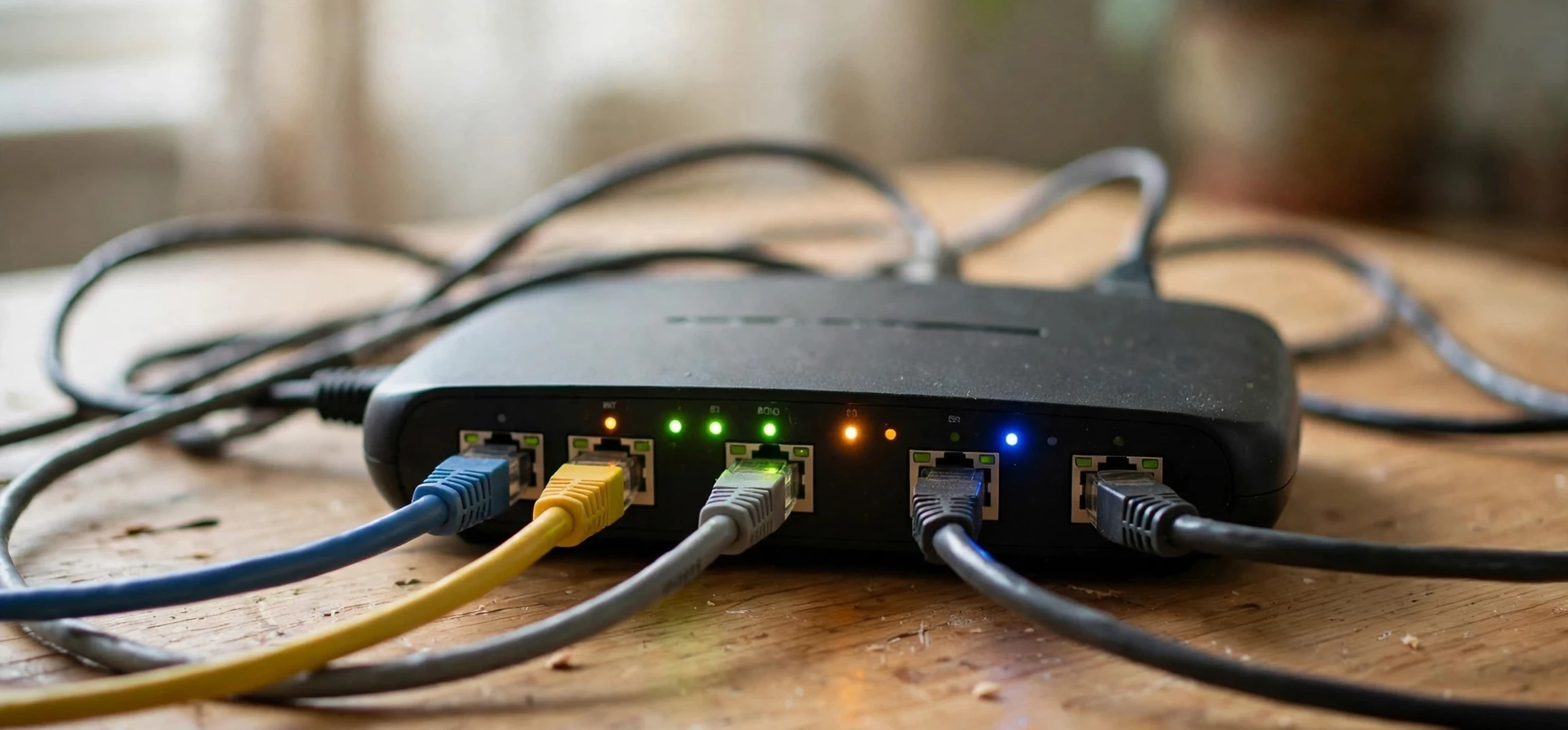
Every device that connects to the internet needs an address, and the system that provides those addresses is more varied than most people realise. This guide explains the main ip addressing types in plain language, from the public and private addresses that shape your home network to the static, dynamic, IPv4, and IPv6 addresses that shape the wider internet. By the end, you will understand the ip addressing types that matter for everyday use, why your phone and laptop can share one public address, and how to think about your own network without needing to memorise long strings of numbers.
Think of IP addressing as a postal system for data. A letter needs a destination address to arrive, and a data packet needs an IP address for the same reason. The difference is scale: billions of devices need addresses, they move between networks, they join and leave constantly, and the system must keep working even as the internet grows. The different ip addressing types exist to solve those problems, each one handling a different part of the job, and understanding them together gives you a clear picture of how the internet actually connects.
IP Addressing Types at a Glance
The most useful way to organise ip addressing types is by asking three questions about any address. First, is it public or private? Second, is it static or dynamic? Third, is it IPv4 or IPv6? Each question divides addresses into a pair, and most real addresses belong to one side of each pair at once. Your home router, for example, typically holds a public IPv4 address from your internet provider, often assigned dynamically, while your laptop holds a private IPv4 address assigned dynamically by your router. Those combinations sound technical, but they follow a simple logic once each pair is explained.
Public addresses are unique on the whole internet and allow a device or network to be reached from anywhere. Private addresses are used only inside a local network, such as a home or office, and they can be reused in different networks because they are never routed directly across the public internet. Static addresses stay the same over time, while dynamic addresses change, usually each time a device connects or a lease expires. IPv4 addresses use the familiar four-number format, while IPv6 addresses use a longer hexadecimal format designed to provide far more addresses. Together, these pairs explain almost every address you will meet.
It helps to keep one more distinction in mind: an IP address identifies a network connection, not a person. It can point to a household, an office, a mobile network, or a server, but it does not name the individual using the device. That point matters for privacy, and it is why guides on this topic stress what addresses can and cannot reveal. The rest of this guide focuses on how addressing works, and on your own devices and networks, which is where this knowledge is most useful.
Public and Private IP Addressing Types
Public ip addressing types are the addresses the wider internet sees. Your internet provider assigns a public address to your connection, and every device in your home shares it when it talks to the internet, thanks to a process called network address translation, which rewrites private addresses into the public one as traffic leaves your router and reverses the process for returning traffic. That sharing is why the internet has not run out of public IPv4 addresses sooner: millions of homes each use one public address for dozens of devices, rather than one address per device.
Private addresses, by contrast, live only inside your local network. Your router assigns them to your phone, laptop, smart television, printer, and other devices, usually automatically, and they allow those devices to find each other and share the connection. Common private ranges are reserved for this purpose and are not routed on the public internet, which means the same private address can exist in your home, your neighbour’s home, and an office across town without any conflict. If you have ever seen an address beginning with 192.168 on your own device settings, you have seen a private address in action, and it is safe to discuss in general terms because it reveals nothing about you to outsiders.
The public-private split also shapes security. A private device is not directly reachable from the internet, because the router sits between it and the wider world and only forwards traffic that belongs to an existing connection, unless you deliberately configure port forwarding or similar features. That default protection is helpful, but it is not a substitute for updated software, strong passwords, and sensible sharing settings. Think of the router as a front door that is closed by default: useful, but still worth locking properly.
Static and Dynamic IP Addressing Types
Static ip addressing types stay fixed. A server that hosts a website, a business system that remote workers connect to, or a home device you always want to find at the same address may use a static address, so that other systems can rely on it not changing. Static addresses are simpler to document and to configure in firewalls and access lists, but they must be managed carefully, because two devices with the same static address on one network will conflict, and a static address that is no longer needed should be released for reuse.
Dynamic addresses, by contrast, are assigned automatically and can change. Most homes and phones use dynamic addresses, assigned by the provider or the router for a limited lease period and renewed as needed. Dynamic assignment is efficient, because addresses return to a pool when devices disconnect, and it is convenient, because users do not need to configure anything. The trade-off is that an address you saw yesterday may belong to a different connection today, which is another reason IP addresses cannot be treated as stable identifiers for people.
Dynamic assignment at home is handled by a service called DHCP, which hands out private addresses to devices as they join the network, along with the gateway and DNS settings they need to reach the internet. You can usually reserve an address for a particular device in your router settings, giving it the stability of a static address without manual configuration on the device itself, which is a handy trick for printers, media servers, and smart home hubs that you want to find reliably. That reservation is a local setting on your own network, and it does not change your public address.
IPv4 and IPv6 IP Addressing Types
IPv4 is the original addressing system, using 32-bit addresses written as four decimal numbers separated by dots, for example a public resolver address such as 8.8.8.8. That format provides about four billion unique addresses, which once seemed inexhaustible but is now far too few for a world of phones, laptops, televisions, sensors, and servers. Shortages were managed by sharing public addresses, reusing private ranges, and other techniques, but those are workarounds, not a permanent solution.
IPv6 is the long-term solution, using 128-bit addresses written in hexadecimal groups separated by colons, providing an effectively unlimited supply. Most modern devices and providers support IPv6, and many connections now use both systems side by side, preferring IPv6 where available and falling back to IPv4 where needed. For everyday users, the change is mostly invisible: your devices negotiate the right system automatically, and you rarely need to type or remember an IPv6 address. The important point is that the internet is in a long transition, and both ip addressing types will coexist for years.
Understanding IPv4 and IPv6 also helps you read your own device settings without alarm. Seeing two addresses, one IPv4 and one IPv6, is normal on a modern connection. Seeing a link-local IPv6 address, which works only on your local network segment, is also normal. None of these details identifies you personally, and none of them needs to be shared publicly. If a support guide asks you to check your own address, use your device settings or your router page, and share only what the support process genuinely needs.
Other Addressing Terms Worth Knowing
Beyond the main pairs, a few terms appear often enough to be worth knowing. A loopback address, such as 127.0.0.1 in IPv4, always means the device itself, and it is used for testing and for local services. A gateway address is the router that connects a local network to the wider internet. A DNS server address, such as the public resolver 8.8.8.8, translates human-readable names into IP addresses, so you can type a familiar name instead of a number. A subnet mask, in IPv4, defines which part of an address identifies the network and which part identifies the device within it. None of these requires memorisation, but recognising them makes router pages and support articles much less intimidating.
| Address Type | Key Feature | Typical Use |
|---|---|---|
| Public | Unique on the internet | Home connection, website server |
| Private | Local network only, reusable | Phone, laptop, printer at home |
| Static | Does not change | Servers, remote access systems |
| Dynamic | Assigned automatically, can change | Most homes and mobile devices |
| IPv4 | Four-number dotted format | Established internet addressing |
| IPv6 | Long hexadecimal format | Modern, larger address space |
Frequently Asked Questions
What are the main ip addressing types? The main pairs are public and private, static and dynamic, and IPv4 and IPv6, and most addresses combine one type from each pair.
Why do my devices share one public address? Your router uses network address translation to share a single public address across all your private devices, which conserves public addresses and adds a layer of separation.
Should I choose a static or dynamic address at home? Dynamic is best for most homes, since it needs no configuration. Reserve or set a static address only for devices you need to find reliably, such as a printer or media server.
Do I need to understand IPv6? Not in detail. Modern devices handle IPv6 automatically, and knowing that it provides a much larger address space than IPv4 is enough for everyday use.
Conclusion
The world of ip addressing types is simpler than its jargon suggests. Public addresses face the internet, private addresses organise your home, static addresses stay put, dynamic addresses come and go, and IPv6 extends a system that IPv4 began. Together, those pairs let billions of devices share a single global network without colliding, and they explain why your own network behaves the way it does. Next time you check your connection settings, you will know what you are looking at, and you will know that an address is a routing label for a connection, not a personal identifier. For more hands-on networking guides, see our articles on the command to know an IP address in Linux, a static IP address in Debian, and another name for a network.



