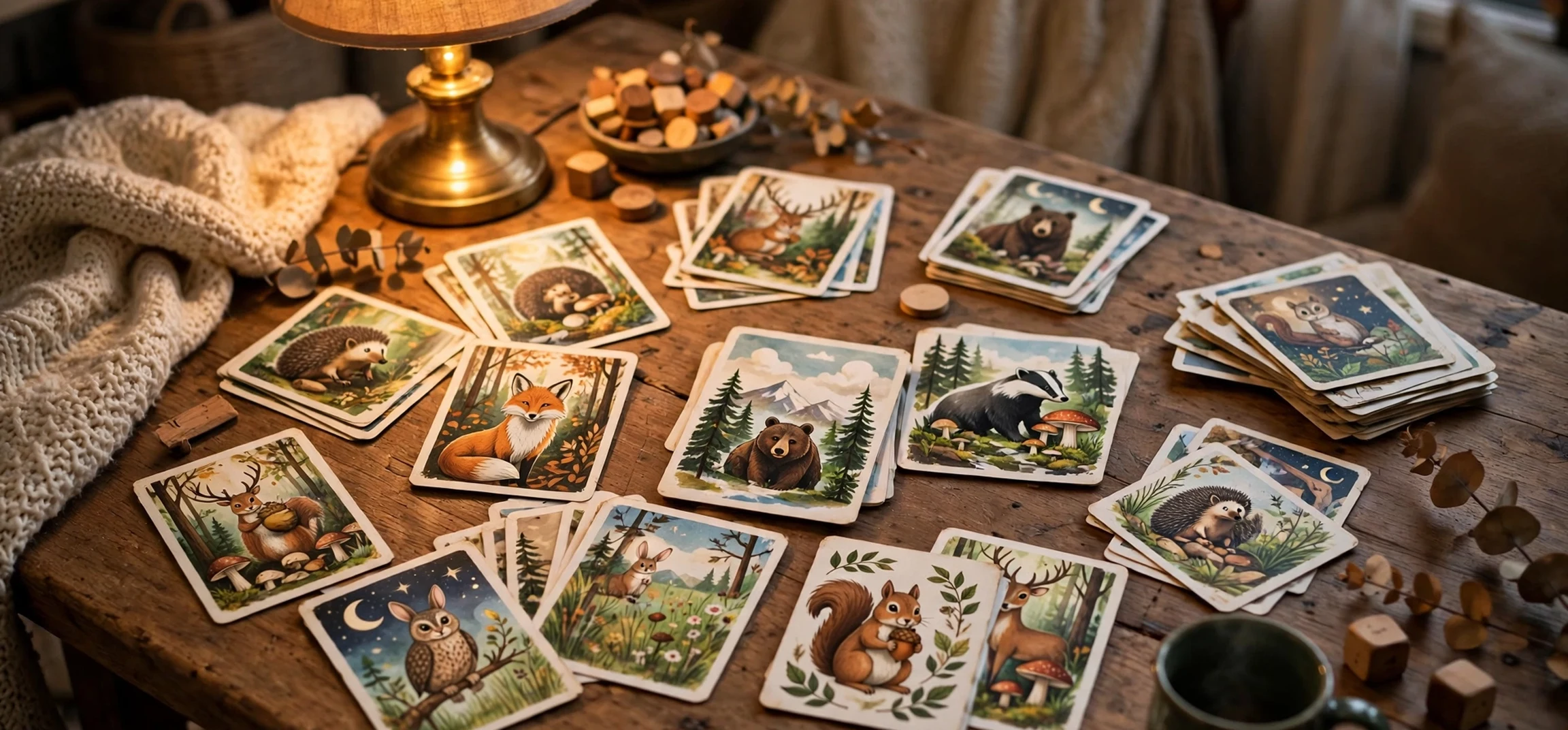
Guess the picture games are simple, social, and surprisingly addictive. A blurred photo, a close-up detail, or a partially hidden image appears on screen, and players race to guess what it shows. The format works for families, classrooms, parties, and online audiences, which is why guess the picture videos and live streams have become some of the most watched game content online.
This guide explains how guess the picture games work, why they attract large audiences, how to play them well, and how to create your own version at home or online. It also looks at the most watched styles, from emoji puzzles to zoomed-in photos, and offers tips for hosts, players, and creators who want to keep the game fair, fun, and safe.
The appeal is easy to understand. You do not need special skills, expensive equipment, or long rules. Anyone can look at a picture and make a guess. That low barrier, combined with the thrill of getting it right just before someone else, makes the game perfect for short videos, family nights, and classroom warm-ups.
How Guess the Picture Works
The basic format is the same in almost every version. A host shows an image that is hidden, blurred, cropped, or slowly revealed. Players guess what the image shows, and the first correct guess wins the round. Points are awarded, rounds continue, and a winner is declared at the end.
Variations change how the image is hidden. In a zoom game, the host starts with a close-up of a small detail and slowly zooms out. In a blur game, the image starts heavily blurred and sharpens over time. In a crop game, only a small section is shown, and more is revealed if no one guesses. In an emoji game, pictures are replaced by symbols that hint at a word or phrase.
Timing is part of the fun. A countdown adds pressure, and a reveal moment gives everyone a shared reaction. Good hosts balance difficulty: too easy and the game ends in seconds, too hard and players lose interest. A mix of easy, medium, and hard rounds keeps energy high.
Popular Formats Online
Online, guess the picture games appear as short videos, live streams, and interactive posts. Short videos work well because a single puzzle fits into a minute or less, and viewers can guess in the comments before the answer appears. Live streams add real-time competition, with chat guessing together and the host reading out correct answers.
Some creators focus on a theme, such as animals, food, logos, countries, or famous places. Others mix themes to keep viewers guessing. Themed rounds help audiences know what to expect, while mixed rounds keep the game surprising. Both approaches can attract large audiences if the puzzles are clear and fair.
Why People Watch
People watch guess the picture content for the same reason they watch quizzes: they want to test themselves. Watching a puzzle is not passive. Viewers guess silently, compare their answer with others, and feel a small win when they are right. That active feeling keeps them watching longer than a simple slideshow would.
Social watching adds another layer. Families watch together and compete from the sofa. Friends share videos and challenge each other. Classrooms use the format to review topics in a playful way. The game turns watching into participation, which is a powerful reason for its popularity.
Most Watched Styles
Certain styles consistently attract large audiences. Logo guessing is popular because logos are familiar, colourful, and easy to recognise from a small detail. Food guessing works well because food photos are appealing and most viewers have strong opinions about what they see. Animal close-ups are popular with younger audiences and families.
Celebrity and character guessing also draws viewers, but creators need to be careful with image rights and privacy. Using your own photos, drawings, or licensed images is safer than copying photos from elsewhere. Original puzzles, made from your own pictures, are often more interesting anyway, because they feel personal and fresh.
Emoji puzzles are another most watched style. A set of emojis hints at a film, a song, a place, or a phrase, and viewers decode the meaning. These puzzles travel well across languages, because symbols are widely understood, and they work well in comments where viewers can type their guesses quickly.
What Makes a Puzzle Good
A good puzzle is clear, fair, and solvable. The image should be high quality, not so blurry that it is impossible, and not so obvious that it ends instantly. The answer should be something most players could reasonably know, or could work out from clues. If only the host knows the answer, the game feels unfair.
Clues help. A host can give a category, such as animal, food, or place, or a first letter, or a hint about size or colour. Clues keep players engaged when they are stuck, without giving the answer away. A good host reads the room: if everyone is stuck, add a clue; if everyone is close, let them finish.
How to Play at Home
Playing at home needs very little preparation. Choose a host, pick a theme, and gather images. You can use printed photos, a tablet, a TV, or a laptop. Show one image at a time, keep score on paper or a whiteboard, and set a time limit for each round, such as 30 seconds.
For families with young children, choose simple, colourful images and allow teamwork. Let children guess together, give extra clues, and celebrate effort, not just speed. For adults, add harder rounds, a timer, and a small prize for the winner. The same game can be gentle or competitive, depending on the group.
For parties, split into teams. Team play reduces pressure on shy players and creates lively discussion. Each team can discuss quietly before answering, which makes the game more social and less about who shouts first. Rotate the host role so everyone gets a turn to choose puzzles.
Classroom and Learning Uses
Teachers use guess the picture games to review vocabulary, science diagrams, maps, and history images. A zoomed-in photo of a plant, a cropped map, or a close-up of an everyday object can spark discussion and recall. The game works because it combines visual memory with thinking, and because students enjoy competing in a low-pressure way.
Keep classroom puzzles linked to the lesson, not just random fun. A clear learning goal, such as naming parts of a plant or identifying a country, makes the game useful as well as enjoyable. After the answer is revealed, take a moment to explain it, so the game becomes a teaching moment, not just a guessing moment.
How to Create Your Own Game
Creating your own guess the picture game is easier than it looks. Start with a theme and collect 20 to 30 images. Use your own photos where possible, or images you have permission to use. Edit each image in stages: a close-up, a blurred version, and the full image. Save them in order, so you can reveal them smoothly.
Write the answers and a short clue for each puzzle. Test the game with one or two friends before sharing it widely. If a puzzle is too hard, add a clue. If it is too easy, make the first reveal smaller. Testing is the fastest way to improve a game, and it prevents frustration on the day.
If you share your game online, add clear titles, categories, and a fair reveal time. Do not use misleading thumbnails that promise a different puzzle from the one inside. Viewers trust creators who are honest about their content, and trust is what turns a one-time viewer into a regular audience.
| Game style | Best for | Difficulty tip |
|---|---|---|
| Zoom out | Families, parties | Start with a tiny, recognisable detail |
| Blur reveal | Short videos | Sharpen slowly, give a category clue |
| Emoji puzzle | Online comments | Keep emojis simple and logical |
| Logo guess | All ages | Mix famous and less famous logos |
| Crop reveal | Classrooms | Link each image to the lesson |
For more fun and practical guides, see our Fireplace TV Stand For 75 Inch Cinema Mode post and our Chain Guide Comedy Fun guide.
Tips for Hosts and Players
Hosts should keep the pace lively, explain the rules at the start, and be fair about scoring. If two players answer at the same time, give both a point or replay the round. Fairness matters more than strictness, especially in a casual game. A host who is warm and clear will keep players coming back.
Players should listen, not shout over others, and accept the host’s decision gracefully. Guessing is fun, but the social part matters more than winning. If you play online, follow the channel rules, avoid spoiling answers for others, and keep comments friendly. Spoilers ruin the game for viewers who are still guessing.
Safety applies online too. Do not share personal photos, addresses, or private details in a guess the picture game. Use public, general images, not photos of your home, school, or family without permission. Creators should also respect copyright: use your own images or licensed material, and credit sources where required.
Frequently Asked Questions
What is a guess the picture game?
It is a game where a hidden, blurred, cropped, or zoomed image is shown, and players guess what it depicts. The first correct guess usually wins the round, and points decide the overall winner.
Why are these games so popular online?
They are easy to join, quick to play, and active to watch. Viewers guess along, compete in comments, and feel involved, which keeps them watching and sharing.
Can I make my own guess the picture game?
Yes. Pick a theme, collect images you have permission to use, create blurred or cropped versions, write clues, and test the game with friends before sharing it.
Is guess the picture good for learning?
Yes, when puzzles are linked to a topic. Teachers use it to review vocabulary, maps, science images, and more, because visual guessing supports memory and discussion.
Conclusion
Guess the picture games are most watched because they are simple, social, and satisfying. A hidden image, a ticking clock, and a shared moment of discovery are enough to hold attention across ages and platforms. Whether you play at home, in a classroom, or online, the same principles apply: clear puzzles, fair rules, good clues, and respect for other players.
Try hosting a round with your own photos, or join an online game and guess along. Start easy, add variety, and keep it friendly. The best guess the picture game is not the hardest one, but the one everyone wants to play again. For another home setup idea, read our Harry Potter WiFi Names Immersive View guide.



